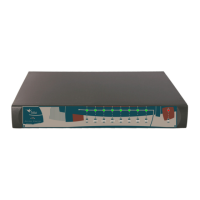
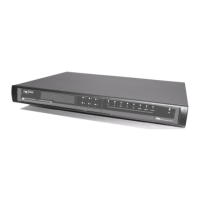
Chapter 2 Teldat Connect-104KF Router
2.1 Characteristics
2.1.1 Power Supply
For further information about the different power supplies for the Teldat Connect-104KF router family, please refer
to the Power Source on page 8 in the Components and Power Supply on page 4.
2.1.2 Hardware Monitoring
The only way to monitor the hardware of the Teldat Connect-104KF router is through the LED panel. The LEDs
provide visual information on what is happening in the device. The LEDs indicate the status of the hardware compon-
ents, whether or not there is a connection, the data flow, etc.
For further information on the LED panel, please see the Components on page 4 in the following chapter.
Teldat S.A.
2 Teldat Connect-104KF Router
Teldat Router Connect-104KF 3



 To Next Page