EasyManua.ls Logo

Teledyne AX300 - Service Manual

Teledyne AX300
38 pages
Print Icon
To Next Page IconTo Next Page
Loading...
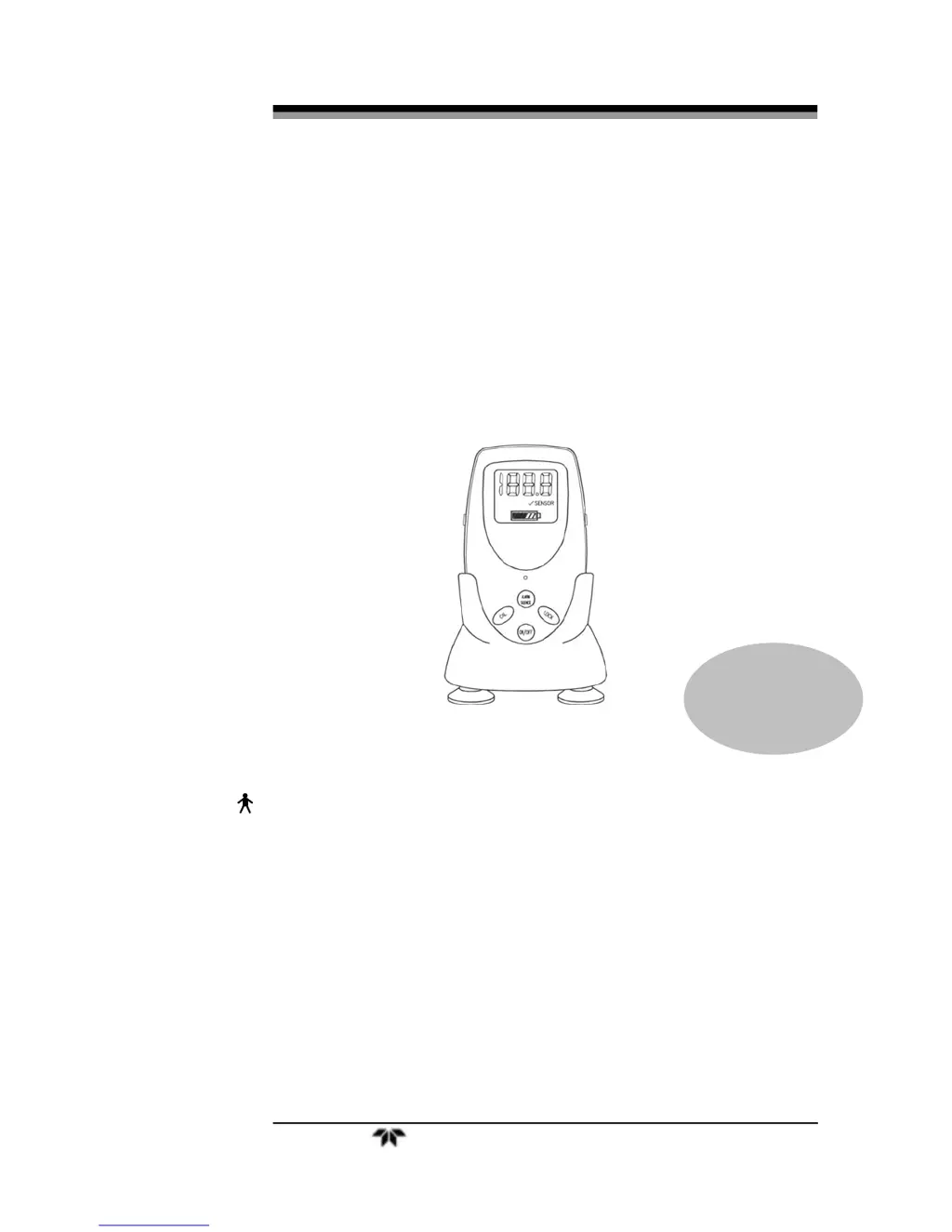
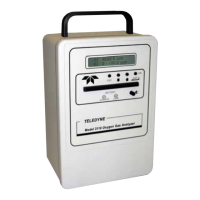
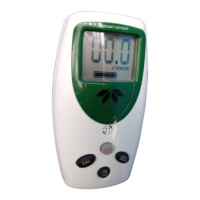
Portable Oxygen Analyzer
Teledyne Analytical Instruments i
OPERATING & SERVICE INSTRUCTIONS FOR
AX300
PORTABLE OXYGEN ANALYZER
TYPE B APPLIED PART:
Equipment provides a degree of protection against electric shock,
particularly regarding—
Allowable Leakage Current
Reliability of the protective earth connection (if present)
P/N M75389
Sep 18, 2009
E
CO 09-0159

Other manuals for Teledyne AX300

Questions and Answers

  • I
    icruzJul 31, 2025
    Why Teledyne AX300 Analytical Instruments sensor will not read below 22 % after calibration in 100% O2?
    • T
      Timothy CallahanJul 31, 2025
      If your Teledyne Analytical Instruments sensor will not read below 22% after calibration in 100% O2, it could be due to an invalid calibration, room air enriched with excess oxygen, or the oxygen concentration at the sensor being significantly higher than 21%. Recalibrate using dry gas. Ensure at least 6" (30 cm) of tubing is attached to the exhaust side of the tee adapter to prevent back filling and that the O2 flow rate does not exceed 5 l/min. Take the analyzer to a well-ventilated area and check the reading again. Try calibrating with a known good sensor, and if this fails, contact customer support.
  • D
    David MartinezAug 7, 2025
    What to do if Teledyne AX300 Analytical Instruments sensor does not react to changes in oxygen concentration, or the readings are unstable and drifting?
    • T
      thomaschristopherAug 8, 2025
      If the Teledyne Analytical Instruments sensor does not react to changes in oxygen concentration, or the readings are unstable and drifting, it could be due to water condensation on the sensing surface or electrical interference. Remove the sensor from tee adapter and unscrew the plastic flow diverter. Using absorbent tissue or cotton swab, gently wipe off sensing surface inside threaded portion of sensor assembly, being careful not to damage the sensing surface or leave any tissue/swab residue on the sensing membrane. Relocate the unit away from sources of electrical noise such as cauterizing equipment and two-way radios.
  • P
    Patrick GarciaAug 15, 2025
    What to do if the display is flashing '? SENSOR' on my Teledyne AX300?
    • L
      Lisa GayAug 15, 2025
      If the Teledyne Analytical Instruments sensor's display is flashing '? SENSOR,' it indicates a fault in the signal from the sensor, the sensor may have expired, or it has been exposed to gas containing less than 18% oxygen. First, check the sensor cable connections to ensure they are completely inserted into the mating connector and the capture nut is firmly in place. Expose the sensor to 100% oxygen.
  • L
    Lisa BakerAug 22, 2025
    How to troubleshoot a new Teledyne AX300 Analytical Instruments sensor that responds slowly or drifts?
    • C
      christian28Aug 22, 2025
      If a new Teledyne Analytical Instruments sensor responds slowly or drifts, it may need to run for several hours after being removed from its sealed bag. Wait 1–2 hours and recalibrate.

Summary

Introduction and Safety Information

Safety Messages

Emphasizes the importance of user safety and understanding warnings.

1.4 Operation Summary

Provides a concise summary of the AX300's basic operation and sensor technology.

Operating Instructions

2.1 Setup

Step-by-step guide for preparing the AX300 analyzer for use.

2.1.1 Sensor Installation or Replacement

Instructions for installing or replacing the oxygen sensor.

2.1.3 Battery Installation

Guidance on correctly installing the AA alkaline batteries.

2.1.4 Calibration

Procedures for calibrating the AX300 for accurate measurements.

2.1.5 Output 0-1 VDC or RS232

Connecting the analyzer to external devices via analog or digital outputs.

2.2 Operating Instructions

General guidelines for operating the AX300 analyzer.

2.2.1 Procedure

Step-by-step procedure for using the AX300 in different modes.

Service, Troubleshooting, and Appendix

Service Instructions

Overview of maintenance and service procedures for the AX300.

3.5 Calibration

Procedures for ensuring accurate calibration of the analyzer.

3.7 Troubleshooting

Common issues and solutions for analyzer malfunctions.

A.1 Specifications

Lists the technical specifications and performance details of the AX300.

Teledyne AX300 Specifications

General IconGeneral
Response Time< 60 seconds to 95%
Operating Temperature5-40°C (41-104°F)
Range0-100 ppm
Measurement Range0-1 ppm, 0-10 ppm, 0-100 ppm (user selectable)
Output4-20 mA

Related product manuals