April 2018 Pathfinder DVL Guide
Page 60
EAR-Controlled Technology Subject to Restrictions Contained on the Cover Page.
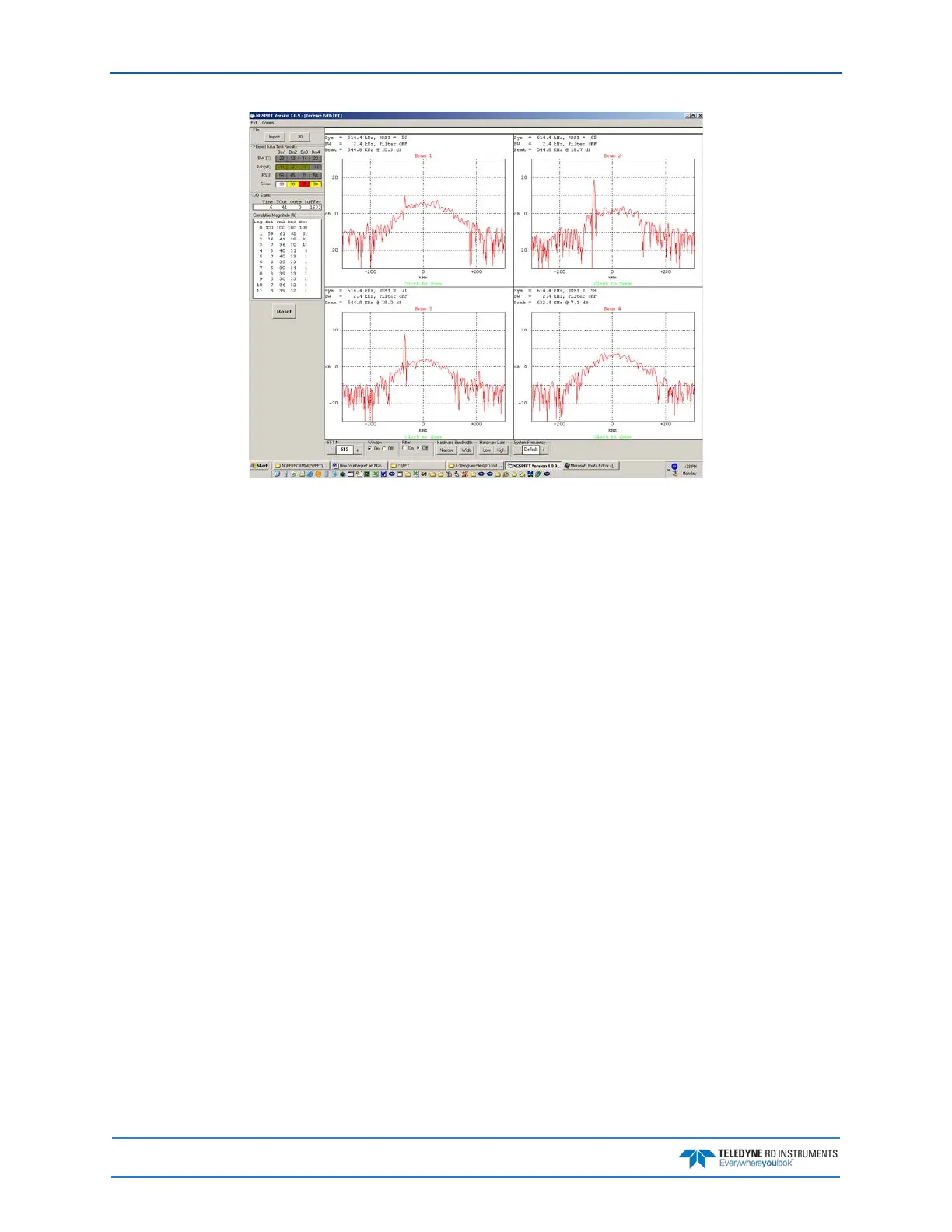
Alternative FFT Tool for Virtual Comports
For those applications where the DVL is not directly connectable through a physical RS232 comport, the
NGSPFFT will unfortunately not be able to run, as it needs a physical UART/comport to be able to send a
Serial Break to the Pathfinder DVL to respond and start acquiring the FFTs.
An alternative Tool exists called QCMon, which sends a software break instead, i.e. “+++”. The ‘look and
feel’ of QCMon is only slightly different from the NGSPFFT, thus you will find similarities in data pro-
vided. You will need to change the way you run it by following these steps instead:
1. In QCMon, after you set Comm> Port and clicked on the right Baudrate using Comm > Bau-
drate, click on Comm > BREAK and you should see the Pathfinder DVL banner as depicted be-
low:
Pathfinder DVL
Teledyne RD Instruments (c) 2017
All rights reserved.
Firmware Version: XX.xx
>
2. Then go to Comm > Terminal and then in the QCMon window type any commands (B?, TS?,
etc.) like you would with TRDI Toolz and you should get replies from the Pathfinder.
3. If this is working, send PT200.
>pt3
Receive Path Test (Hard Limited):
H-Gain W-BW L-Gain W-BW H-Gain N-BW L-Gain N-BW
↓
↓
RESULT...PASSED
>pt5
Transmit/Receive Continuity Check:
↓
↓
RESULT...PASSED
>



 To Next Page