April 2018 Pathfinder DVL Guide
Page 64
EAR-Controlled Technology Subject to Restrictions Contained on the Cover Page.
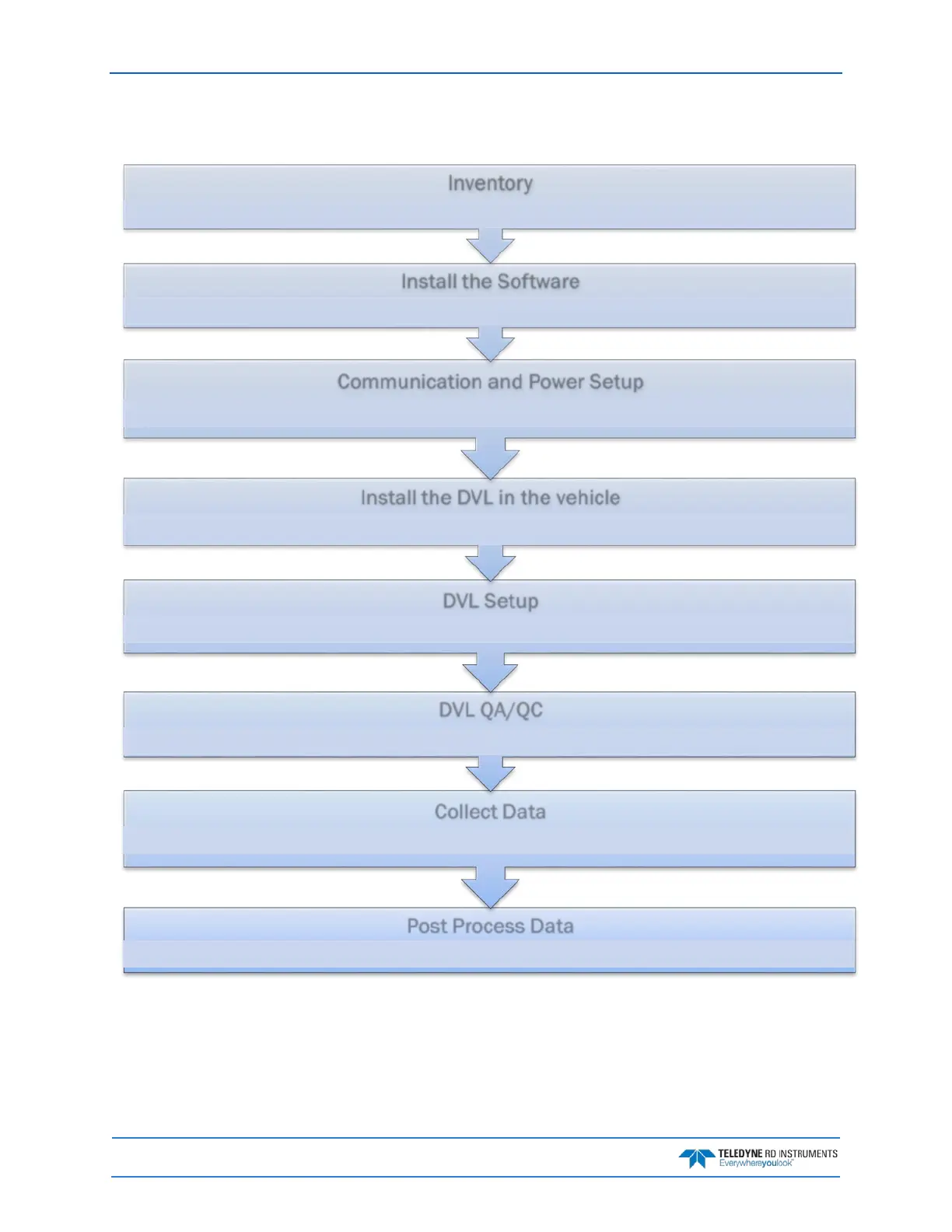
Pathfinder General Deployment Flow
Use TRDI (or any post processing software compatible with TRDI PD formats) to replay/reprocess data
Run TRDI Toolz (or use any terminal software) and Log raw data from the DVL
(Refer to the Pioneer DVL Guide, Chapter 3 - Collecting Data)
Set the DVL's Clock Test the DVL PA, FFT, etc.
Run TRDI Toolz and send command script
(Refer to the PathFinder DVL Guide, Chapter 3 - CollectingData)
Install the DVL in the vehicle
Refer to the PathFinder DVL Guide, Chapter 2 - System Integration
Communication and Power Setup
Connect the DVL Power/COMM cable (pigtail cables are provided with the PathFinder DVL)
(Refer to the PathFinder DVL Guide, Chapter 2 - System Integration)
Install the Documentation CD Install TRDI Toolz
Verify all parts are present (see Chapter 1 for a list of parts)



 To Next Page