Basic Operation
31
Recording
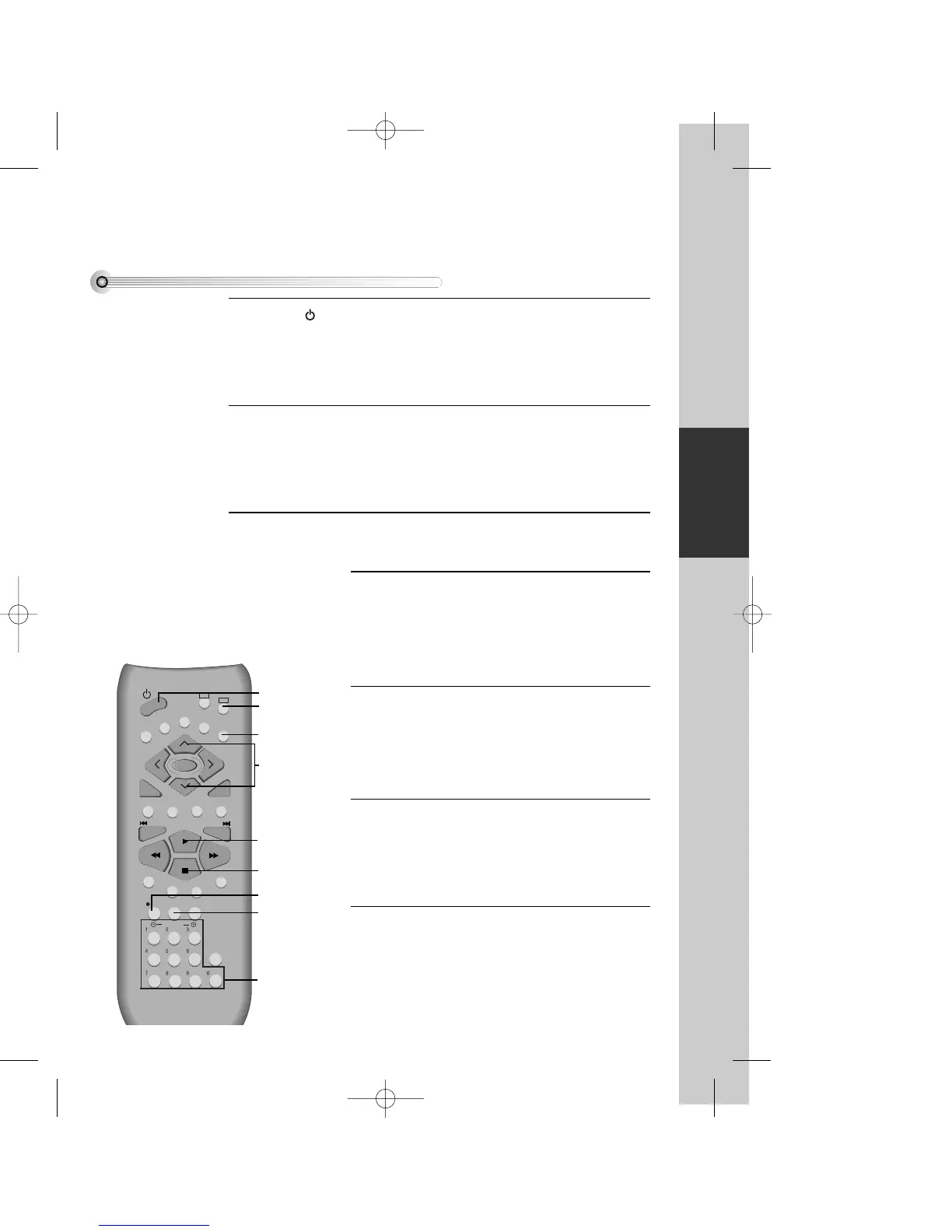
Press [ ] button to power up the VCR-DVD player.
• Power up the TV and select the channel for viewing the VCR-DVD player.
• Press [VCR] button of remote control to change into VCR mode.
Insert a recordable tape.
Insert a tape with the recording protection tab intact (see ' What is the recording
protection tab ?' on page 68).
With [CHANNEL], [NUMBER] and [OUTPUT] buttons, select the desired
broadcasting channel or external input to record.
1
2
3
Select the desired speed (SP or LP) with [SPEED]
button.
4
Press [REC] button.
Then, it starts recording.
5
If you want to pause recording, press [PAUSE]
button. Press [REC] to resume.
After pressing [PAUSE] button, if the pause status
continues for five minutes, the recording resumes
automatically.
6
To exit recording, press [STOP] button.
7


 To Next Page