DVD Operation
55
Selecting ZOOM and Multi Angle
Using a zoom function
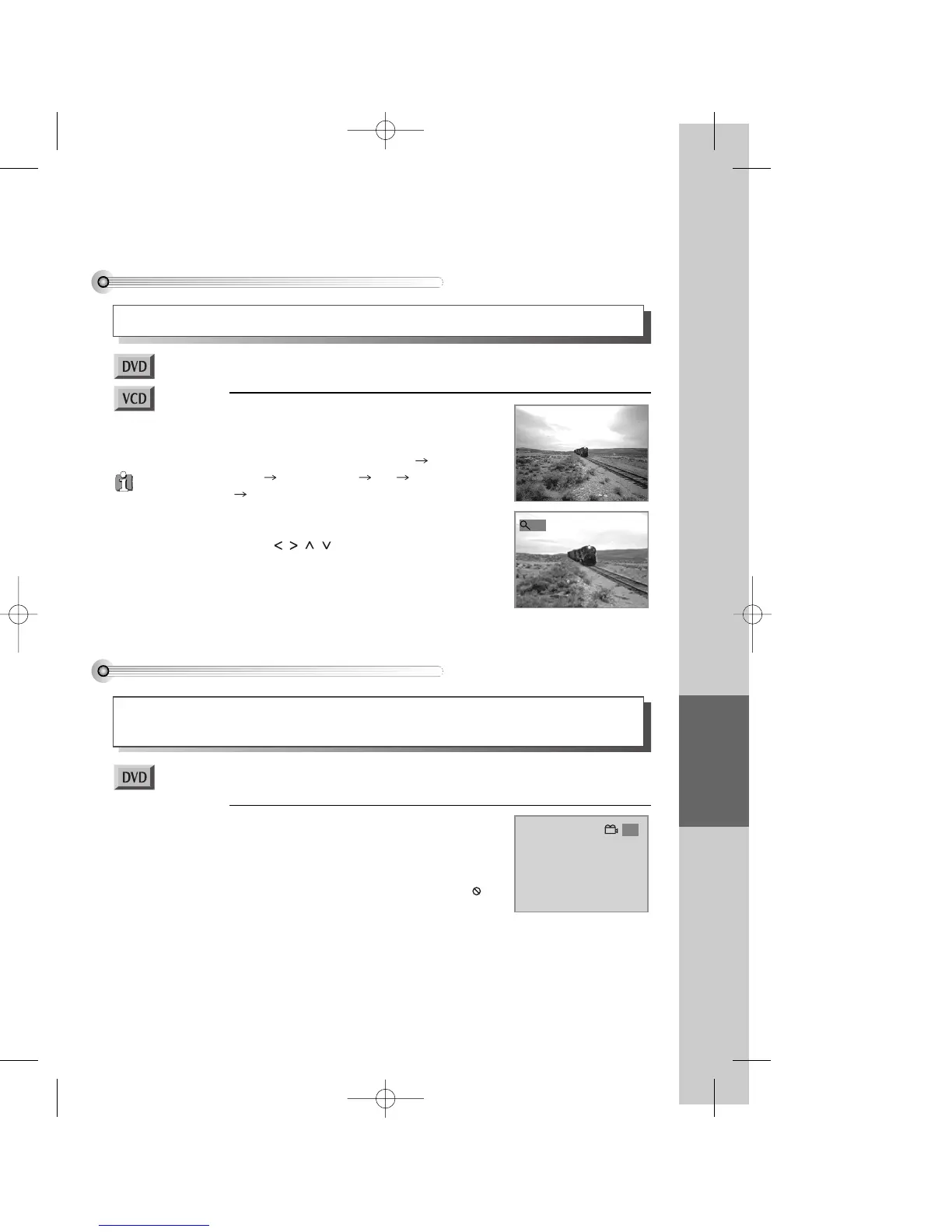
A user can enlarge the current screen by 1.3, 1.5 or 2.0 times.
Keep pressing [ZOOM] button till the preferred
zoom appears.
Every time a user presses [ZOOM] button, a zoom
magnification changes 1.3 times (X1.3) 1.5 times
(X1.5) 2.0 times (X2.0) Off 1.3 times (X1.3)
... one by one.
Normally the picture is zoomed into the centre, but you
can pan side to side, up and down with the navigation
buttons [ ].
■ You must select DVD operation mode by pressing the [DVD] button on the remote
control.
X2
Different Angle
If a DVD video disc contains a section offering scenes shot from different camera angles, you can change
camera angle by pressing the [ANGLE] button.
Keep pressing the [SPEED/ANGLE] button until the
preferred angle appears.
• The multi-angle feature is usually shown on the disc
cover and applies only to a particular section. If the
angle status display on the screen shows " 1/1 " or the
section is not multi-angle.
■ You must select DVD operation mode by pressing the [DVD] button on the remote
control.
1/3
When “TV
ASPECT” item is set to
“4:3 PS” in setup
screen, or with certain
discs, 2.0 times Zoom
may not function
properly.
DV6T714D-RG1H(TDV6000)2 02.8.7 2:32 PM ˘ ` 55 mac001 300DPI 120LPI


 To Next Page