DVD Operation
47
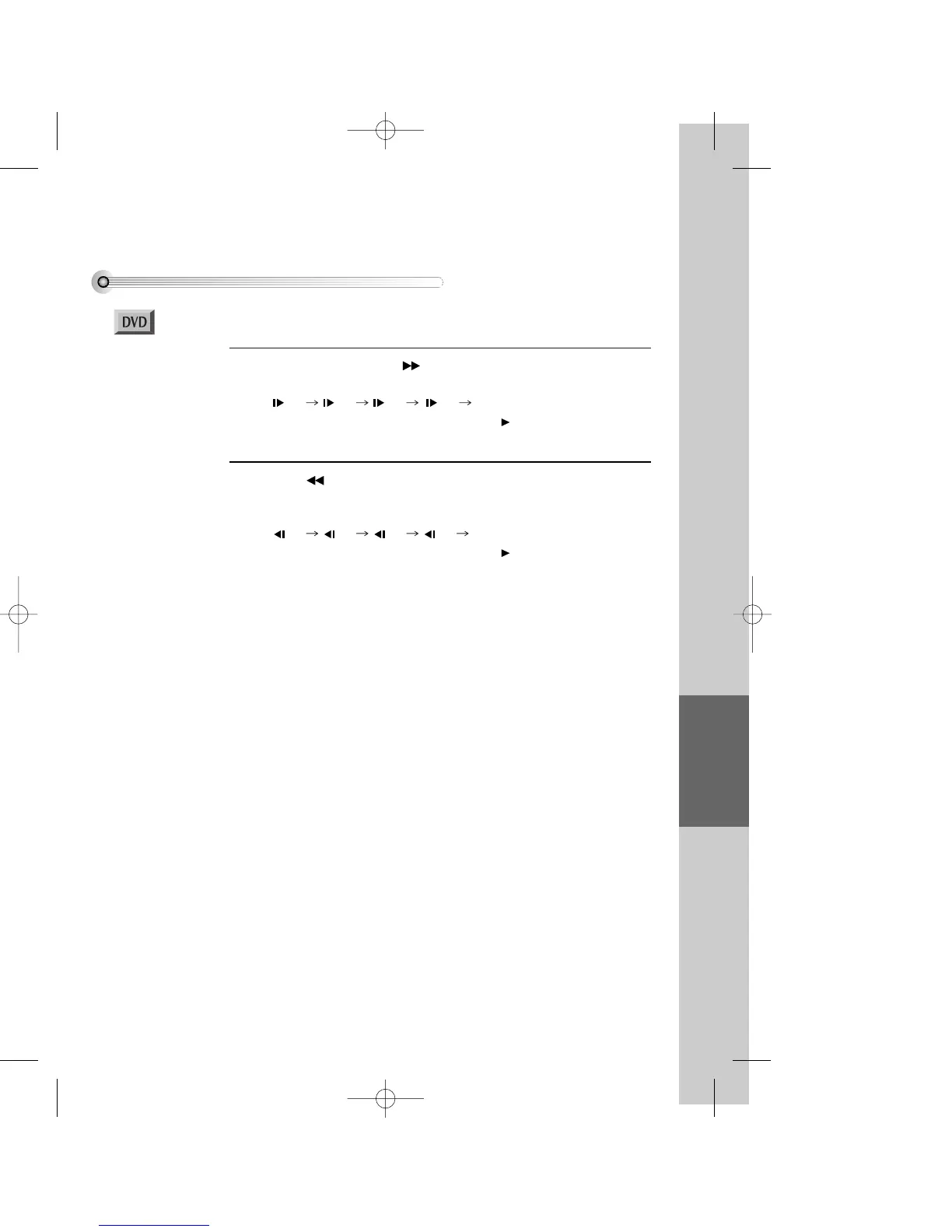
To play it slow
During DVD play, press [ ] button to play it in slow motion.
Every time you press the button, slow play speed changes in the order below.
1/2 1/4 1/8 1/2 ....
Also you can return to normal speed by pressing [ ] button.
*For the case of SVCD or VCD, Slow playback is available.
1
Press [ ] button to reverse-play it slow in PAUSE.
Every time you press the button, slow reverse-play speed changes in the order
below.
1/2 1/4 1/8 1/2 ....
Also you can return to normal speed by pressing [ ] button.
2
■ You must select DVD operation mode by pressing the [DVD] button on the remote
control.
DV6T714D-RG1H(TDV6000)2 02.8.7 2:31 PM ˘ ` 47 mac001 300DPI 120LPI


 To Next Page