46
DVD Operation
Skipping from a current scene to a desired scene
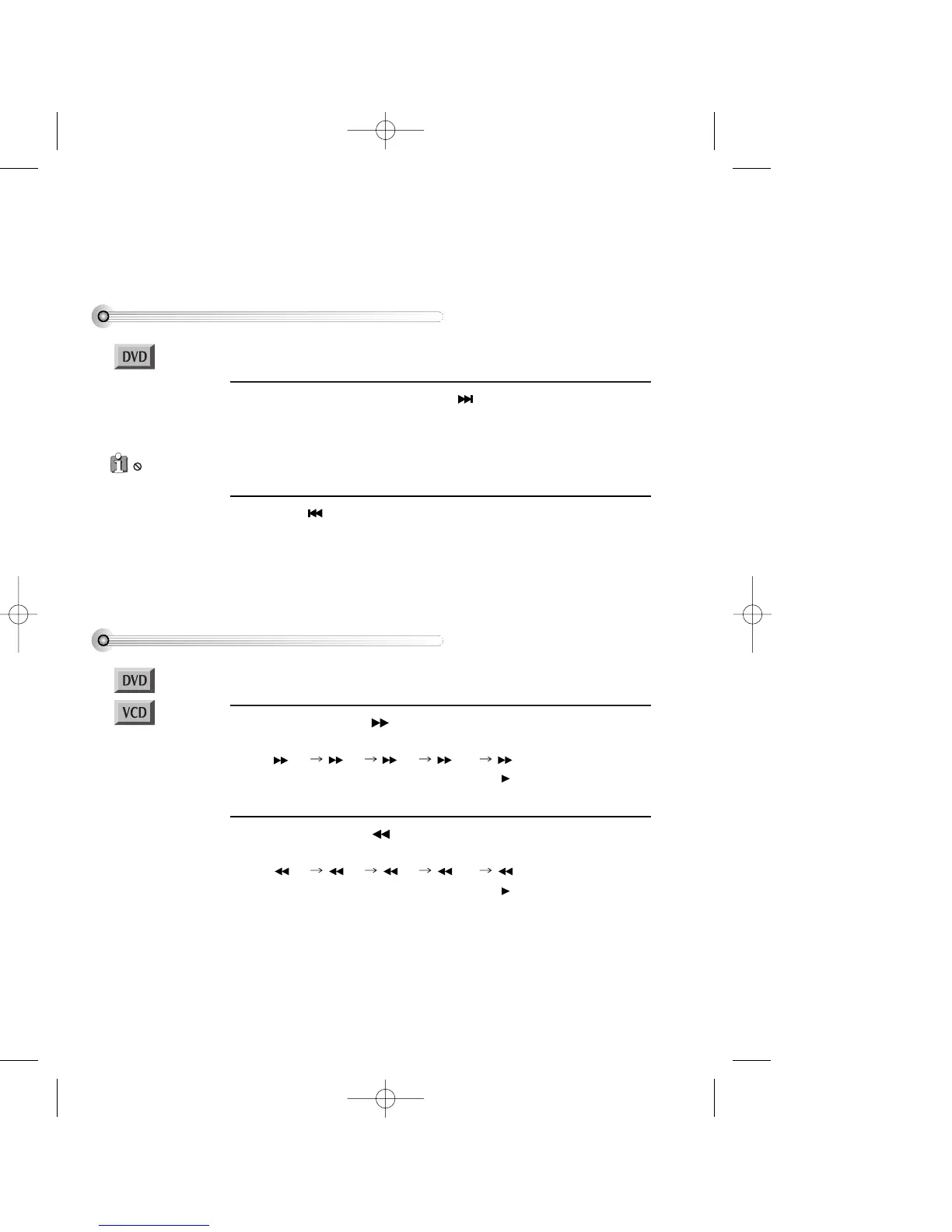
To move to next scene, press [NEXT ] button.
The scene changes to the beginning of the next chapter. If you press repeatedly,
playback moves to the start of later chapters.
1
Press [ PREV] button.
The scene changes to the beginning of the current chapter. If you press repeatedly,
playback moves to the start of earlier chapters.
2
To play it fast
During play, press [ ] button to start fast-play.
Every time you press the button, play speed changes in the order below.
x 2 x 4 x 8 x 20 x 2 ....
Also you can return to normal speed by pressing [ ] button.
1
During play, press [ ] button to start reverse fast-play.
Every time you press the button, reverse play speed changes in the order below.
x 2 x 4 x 8 x 20 x 2 ....
Also you can return to normal speed by pressing [ ] button.
2
■ You must select DVD operation mode by pressing [DVD] button on the remote control.
■ You must select DVD operation mode by pressing the [DVD] button on the remote
control.
■ DVD playback was described on page 27
is a ‘ DO NOT ’
mark which is displayed if
you press a button and the
function is not allowed.
Either the function does not
work on the current disc or
the function is not allowed
at a particular time or
point on the disc.
DV6T714D-RG1H(TDV6000)2 02.8.7 2:31 PM ˘ ` 46 mac001 300DPI 120LPI


 To Next Page