48
Playing in programmed order
Random play
During STOP or Resume STOP, press
[REPEAT] button.
Use the up, down, left and right buttons to move
the on-screen highlight to T (for title) and C (for
chapter) You must specify both for DVD and you
must key in each space, for example chapter 5
press [0] then [5].
• Key in 3-digit Track (T) numbers for a CD.
• If you make a small mistake, press [CLEAR/3D]
and key the number again.
• Erase the whole programme by highlighting
'Clear ALL' and pressing [SETUP\ENTER].
1
During STOP or Resume STOP, press
[REPEAT] button twice.
When the picture on the right appears, please
press [SETUP/ENTER] button
Regardless of titles or track numbers, it plays in
random order.
1
After keying in the numbers, move the highlight
to “Play Program” and press [SETUP/ENTER].
Titles and chapters (or tracks) are
played in the order you programmed.
2
■
You must select DVD operation mode by pressing the [DVD] button on the remote control.
■ Available only in STOP.
■ You cannot program MP3 play.
■ You must select DVD operation mode by pressing the [DVD] button on the remote
control.
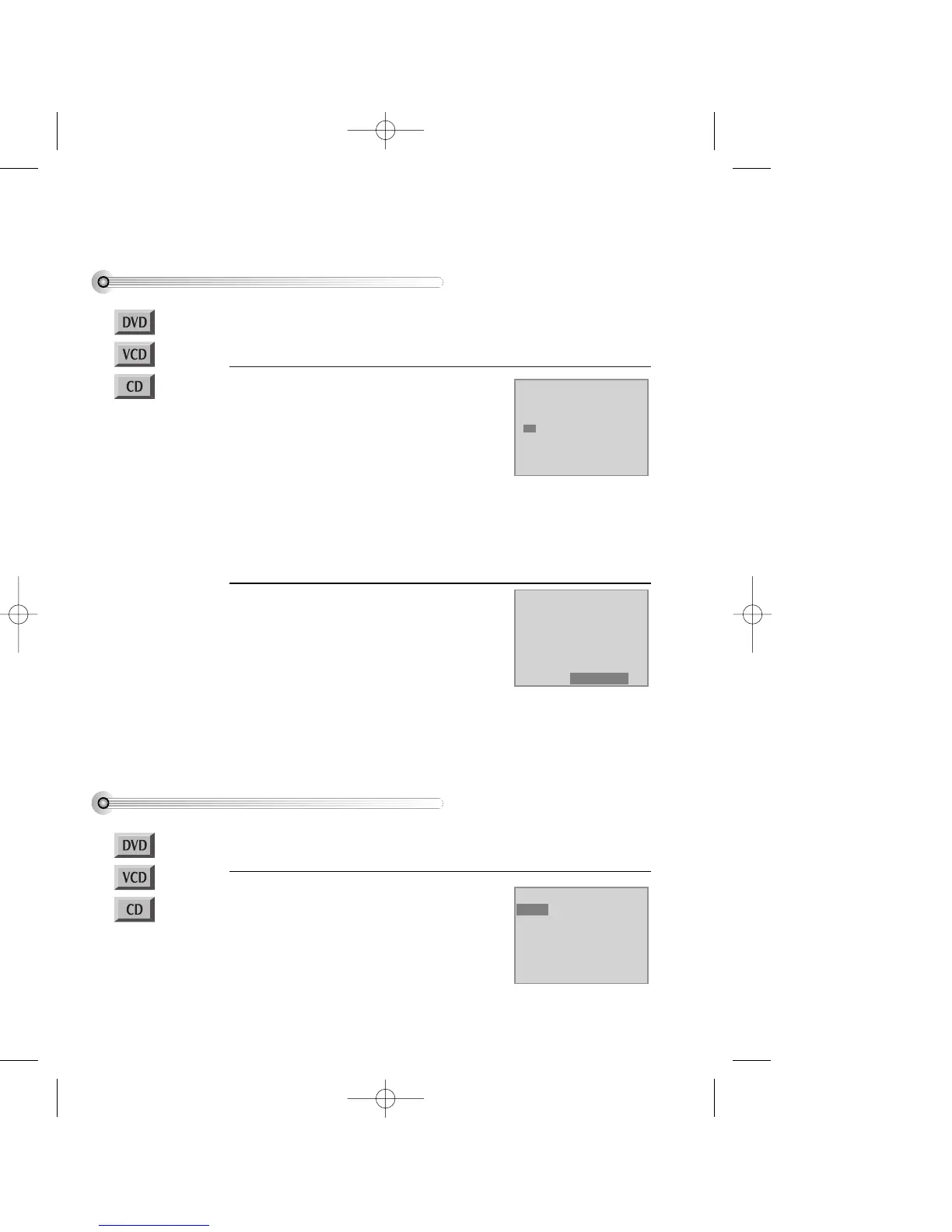
Mode1 DVD
Program
Title - - Chapter --
T C T C T C T C
1 - - - - 4 - - - - 7 - - - - 10 - - - -
2 - - - - 5 - - - - 8 - - - - 11 - - - -
3 - - - - 6 - - - - 9 - - - - 12 - - - -
Clear ALL Play Program
Mode1 DVD
Program
Title - - Chapter --
T C T C T C T C
1 01 05 4 - - - - 7 - - - - 10 - - - -
2 01 08 5 - - - - 8 - - - - 11 - - - -
3 01 12 6 - - - - 9 - - - - 12 - - - -
Clear ALL Play Program
Mode2 DVD
Shuffle
* To release the playback mode, press [ ■ ] button.
• It is best that a disc is loaded and at resume-stop, which means you only pressed [STOP] once after it displayed it's menu
or started playing.
HINTS
• If you are not sure about the title and chapter numbers on a DVD, try pressing the [DISPLAY] button during disc play.
• During programming, you see the number of titles on-screen. After you fill in title, you see how many chapters in the title.
DV6T714D-RG1H(TDV6000)2 02.8.7 2:31 PM ˘ ` 48 mac001 300DPI 120LPI


 To Next Page