26
3.8 Update Firmware
3.8.1 Update
Web Update:
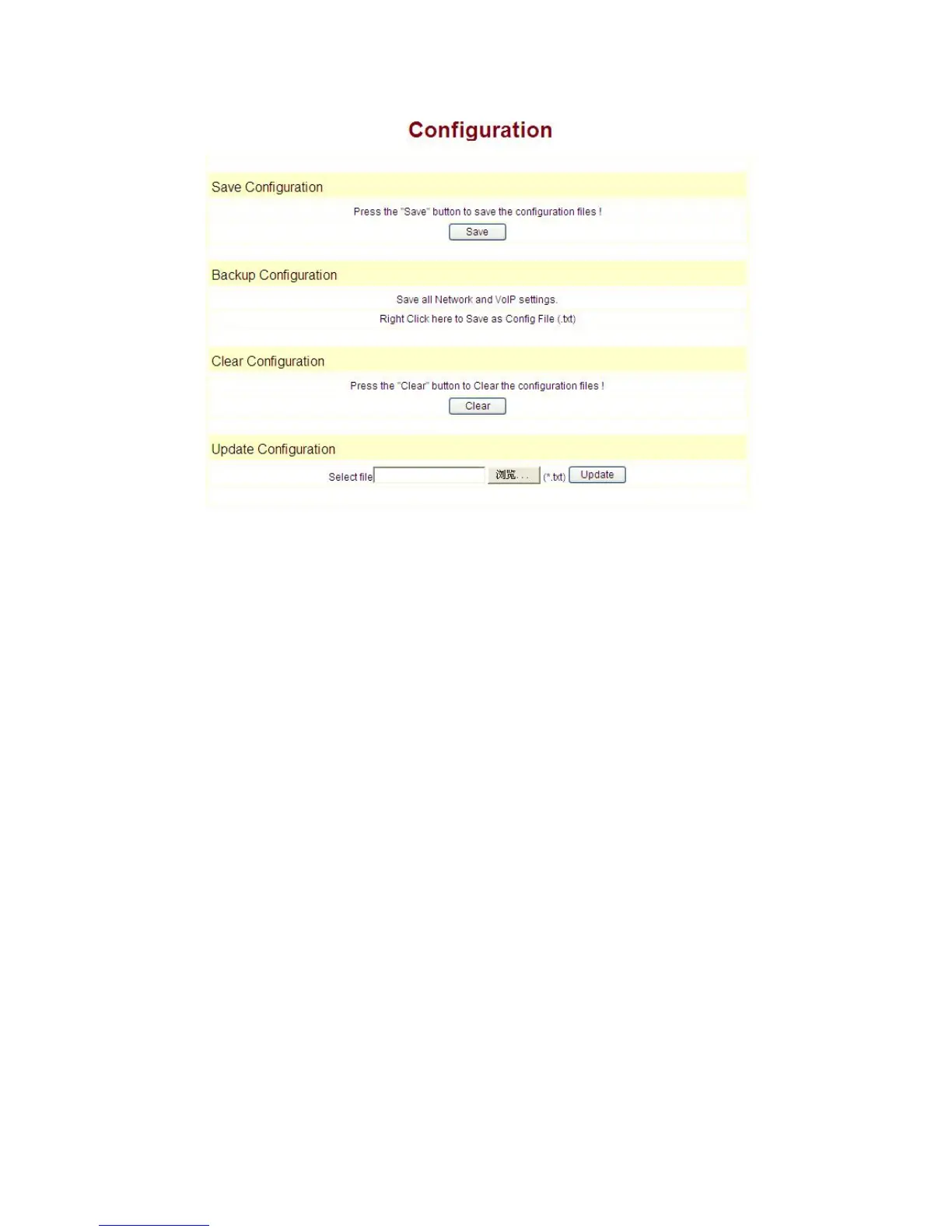
Update the application or configuration files of the phone. The application document
is .z format, and the configuration files is .cfg format.
Through clicking on the "browse" button to open the upgrade file or configuration file,
then click on "Update" button. After the upgrade, 9600IP will automatically restart.
FTP Update:
upload/download the configure file with FTP or TFTP server, or download firmware
from FTP or TFTP server
Back up configure file to your FTP/TFTP server.
configure use .cfg extension.
The Type includes two parts of config file export and config file import
Config file export: export the config file
Config file import: import the config file
9600IP phone support FTP and TFTP auto update, the gateway will auto obtain the
configure file from your update server if configured. To obtain the original configure file,
you can use the FTP/TFTP back up as describe above. Configure file using module
structure, user may remain the concerned modules and remove other modules. Put the
configure file in the root directory of update server when finish editing.


 To Next Page