Installation
Page 12
Installation Summary
The modem installation involves the following steps:
1. Finding a suitable location for the modem. See the section below.
2. Configuring the modem. See page 13.
3. Connecting to a transmission line. See page 25.
4. Connecting to a voltage source. See page 27.
5. Connecting a DTE device. See page 28.
Finding a Suitable Location
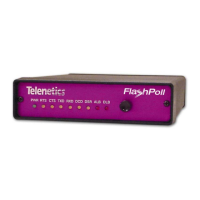
The location you select should provide easy access to the back panel
communications interface(s) and front panel power interface. It should
also let you view all the LEDs on the front panel.
Note:
Telenetics also offers a rack-mount version of this modem
(Model DSP9612RM) as a plug-in module for the
Telenetics/UDS RM16M Central Site Modem Rack. For more
information, contact Telenetics Corporation’s Sales Department
at (949) 455-4000.


 To Next Page