Installation
Page 14
SW1 DIP Switch Settings
SW1 is an 8-position DIP switch. Table 2-1 shows the modem switch
settings for DIP switch SW1. A description of the SW1 switch settings
follows the table.
Note:
SW1 settings apply for both high-speed fast-poll and low-
speed (FSK) modes
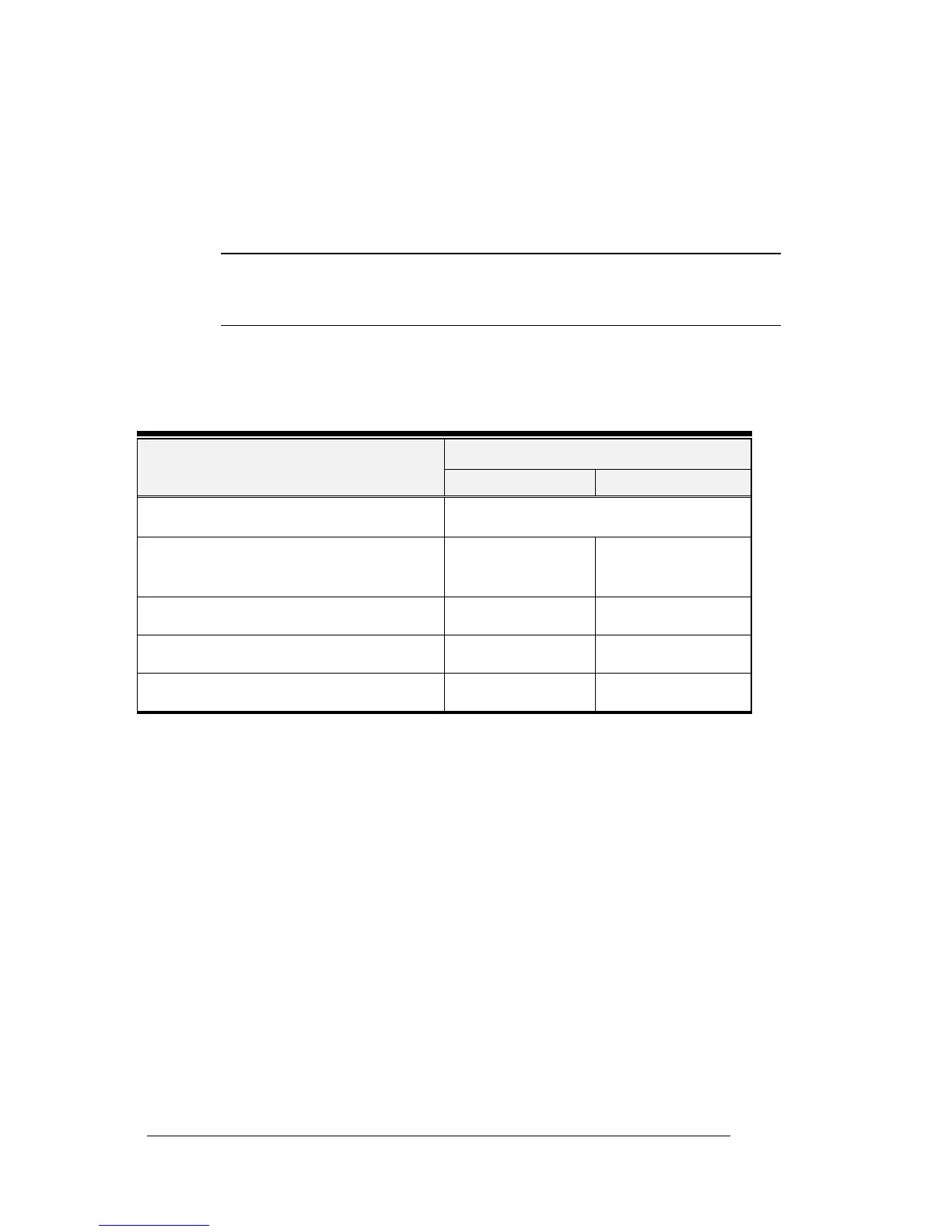
Table 2-1. Modem Switch Settings for DIP Switch SW1
Switch SettingsSwitches
ON OFF (Default)
SW1-1 − 1-4: Transmit Level (page 15)
(see Table 2-2 on page 15)
SW1-5: Receiver Dynamic Range
(page 16)
−10 to −43 dBm +3 to −30 dBm
SW1-6: TX Cable Equalizer (page 16) Enabled Disabled
SW1-7: RX Cable Equalizer (page 16) Enabled Disabled
SW1-8: Anti-streaming (page 16) Active Inactive


 To Next Page