Weather Operations (Cont.)
Weather Operations
18 RDR-1600 Pilot’s Guide TM106101(8/01) TM106101(8/01) RDR-1600 Pilot’s Guide
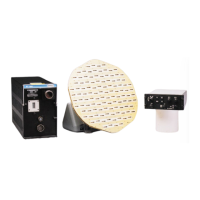
within 25 miles beyond the displayed range.
Figure 6.3-1.Weather Alert with Target Alert Display
6.0WEATHER OPERATIONS
6.1WEATHER MODE – WX
The RDR-1600 will provide you with target information to a greater degree
than ever possible on previous generation weather radars. With a 240 nm
maximum display range, you will have plenty of time to plan weather avoid-
ance maneuvers.
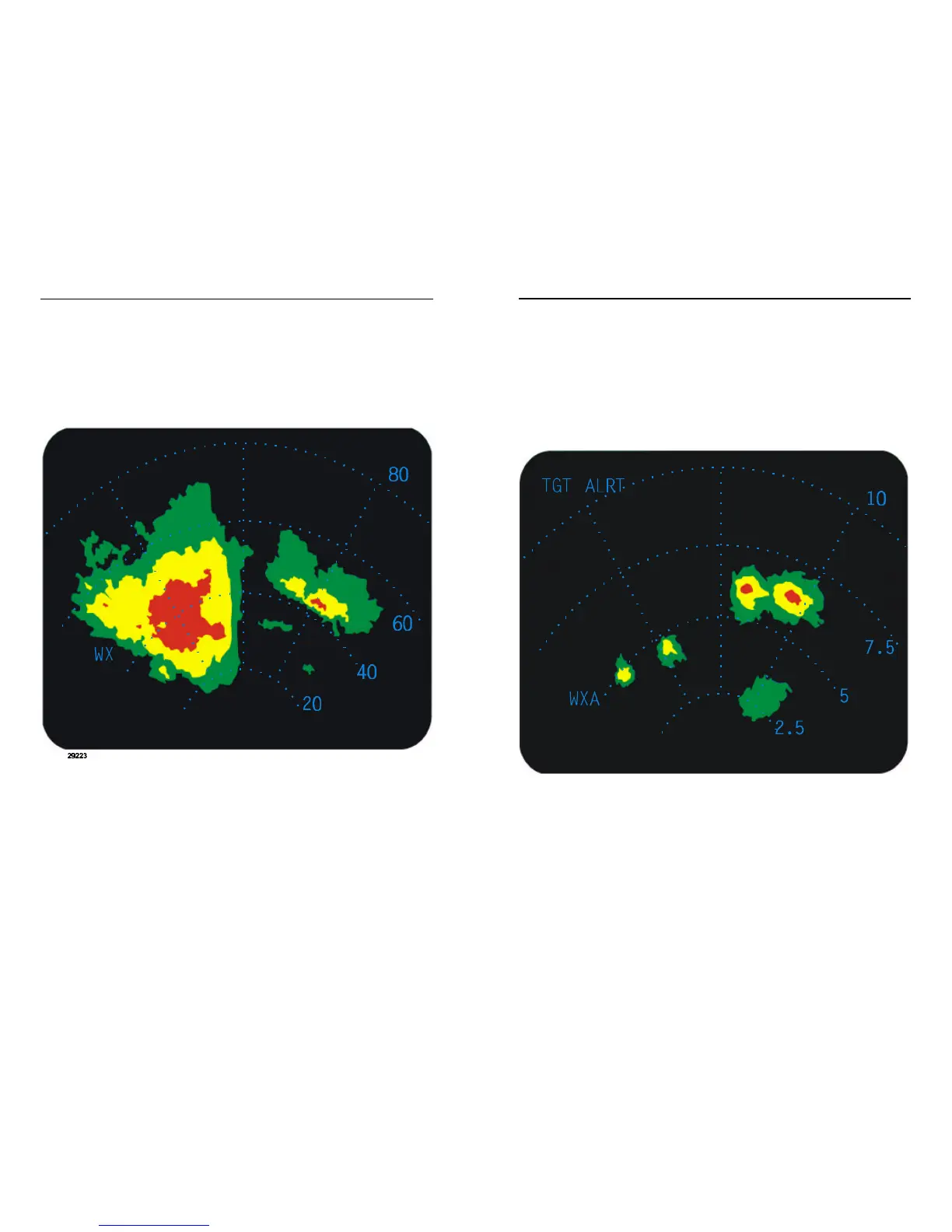
Figure 6.1-1.Typical Weather Display
By pressing the “WX” button on the face of the indicator, you will see a stan-
dard weather presentation. Different levels of precipitation are displayed in
Green, Yellow and Red. Use the range up/down buttons to select the
desired full scale range distance to be displayed. See Paragraph 8.0 for



 To Next Page