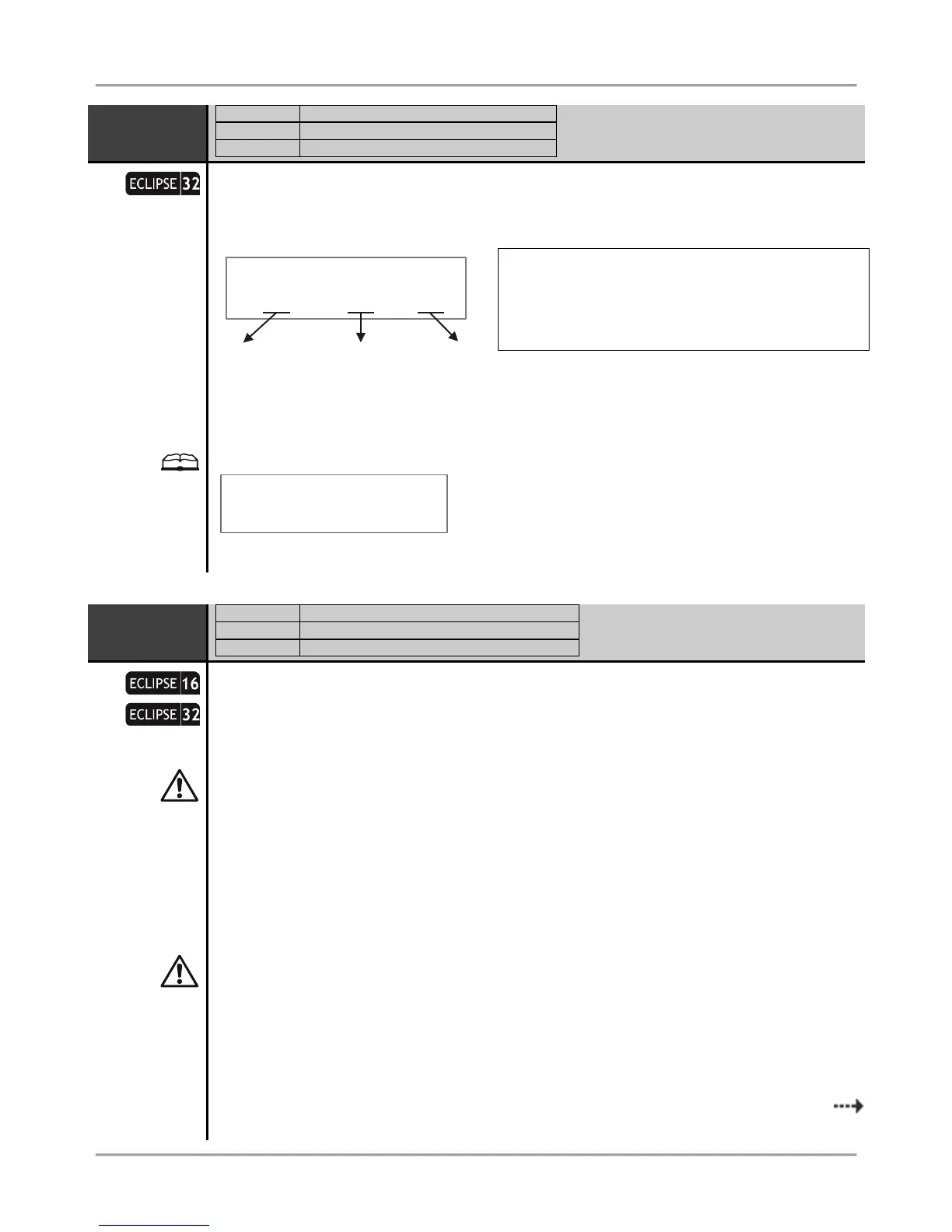
Number of device and Zone 01 input number
The installer can review the device number and its input/ output number associated to the zone.
In the maximal configuration of ECLIPSE 16 can be attached and programmed up to 16 zone
numbers. In the maximal configuration of ECLIPSE 32 can be attached and programmed up to 32
zone numbers – that depends on the used connection style and addressed devices.
Zones from 01 to 08 are the on board zones and they are fixed at ADDRESSES 2010 to 2080. The
contents of ADDRESSES 2010 – 2080 cannot be changed. The first digit performs the ID number of
the device and the second performs the physical input attached to the zone number. Zones 01 – 08
are the physical inputs placed on the control panel so they are displayed as:
Zone 01: [1] [1] – The zone is attached to the 1
st
input of device 01 (the control panel);
Zone 02: [1] [2] – The zone is attached to the 2
nd
input of device 01 (the control panel), and so on.
Zones from 09 to 32 can be on board zone inputs on zone expander or keyboard, or logical when
using doubling zone connection in the system (connection style 6-9 – see the correspondence in
APPENDIX 1). The contents of ADDRESSES 2090 – 2320 are freely programmable according the
system configuration – see the examples after this address description.
In case the PGM4 is programmed as fire zone (ADDRESS 3000) that zone will be attached to
device 01 (the control panel) as zone number 99. The installer can attach that fire zone to anyone
free zone as at the ADDRESS 2xx0 programs [01] for device and [99] for input/ zone number.
Setting of device and input/ zone number for a keyboard
All ECLIPSE Series keyboards have an additional zone input appropriate for connecting of magnetic
contacts or other devices. The keyboard zone takes all common setting for zones. To add the
keyboard zone to the system configuration you must first to attach it to a zone address and device
ID number – the device in this case is the keyboard. According to the system configuration, the
keyboard zone can be attached to any free zone at address 2xx0, where xx is a zone number
from 09 to 32.
Source Zone – This is the source zone which parameters
will be copied.
First Zone to clone – This is the first zone number to which
the parameters of the source zone will be assigned.
Last Zone to clone – This is the last zone number to which
the parameters of the source zone will be assigned.
















 To Next Page