EasyManua.ls Logo

Teletek electronics ECLIPSE 32 - Peripheral Devices

Teletek electronics ECLIPSE 32
96 pages
Print Icon
To Next Page IconTo Next Page
To Previous Page IconTo Previous Page
Loading...
Eclipse 8/ 16/ 32 Series - Engineer Programming Manual
73
8. Peripheral Devices
At ADDRESSES 8ххх are programmed the parameters and options for all enrolled devices to the control panel.
The first enrolled device at ADDRESS 8010 is always the main PCB and this cannot be changed. It is recommended
the second enrolled device at address 8020 to be a LCD keyboard for programming and settings.
The steps for enrolling of new devices to the control panel are listed in item“5. Enrolling of new devices”.
ECLIPSE Control Panels Series DEVICE capability:
Control panel
Max. supported devices
Keyboards
Proxi readers
Exp.modules
ECLIPSE 8
2
ECLIPSE 16
5
ECLIPSE 32
31
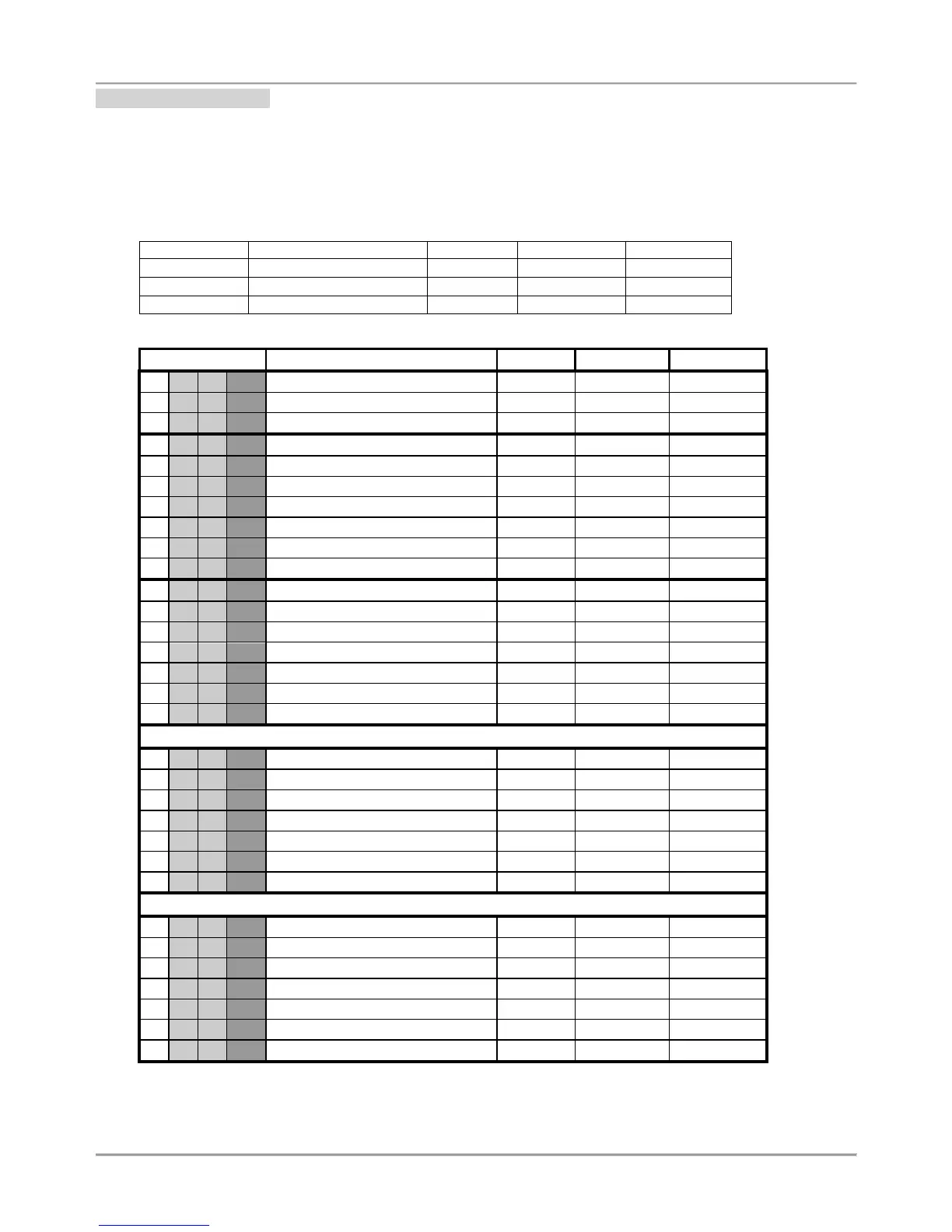
Quick table for 8. Device Programming Menu
Address Number
Programming parameter
ECLIPSE 8
ECLIPSE 16
ECLIPSE 32
8
0
1
0
Device 01 ID [Main]
8
0
1
1
Device 01 Areas [Main]
8
0
1
3
Device 01 Inputs/ Outputs [Main]
8
0
2
0
Device 02 ID
8
0
2
1
Device 02 Areas
8
0
2
2
Device 02 Options
8
0
2
3
Device 02 Inputs/ Outputs
8
0
2
4
Device 02 Communication
8
0
2
7*
Device 02 Mode A
8
0
2
8*
Device 02 Mode B
8
0
3
0
Device 03 ID
8
0
3
1
Device 03 Areas
8
0
3
2
Device 03 Options
8
0
3
3
Device 03 Inputs/ Outputs
8
0
3
4
Device 03 Communication
8
0
3
7*
Device 03 Mode A
8
0
3
8*
Device 03 Mode B
8
0
6
0
Device 06 ID
8
0
6
1
Device 06 Areas
8
0
6
2
Device 06 Options
8
0
6
3
Device 06 Inputs/ Outputs
8
0
6
4
Device 06 Communication
8
0
6
7*
Device 06 Mode A
8
0
6
8*
Device 06 Mode B
8
3
1
0
Device 31 ID
8
3
1
1
Device 31 Areas
8
3
1
2
Device 31 Options
8
3
1
3
Device 31 Inputs/ Outputs
8
3
1
4
Device 31 Communication
8
3
1
7*
Device 31 Mode A
8
3
1
8*
Device 31 Mode B
* The menus are accessible only for proximity card readers.

Other manuals for Teletek electronics ECLIPSE 32

Related product manuals