Eclipse 8/ 16/ 32 Series - Engineer Programming Manual
57
6. PARTITIONS – 5. AREAS – 1. AREA – 03. ALARM CYCLE
Setting of alarm cycle (bell time) for Area 1
Duration of the alarm cycle is set for the programmable siren type outputs associated to Area 1.
A 3-digit number between 000 and 255 minutes is assigned at the address. For an interval of time,
less than 10 minutes, the first two digits must be 0.
Entering of valid user code ends the alarm cycle and restores the siren type outputs.
Default setting: 001 minutes
6. PARTITIONS – 5. AREAS – 1. AREA – 04. ACCOUNT
Programming of account number for communication with monitoring station for Area 1
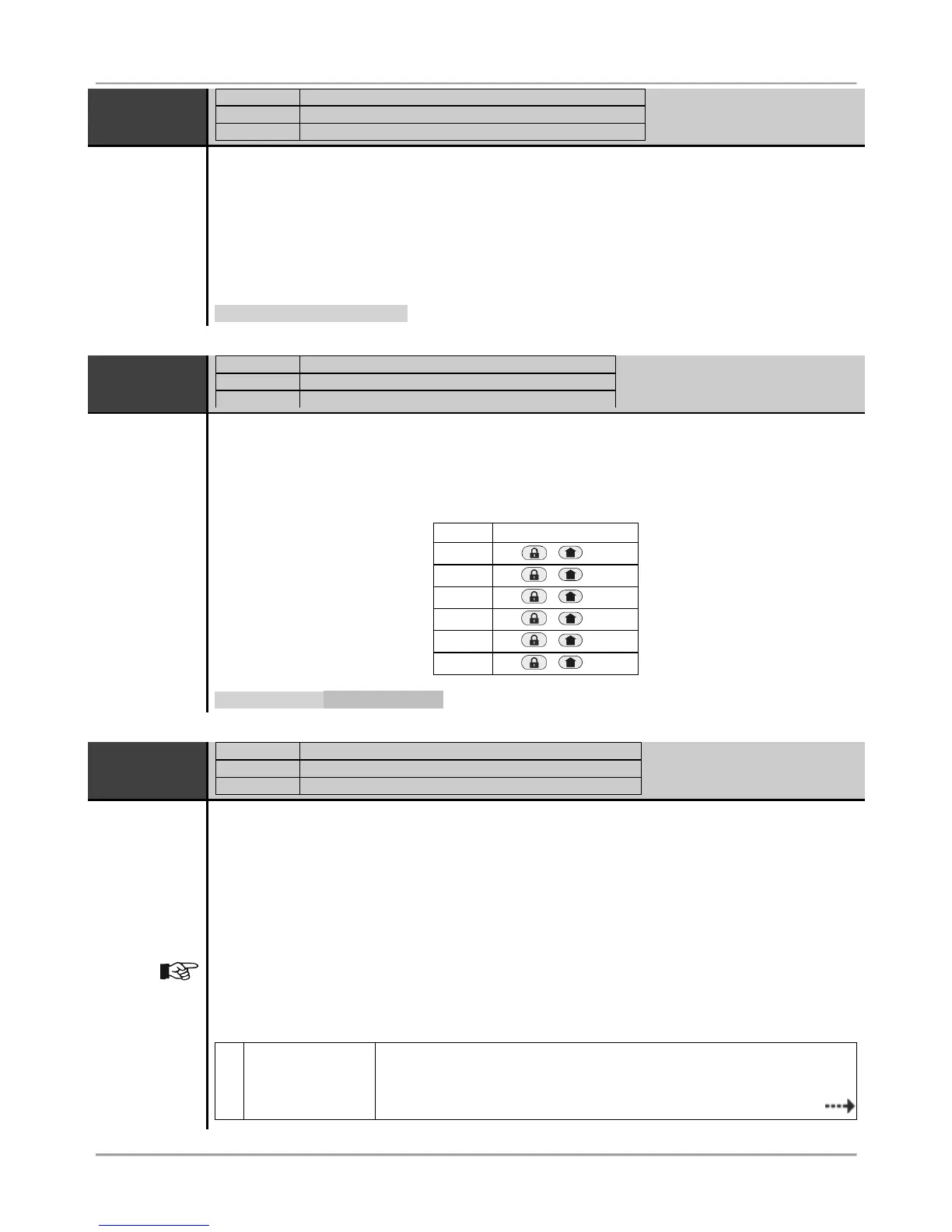
The engineer enters 4 or 6-digit symbols according to the settings of ADDRESS 4000. The valid
symbols include digits from 0 to 9 and letters from A to F. For letters entry the engineer uses the
following button combinations:
Default setting: 4 symbols (FFFF)
6. PARTITIONS – 5. AREAS – 1. AREA – 05. BELL OPTIONS
Programming of Bell attributes for Area 1
The Bell attributes for Area 1 are programmed at this address. Every attribute is activated with
pressing of a digit button with a respective number (from 1 to 5).
Next pressing of the same button number will deactivate the attribute. At end of the procedure, at
the keyboard’s display must be active only the numbers of the assigned attributes.
More than one attribute can be assigned at this address.
Pay attention that for attribute “5. Fire alarm duration” both of the attribute statuses are used – see
the description of the attribute in the table below. The attribute numbers 3 and 4 are available only
for ECLIPSE 32 control panel.
At this address you set the following attributes:
Sound signalization in arming:
– The sound signalization in arming is disabled.
1 - The sound signalization in arming is enabled. The siren will activate
singly for 1 second when arming the Area 1.
















 To Next Page