Chapter 2 | 5
Installation
Connect to the Telos System
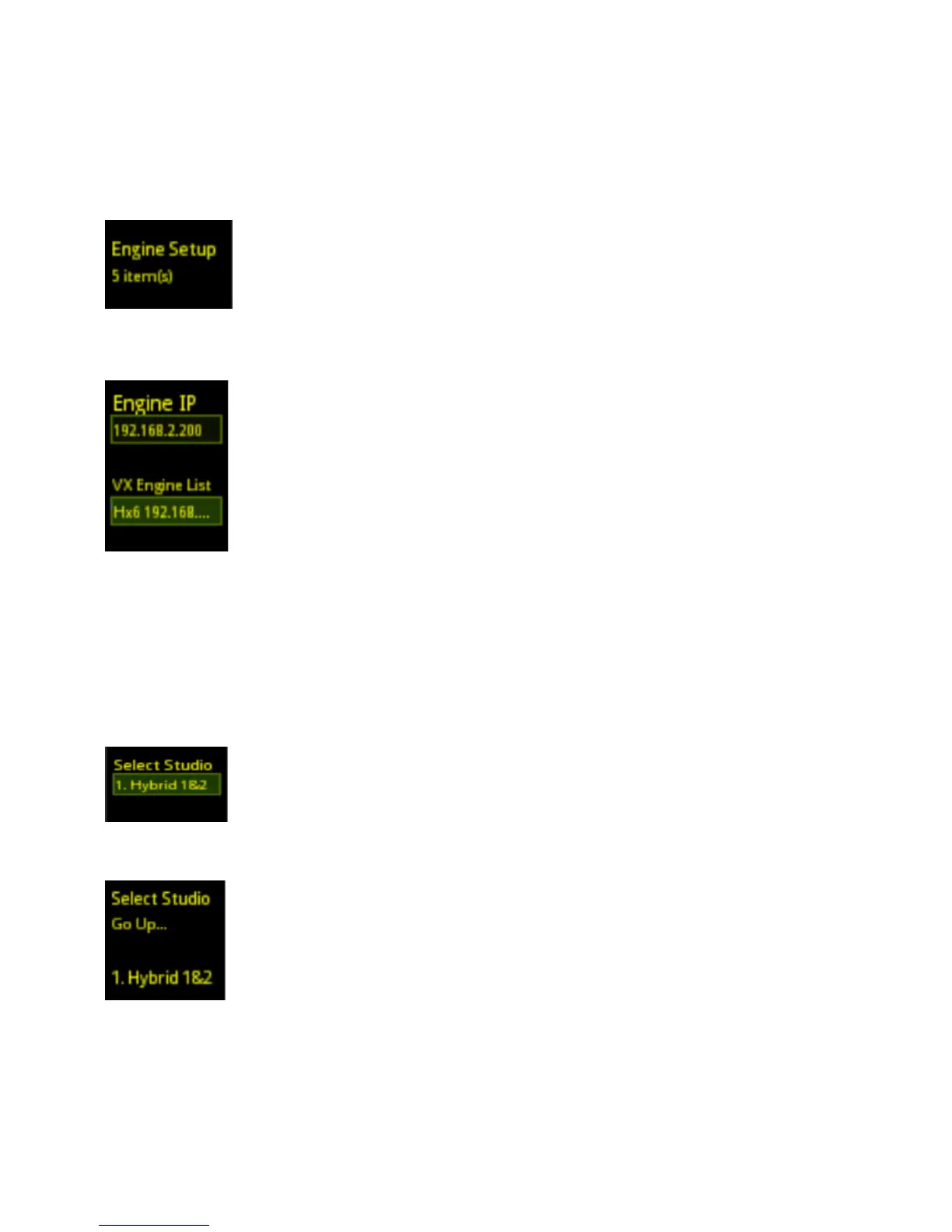
Press the Menu Button and find the Engine Setup option.
Press the Line Button next to Engine Setup.
Press the Line Button next to Vx Engine List to select from the list of Vx Engines and/or talkshow systems installed on your
network -OR-press the line button next to Engine IP and manually key in the IP address of the Telos hybrid or Vx Engine you
wish to connect to the VSet. The star key is “.” and the pound (#) key is backspace. Press the left line key next to Engine IP to
save the IP address. If the login information of the system has been changed, enter it into the User and Password fields. Default
Username is user and there is no password.
Select Studio
From the Engine Setup Menu, press the left line key next to Select Studio. Select the correct Studio from the Vx Engine or
hybrid. Do this by pressing on the corresponding Line number button.
The Hx6 and iQ6 systems are only capable of managing one studio. Therefore the only choice is Hybrid 1&2



 To Next Page