Chapter 4
| 13
Menu Button
4 Menu Button
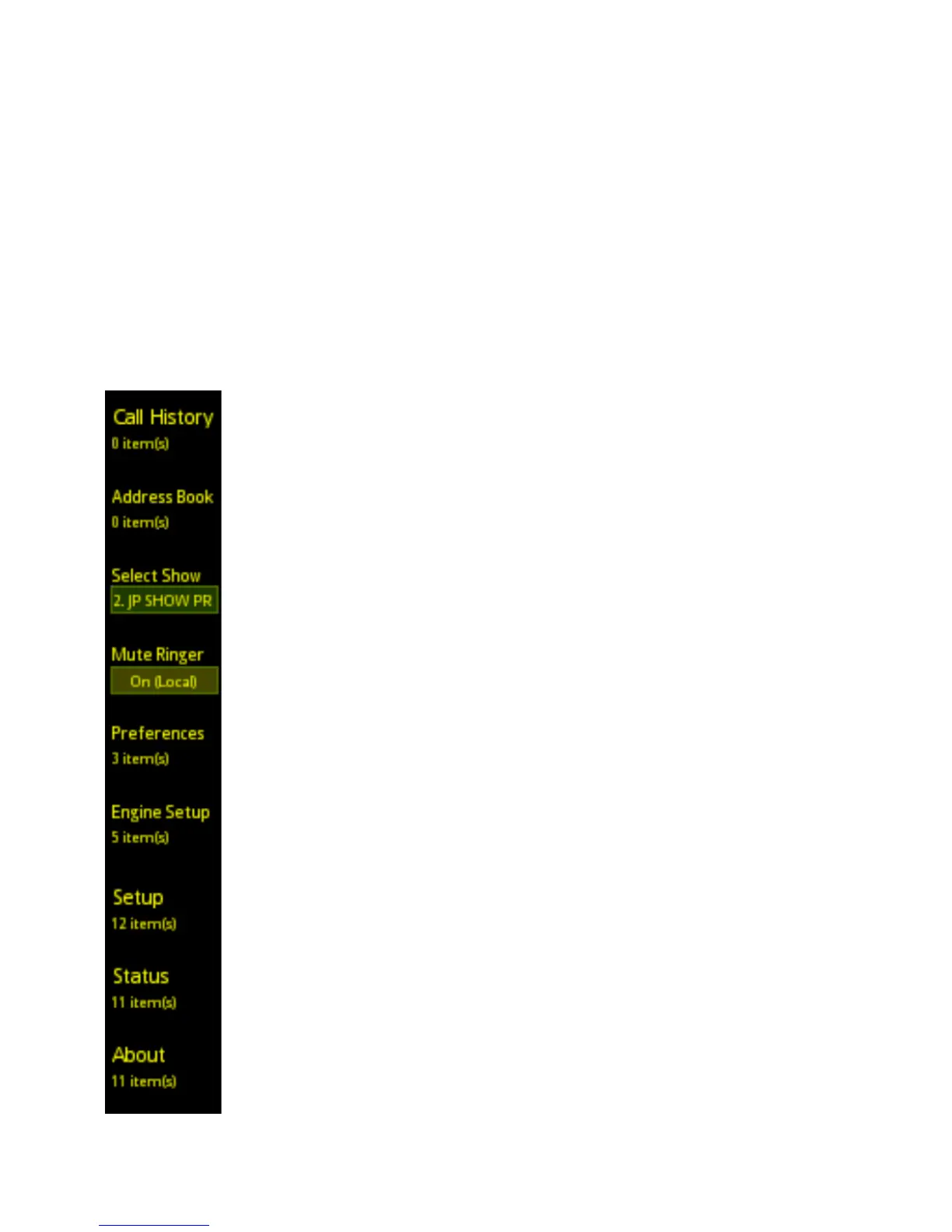
Pressing the Menu Button sends you to the main menu screen. This is where you will find all of the
features and functions that do not appear on the main screen because they will not be used as often.
After pressing the Menu Button, the menu screen will appear on the display and the Menu Button will
illuminate.
Selections from the menus are made using the corresponding line keys to the left of the items in the
display.
Call History
Select this item and you will be presented with a call history for the talkshow system to which the
VSet is connected. The Call History will include out-bound, in-bound, and missed calls from all VSets
connected to the same system. This list is cleared when the main talkshow system is rebooted or if the
call history is cleared within the talkshow system.
Address Book
The address book in the VSet is created within the talkshow system to which the VSet is connected.
Please refer to the manual for your Vx or Hx/iQ system for entering numbers into the phone book.
Select Show (VX Systems Only)
This item allows you to recall a show configuration that has been set up and stored within the Vx
Engine. Because they are single show systems, there is no show preset function with the Hx6 and iQ6.
For more info about setting up a show, please consult the Vx Engine Manual.
Mute Ringer
This setting allows you to mute the ringers in the VSet phones registered to the same studio as this
controller. “(Local)” means the ringer is muted from a VSet phone / controller in the same studio.
Status and About
These two menu items will display information about the local VSet, that’s the one in front of you. The
Status Screen will tell you things that are happening inside your VSet in real time. This screen can be
used for diagnostics and general information about your VSet on the network. The About Screen is the
about screen. It tells you about the VSet, software, talkshow system, etc.
Give it a look.



 To Next Page