19
uSing tHe
ConneCtion
manager
getting onLine
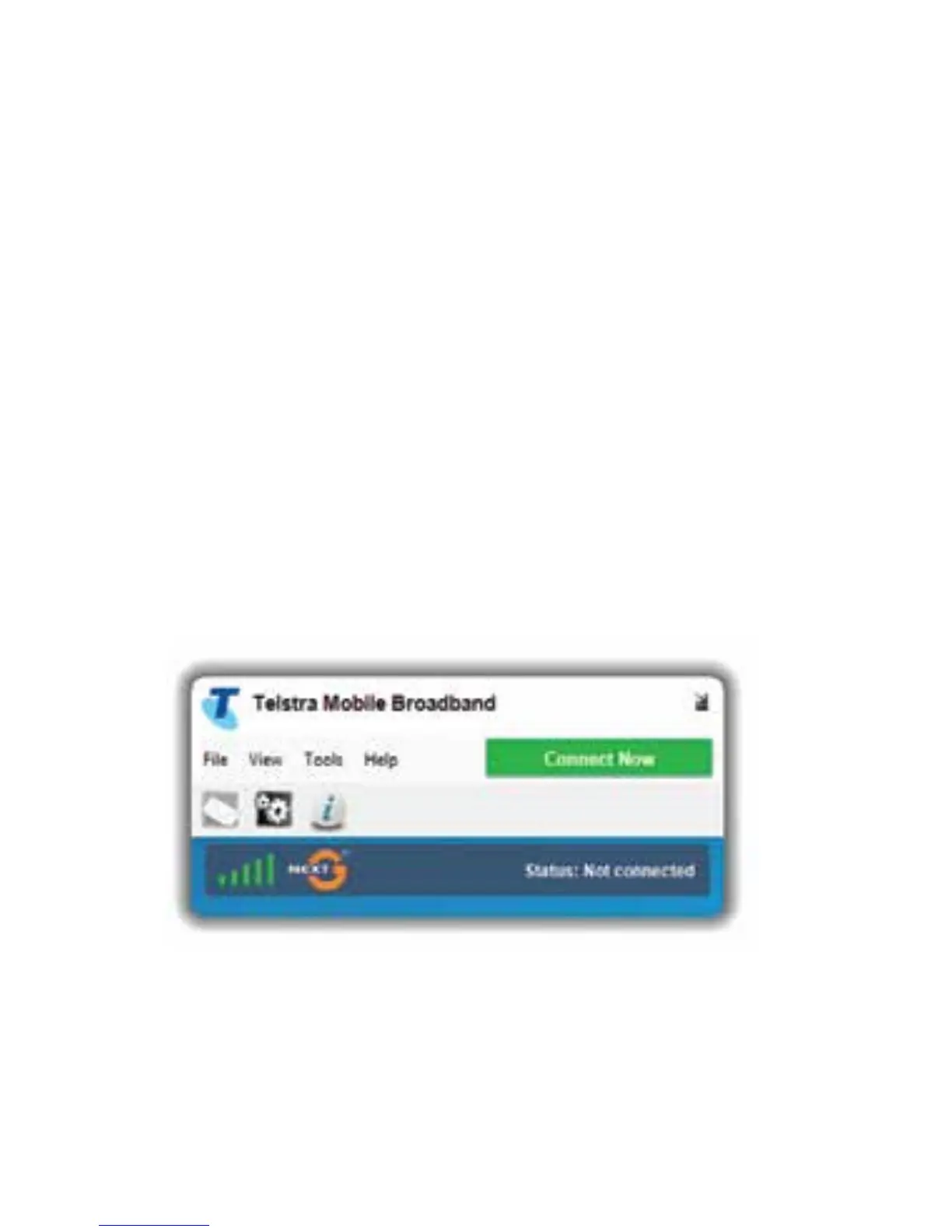
OncetheConnectionManagerhasloadedup
you will be able to click Connect Now.
WhenevertheUSBdeviceispluggedinto
yourcomputertheConnectionManagerwill
automatically launch. Alternatively double click
theshortcutonyourdesktopcalledMobile
BroadbandManager.














 To Next Page