8
LED INDICATORS
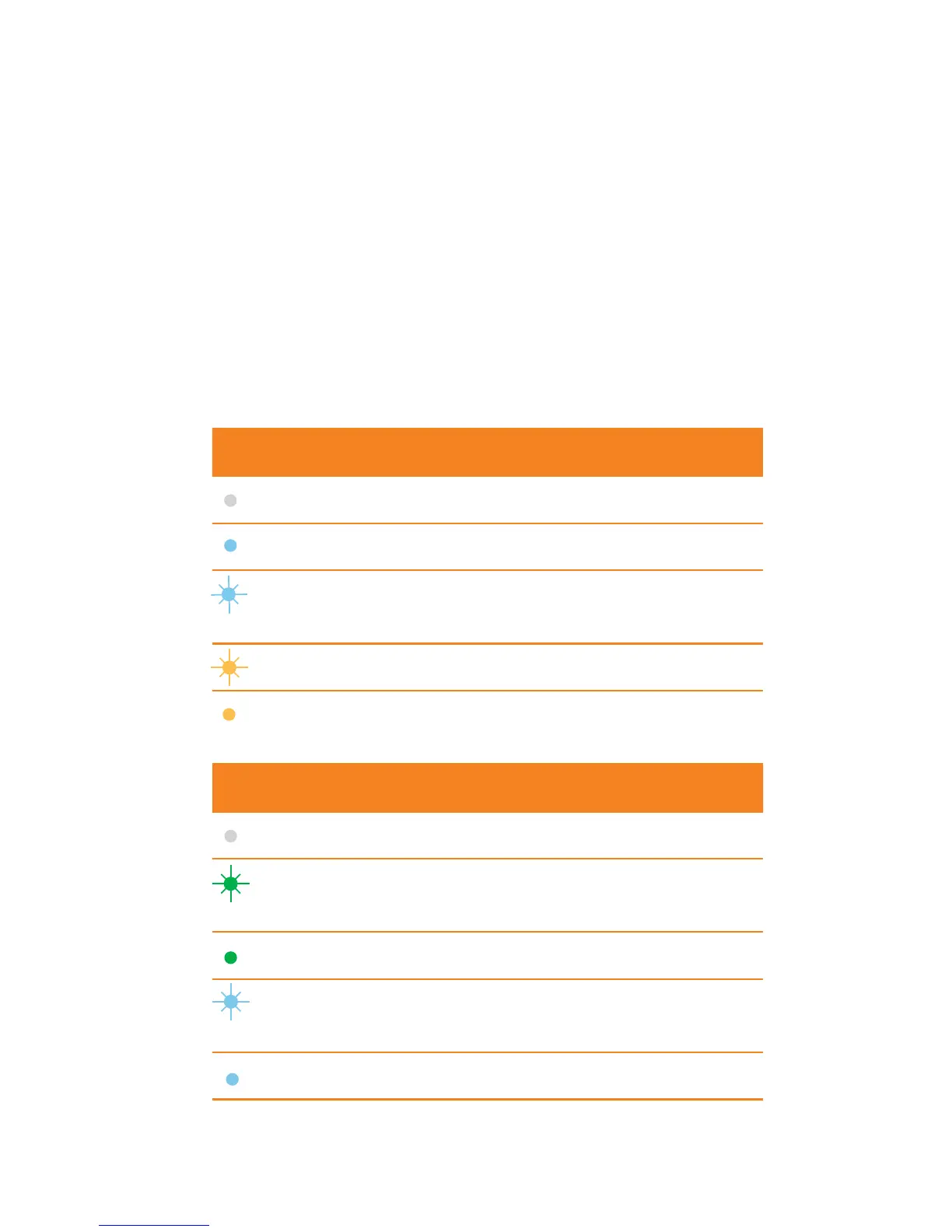
TheLEDindicatorsshowsthestatusofthe
device and indicates when you are sending or
receiving data by a solid indicator.
Power LED Indicator Status
Off Off
SolidBlue Workingnormal
BlinkingBlue Updatesinprogress.Do
notremoveUSB
BlinkingAmber Searchingfornetwork
Solid Amber Error.Couldnotinitialise.
OfflineMode
Data LED Indicator Status
Off Couldnotfindnetwork
BlinkingGreen Found4Gnetwork.Ready
to connect
Solid Green Connectedto4Gnetwork
BlinkingBlue Found3Gnetwork.Ready
to connect
SolidBlue Connectedto4Gnetwork














 To Next Page