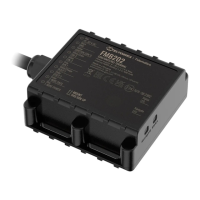
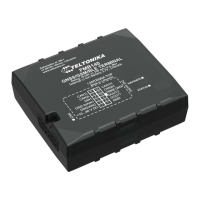
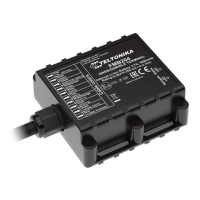
Set up your device
How to insert Micro-SIM card and
connect the battery
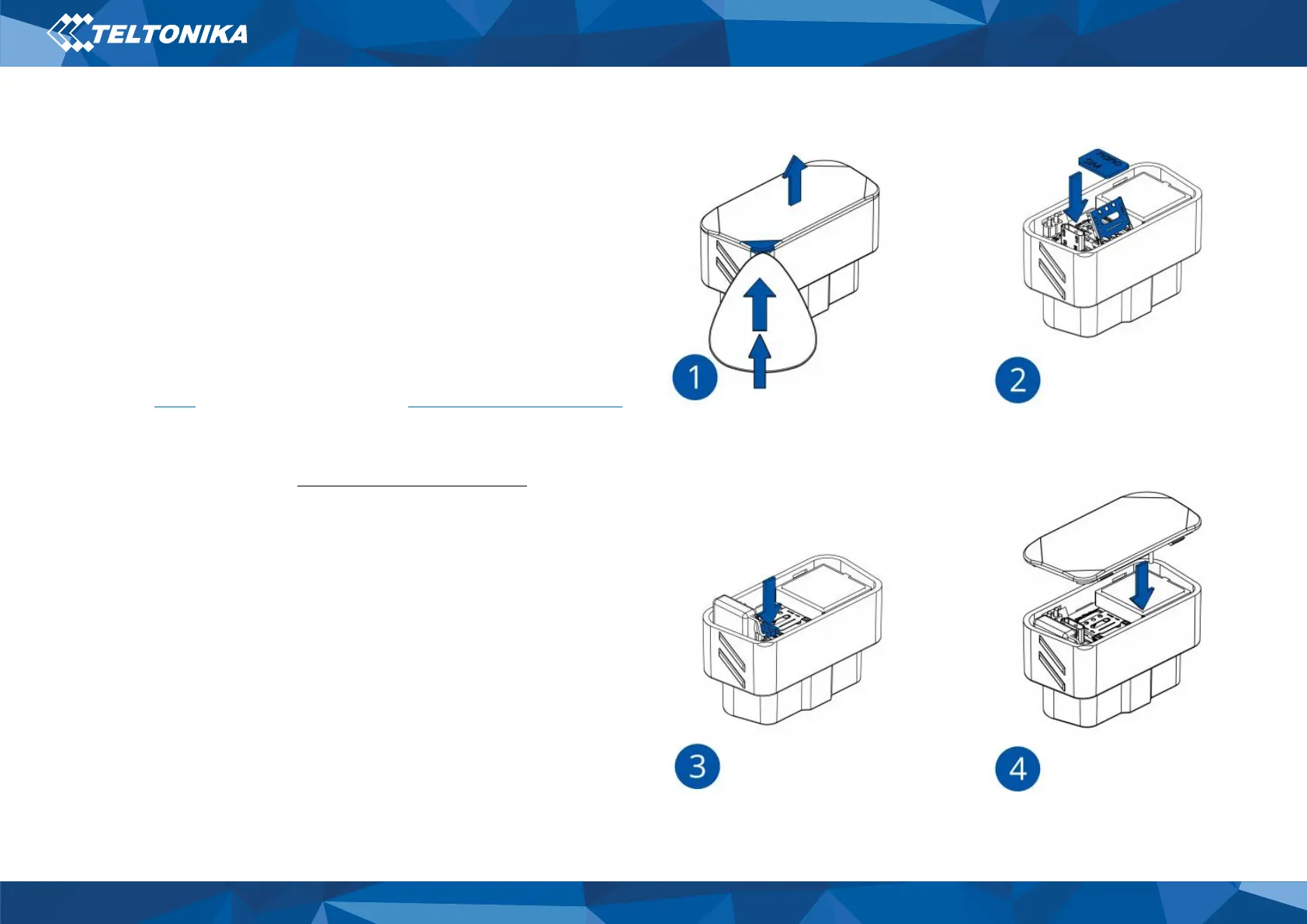
1. Open the top cover of the device. Cover is opened by unclipping
it at the recessed corner.
2. Insert Nano-SIM card as shown with PIN request disabled or
read our Wiki how to enter it later in Teltonika Configurator.
Make sure that Nano-SIM card is fitted properly into the holder.
3. Connect the battery as shown to device.
4. After configuration, see “PC Connection (Windows)”, attach
device cover back.
Device is ready to be mounted.
Figure 4 Device case removal


 To Next Page