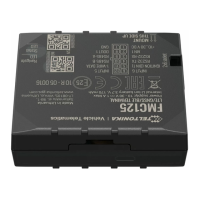
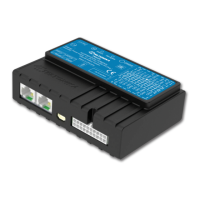
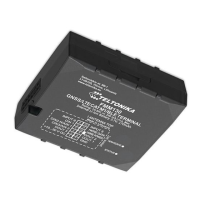
Quick Manual v2.2 // FMC640
6
SIM card insertion/
removal must be
performed when device
is powered o – external
voltage and internal
battery disconnected. Otherwise SIM
card might be damaged or device will
not detect it.
FMX6 devices use Standard
size SIM cards for SIM1
and SIM2. Currently most
of the SIM cards provided
by operators can be disassembled into 3
parts - Standard/Micro/Nano. Depending
on the SIM card construction - during
device usage in harsh conditions, SIM
assembly might come apart which
causes instability when connecting to
operator.
To avoid such risk:
1. If possible - ask operator for
Standard SIM card with solid
construction (not pre-cut to 3 parts)
2. Do not use SIM cards that were
previously disassembled (SIM was
taken apart previously)
3. If you plan to use only one SIM card
- insert it into SIM1 slot (lower slot)
- this ensures greater pressure on
SIM contacts as the contact bed is
pushed by PCB.
When 2 SIM cards are used
simultaneously risk is mitigated as
well - when SIM1 is inserted, a greater
pressure is applied for SIM2, so SIM
parts are harder to come lose.
SET UP YOUR DEVICE
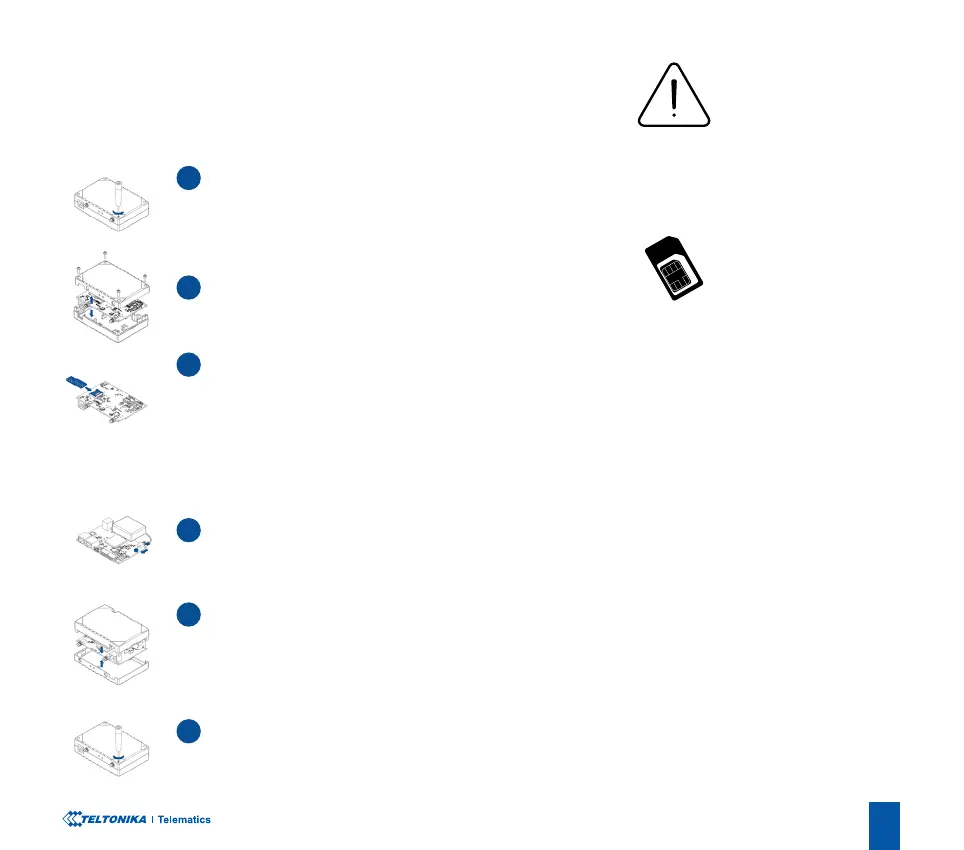
HOW TO INSERT MICRO-SIM CARD AND CONNECT THE BATTERY
1
UNSCREW SCREWS
Unscrew 4 screws counterclockwise that are located on the
bottom of the device.
4
BATTERY CONNECTION
Connect battery as shown to device.
2
COVER REMOVAL
Remove the cover
5
ATTACHING COVER BACK
After conguration, see “PC Connection (Windows)
1
”, attach
device cover back.
1
Page 7 "PC Connection (Windows)
3
SIM CARD INSERT
Insert SIM card as shown with PIN request disabled or read
Security info
1
how to enter it later in Teltonika Congurator
2
.
Make sure that SIM card cut-o corner is pointing forward to
slot. SIM slot 1 is closer to PCB, SIM slot 2 is the upper one.
1
wiki.teltonika.lt/view/FMB641_Security_info
2
wiki.teltonika.lt/view/Teltonika_Congurator
6
DEVICE IS READY
Screw in all screws. Device is ready to be mounted.
3 in 1
SIM


 To Next Page