Quick Manual v2.2 // FMC640
7
PC CONNECTION (WINDOWS)
HOW TO INSTALL USB DRIVERS (WINDOWS)
1. Please download COM port drivers from here
1
.
2. Extract and run TeltonikaCOMDriver.exe.
3. Click Next in driver installation window.
4. In the following window click Install button.
5. Setup will continue installing the driver and eventually the conrmation window will appear. Click Finish to complete the
setup.
1
teltonika-gps.com/downloads/en/FMC640/TeltonikaCOMDriver.zip
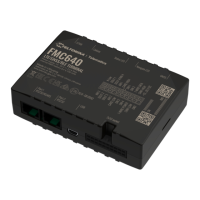
1. Power-up FMC640 with DC voltage (8 – 32 V) power supply using supplied power cable. LED’s should start blinking, see “LED
indications
1
”.
2. Connect device to computer using Micro-USB cable or Bluetooth connection:
• Using Mini-USB cable
• You will need to install USB drivers, see “How to install USB drivers (Windows)
2
”
3. You are now ready to use the device on your computer.
1
wiki.teltonika-gps.com/view/FMC640_LED_status
2
Page 7, "How to install USB drivers"


 To Next Page