•
Press to increase setting temperature by 1
o
.
Temp.
Down
•
Press to decrease setting temperature by 1
o
.
Temp.
Range
Set
•
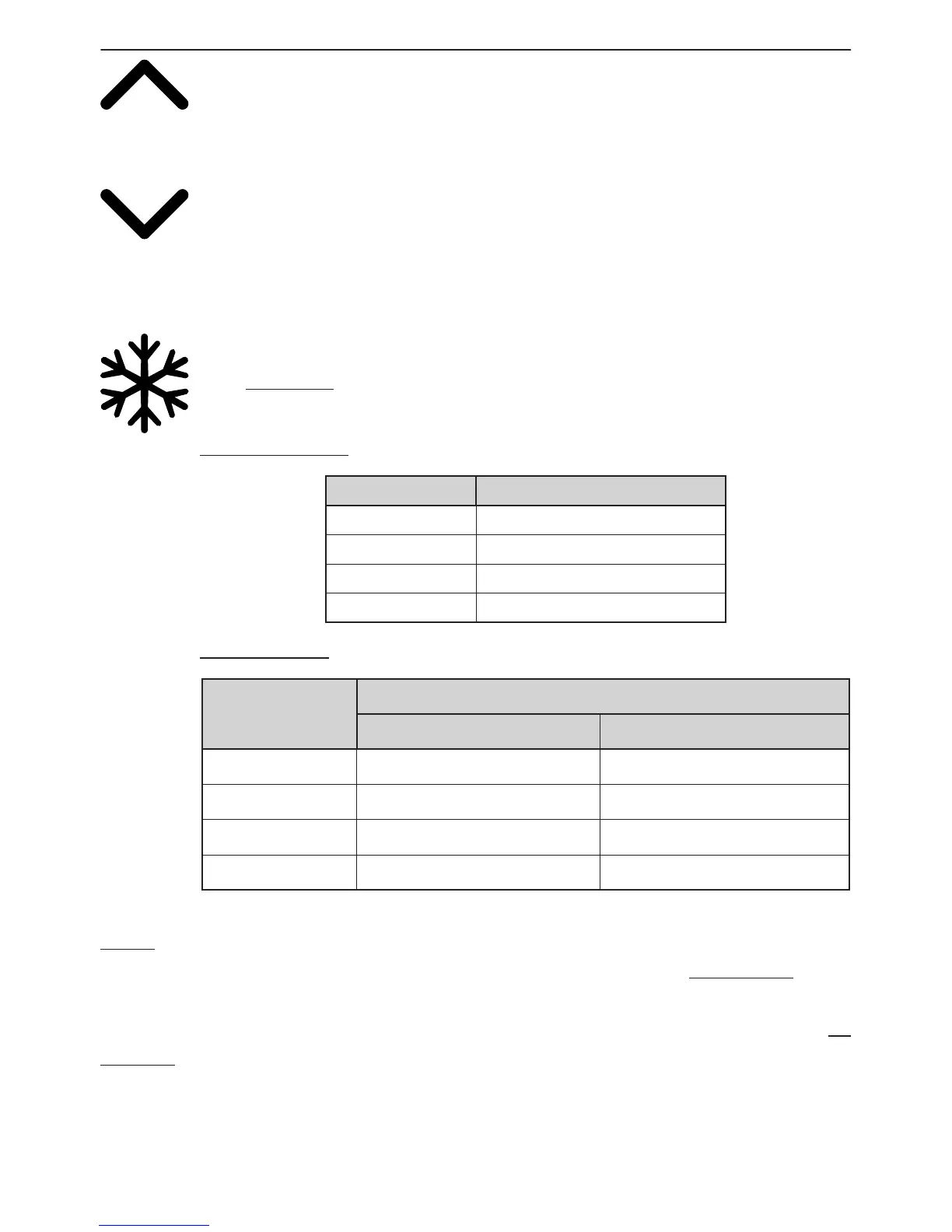
Press to change the temperature set-range among E, F, H, L, and leave it
for 3 seconds to conrm your option. Your wine cellar is originally set as “
E
”,
the ideal temperature for the storage of red wine.
For Single Zone:
Display Temp.Range
E (Default) 5 - 22 °C (41
ºF-72ºF)
F 2 - 20 °C (36
ºF-68ºF)
H 10 - 19 °C (50
ºF-66ºF)
L 0 - 20 °C (36
ºF-68ºF)
For Dual Zone
Display
Temp.Range
Upper Zone Lower Zone
E (Default) 5 - 12 °C (41
ºF-54ºF)
12 - 22 °C (54
ºF-72ºF)
F 2 - 12 °C (36
ºF-54ºF)
12 - 20 °C (54
ºF-68ºF)
H 5 - 12°C (41
ºF-54ºF)
8 - 19 °C (46
ºF-66ºF)
L 2 - 10 °C (36
ºF-50ºF)
12 - 22 °C (54
ºF-72ºF)
Note:
The control panel will lock automatically when left untouched for 15 seconds. Make
sure to unlock the control panel before setting. With the exception of the power button,
all other buttons’ back light will turn o when the control panel is left untouched for 15
seconds.



 To Next Page