Rev. 00 / 10.02.14
Slowing Down and Stopping
Activate retarder brake in stead of
applying service brake on descends
to slow down.
Auxiliary brake systems cannot pro-
vide sufcient braking power to
stop the vehicle. Stop the vehicle
by applying service brake and then
shift to “Neutral”.
INFORMATION
These auxiliary brakes al-
low the vehicle to be slowed
smoothly and almost free of
wear.
WARNING
•
Do not stop the engine
imme dia tely after stopping
the vehicle. Run the engine
in idle position for 3 minutes
to allow the proper cooling
and then stop the engine.
•
Never allow unauthorized
peo ple to drive the vehicle.
Remove the ignition key be-
fore leaving the vehicle.
INFORMATION
Switch off the ignition when
the vehicle is not used for lon-
ger periods. This will reduce
fuel consumption.
WARNING
Never switch off the ignition
while driving. This may cause
the steering wheel to lock up.
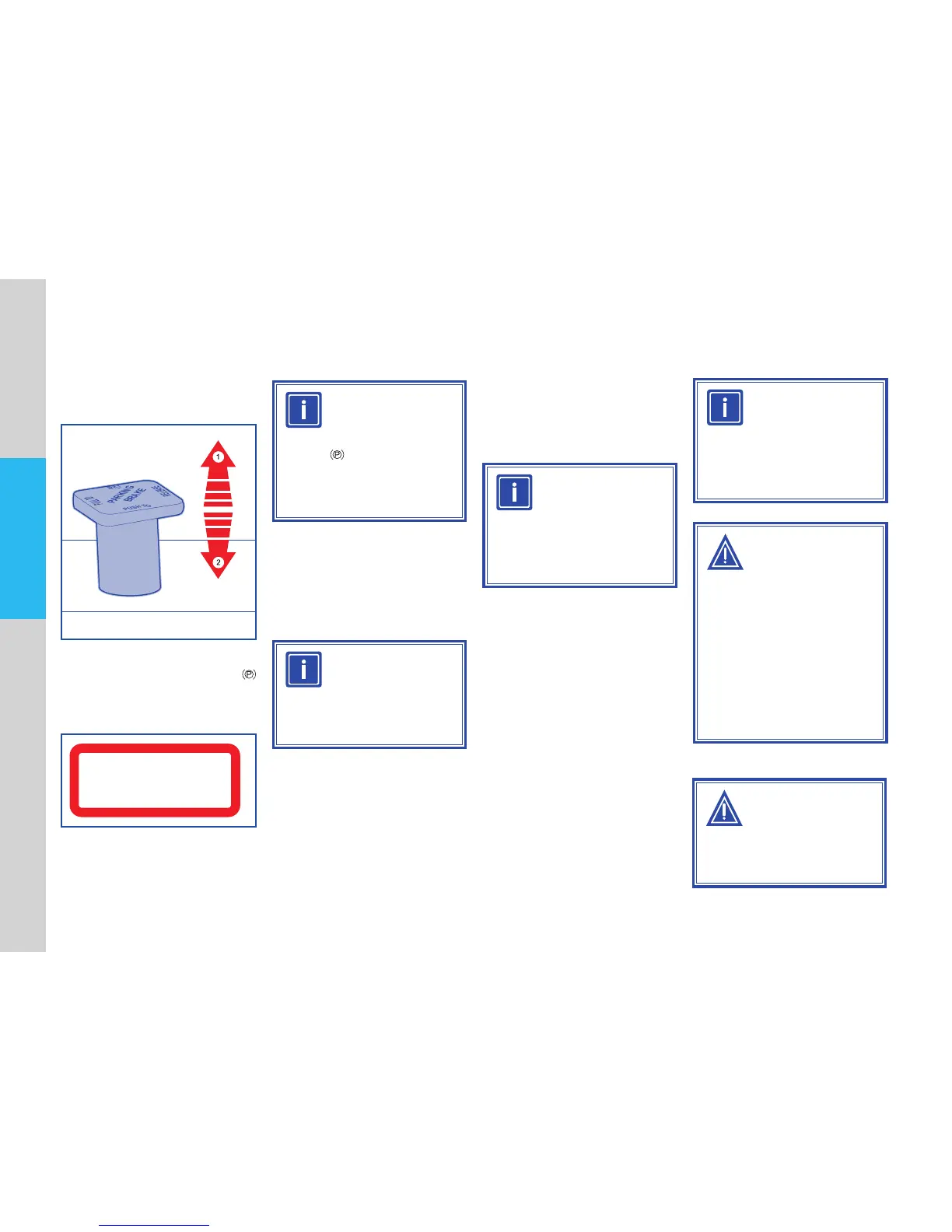
Push the brake lever downwards to
release the parking brake.
Vehicle is ready for driving. Release
the service brake pedal gently.
Check that brakes function properly
before starting to drive.
Release the parking brake after
starting the engine. Check that
parking brake symbol located on
instrument panel is off.
PARKING
BRAKE
PUSH TO
RELEASE
APPLY
PULL TO
HAND BRAKE RELEASE
USE TEMPORARY ONLY
DURING BRAKE FAILURE
INFORMATION
Air is intended as an aid for
brakes. The parking brake
symbol does not extinguish
until the required pressure of
the tank is reached.
INFORMATION
Your safety, engaging the gear
is not allowed unless service
brake pedal is applied.
4.2 Driving


 To Next Page