2
1
3
Apply TENA product
on the resident
13
en
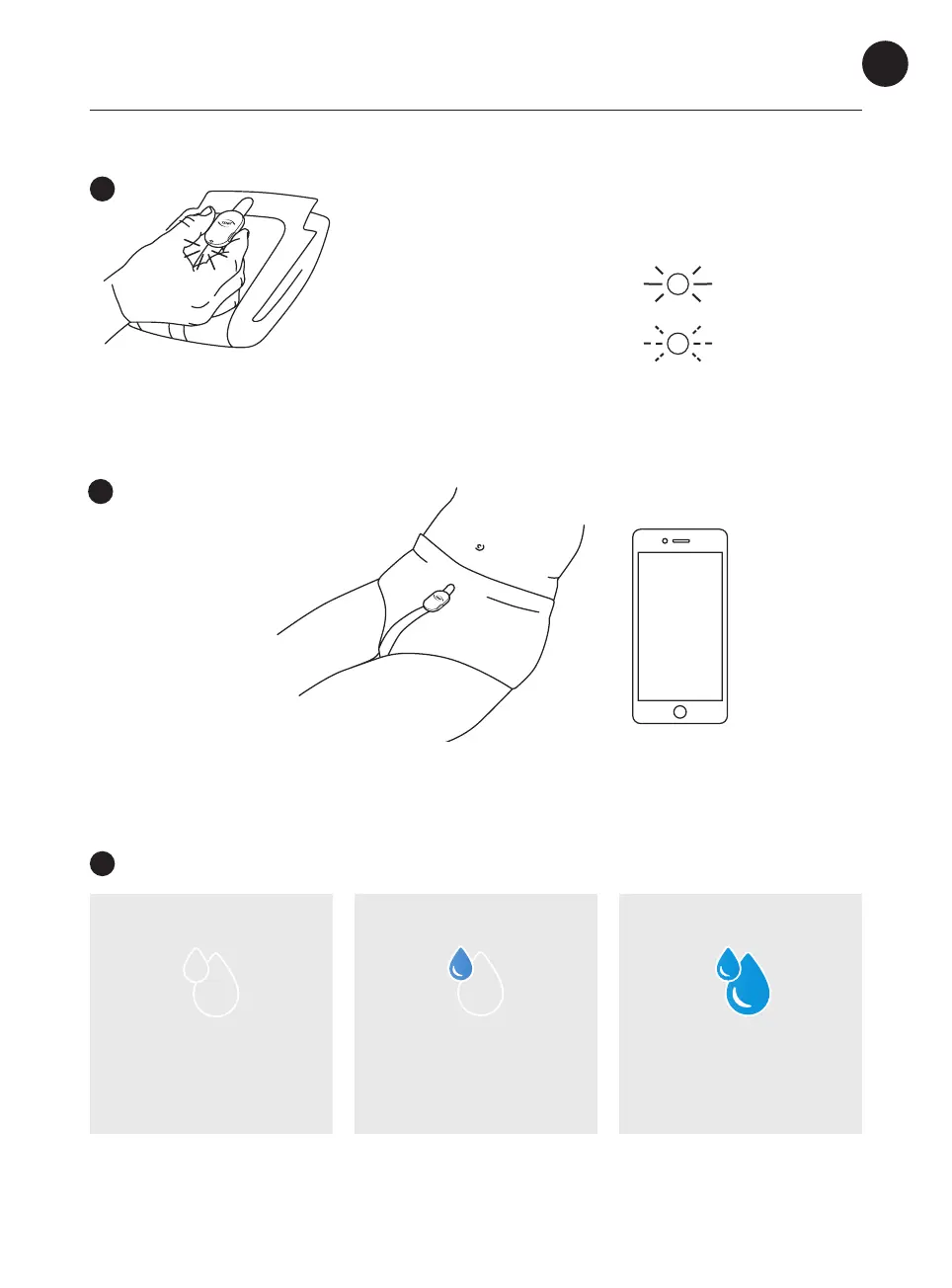
Blinking light:
Change battery, see page 21
For explanations of app notications, see page 8.
Apply the TENA absorbent
product with the Change
Indicator on your loved one.
Steady light for a few seconds:
Continue
Press both buttons simultaneously for two seconds at every
change. This records the change of incontinence product in
the TENA SmartCare Family Care app.
Use the Change Indicator
DRY
– no action needed
SOME URINE
– no action needed
WET
– consider change
TENA
SmartCare
Family Care
app



 To Next Page