23
en
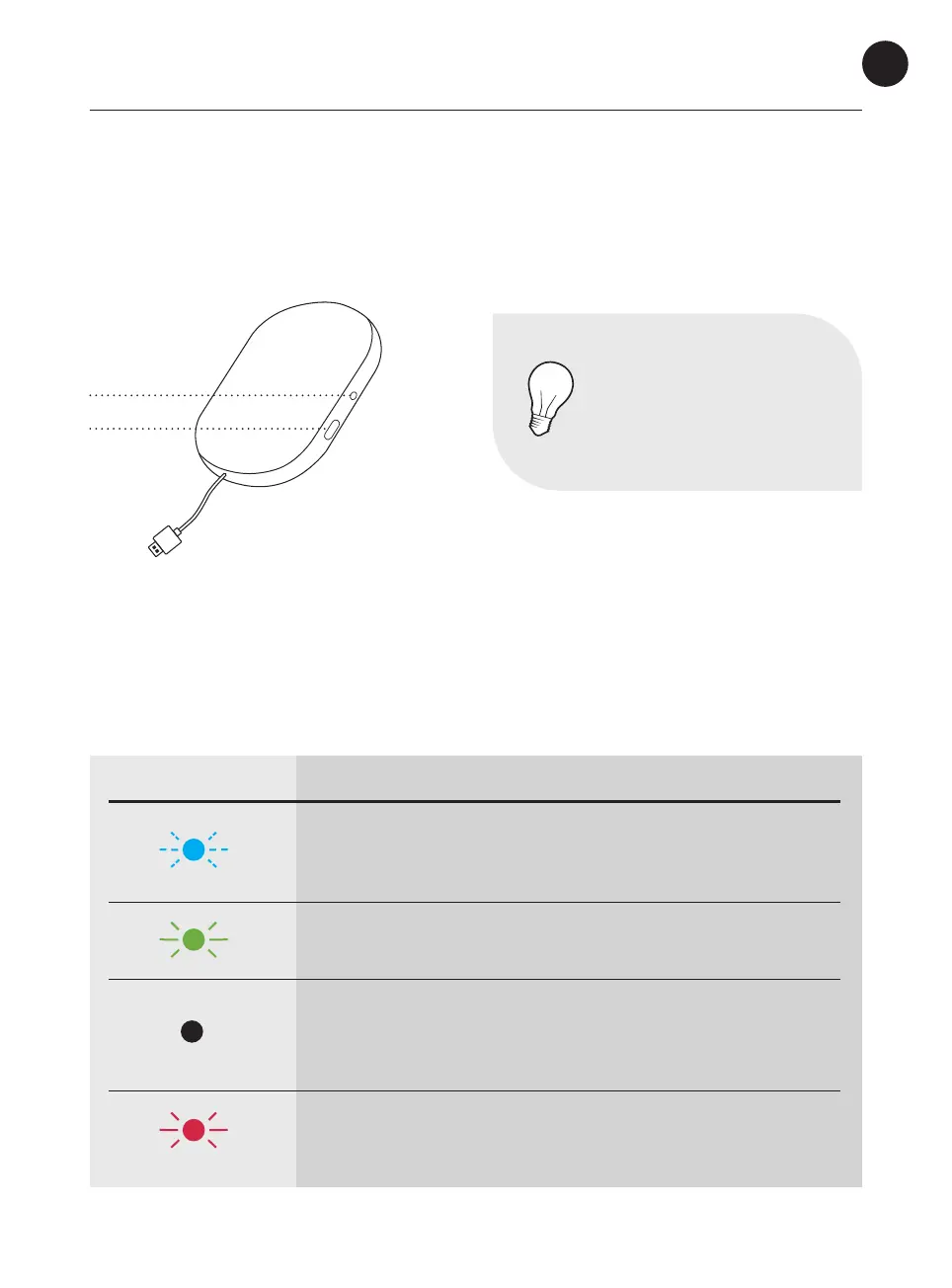
Gateway lights & buttons
NOTE
The LED light can be dicult
to see if exposed to a strong
sunlight, for example. Try to
block the sunlight to improve
readability.
COLOUR LED LIGHT WHAT IT MEANS
Blinking blue light:
Wait. The system is connecting.
Allow up to 60 seconds for the light to start blinking.
Steady green light:
Everything is OK. Allow up to 60 seconds for the light to turn
green.
No light:
Green light disappears after a while and the system goes into
dark mode. Push the button to see if it has power and network
connection. If no light appears, check the power connection.
Steady red light:
Error. See p. 25–29 for more information.
Gateway installation
After attaching the gateway to a power outlet:
LED light
Button


 To Next Page
 Loading...