Steady light
= connected
Blinking light
= connecting
No light
= OK
1
2
3
5
4
9
en
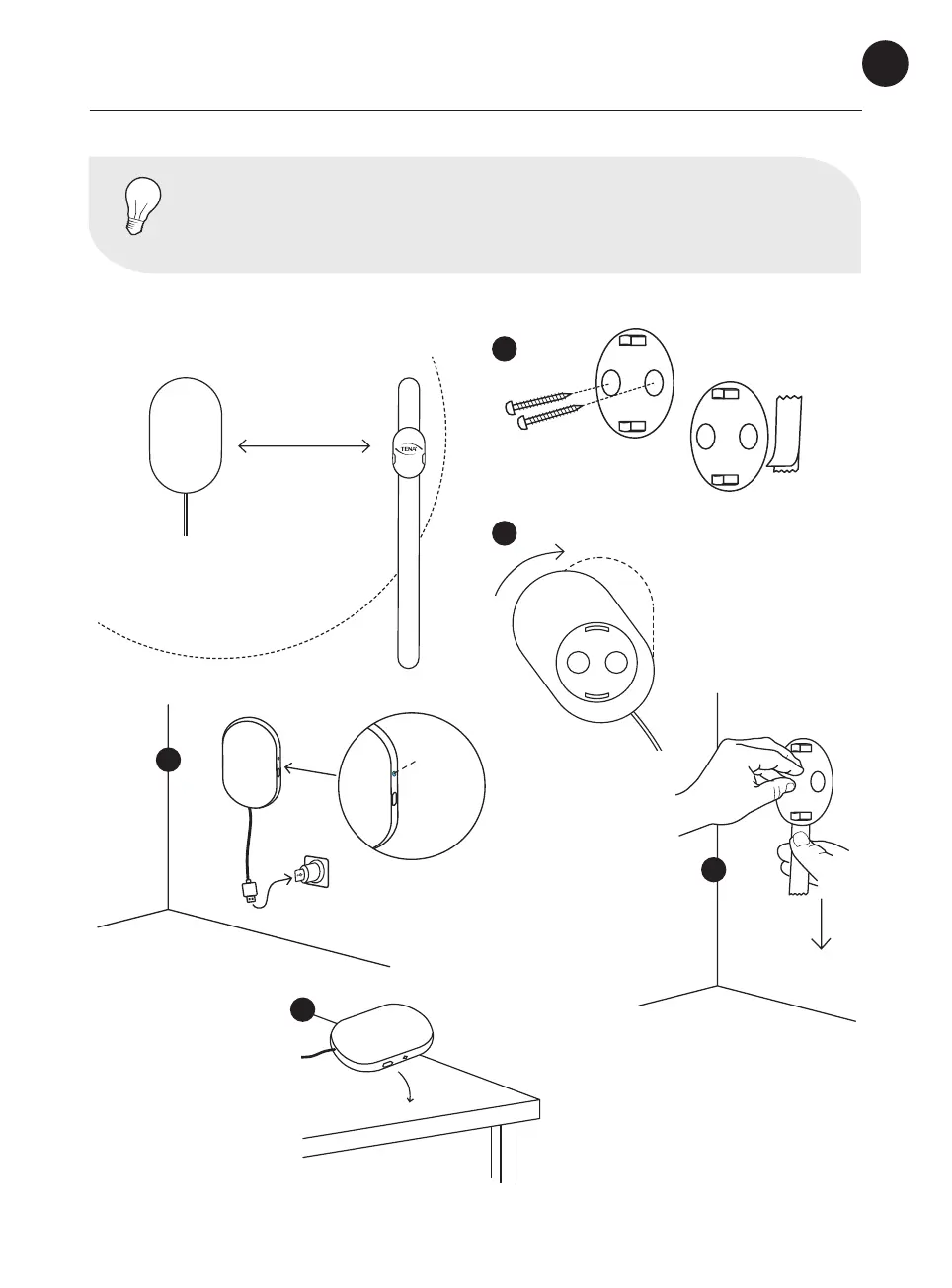
Set up the gateway
NOTE
The Change Indicator must be within 10 m/33 ft from a gateway to be
monitored by the system.
Placement
Click!
You can also place the
gateway on a at surface
Screws or
adhesive strip
10 m/ 33 ft
Light
See page 23
Gateway lights
& buttons
Removal of the item: Grab
removal tab and slowly slide
the tab straight down against
the wall stretching the tape
at least 6 inches (15cm) until
item releases from the wall



 To Next Page