32
PHASE-SHIFT KEYING (PSK) MODULATION
• In PSK, you can congure the Generator to shift
the output phase between present phase values
(carrier phase and modulating phase).
• The logic high/low level of modulation signal
determines the output of the carrier/modulating
phase.
• CH1 and CH2 of the Generator can be
modulated independently with modulation types
applied with the same one or different ones.
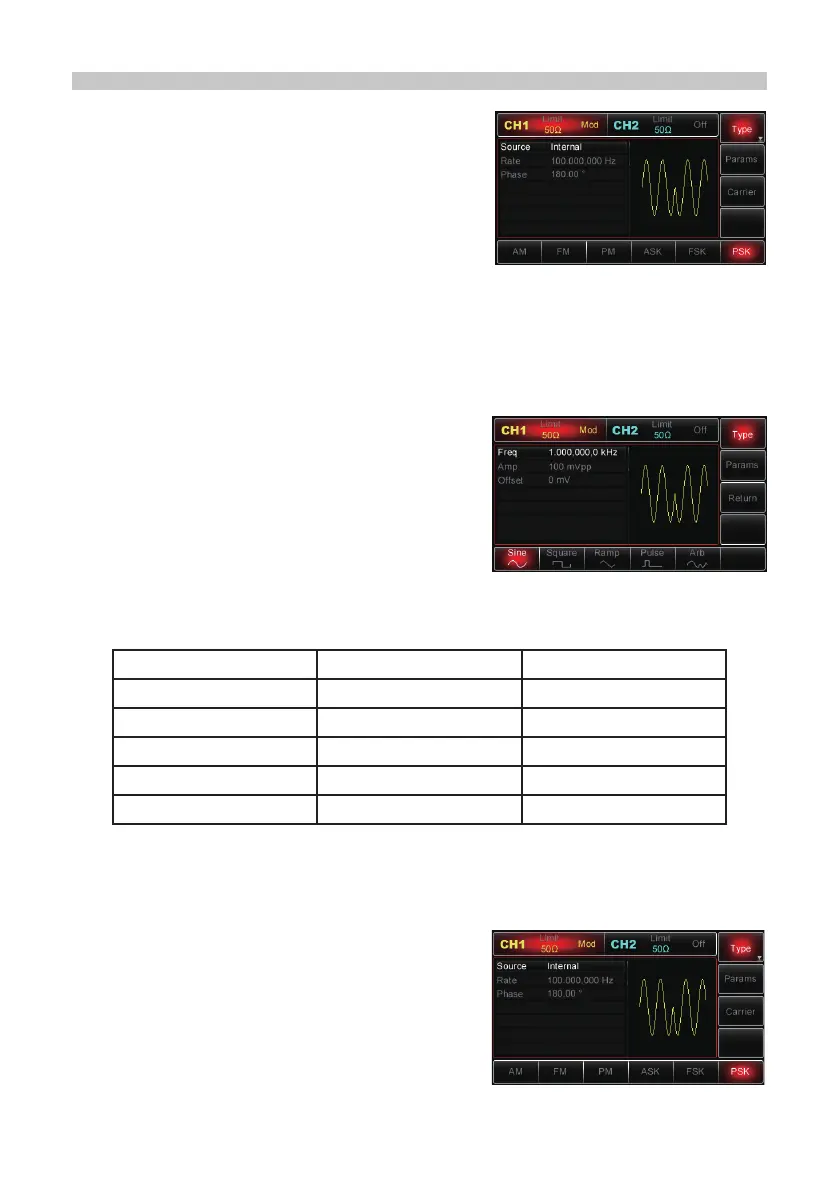
Selecting PSK
• Press Menu→Mod→Type→PSK to enable PSK function. With PSK enabled, the
Generator will output the modulated waveform according to the phase of current
carrier (defaults at 0° and cannot be changed) and modulation phase.
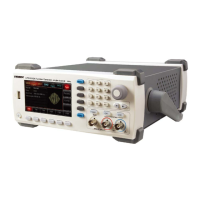
Selecting the Carrier Wave
• The PSK carrier wave can be: sine wave,
square wave, ramp or arbitrary wave (except
DC). It is a sine wave by default.
• When PSK is selected, press the Carrier
softkey to access carrier wave to choose.
Setting Carrier Frequency
• Carrier frequency ranges could be different and depend on different carrier waves.
• The default is at 1kHz for all carriers. See the following table for details:
Functions Min. Value Max. Value
Sine 1µHz 25MHz
Square 1µHz 5MHz
Ramp 1µHz 400kHz
Pulse 500µHz 5MHz
Arbitrary 1µHz 5MHz
• To set the carrier frequency, select the carrier waveform rst, then use the
multipurpose knob and direction buttons to set up the parameter or press
Params→Freq softkeys, then enter the desired frequency value and select the
desired unit to nish the setting.
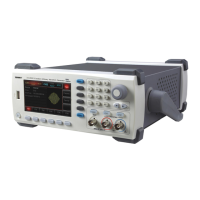
Selecting Modulation Source
• The Generator can offer both an internal and
external modulation source.
• With PSK enabled, the modulation source
defaults to internal source.
• To modify the parameter, turn on the PSK
interface rst, turn the multipurpose knob or
press Params→Mod→Source→Ext softkeys to modify.


 To Next Page