E F
km/h
Motar Oawer
5%
ASSIST
INPUT PASSWORD
0000
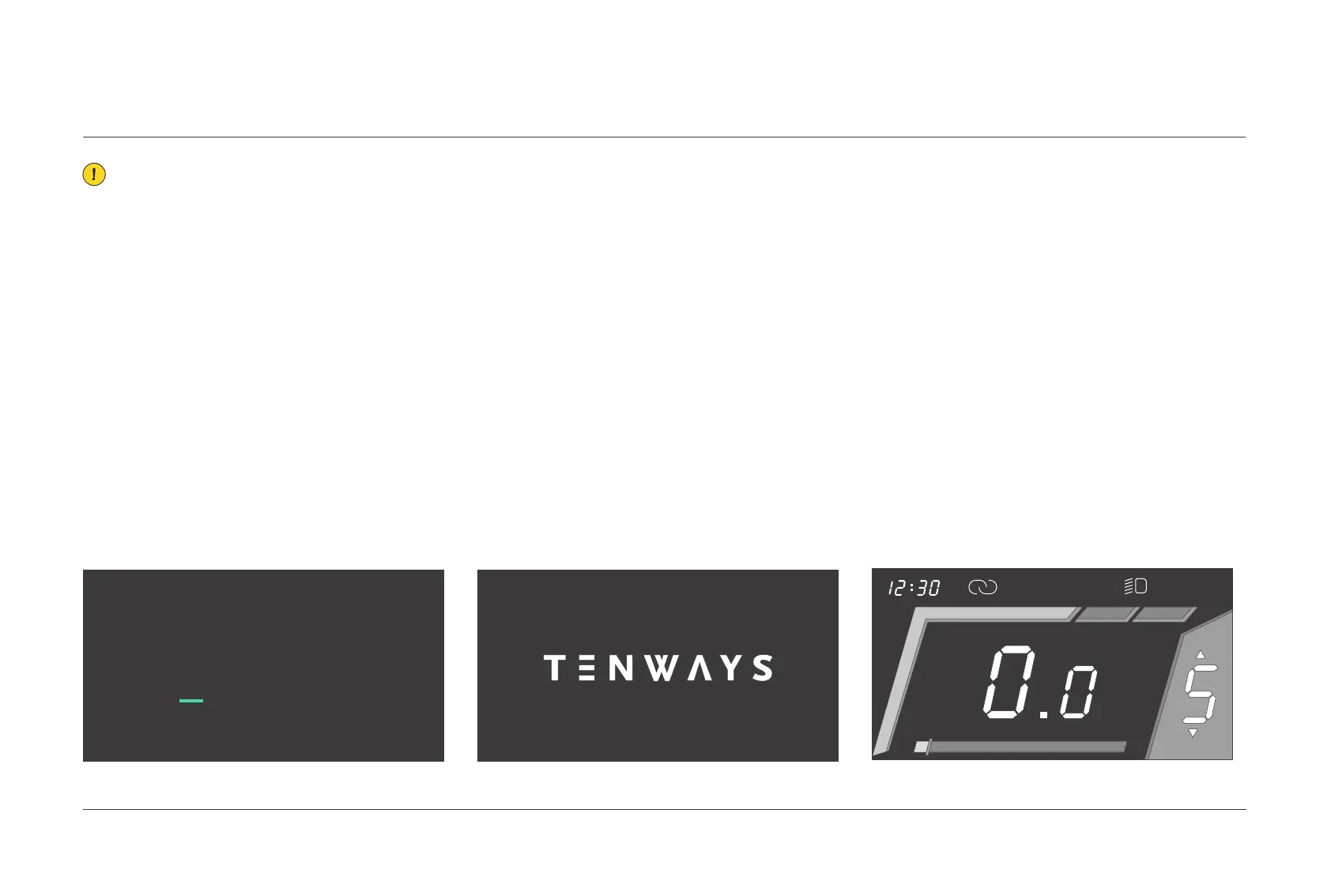
If the display has been configured with
a
passcode, press and hold the
[
Power
]
button
and enter the correct passcode to access the
logo interface; the riding interface will appear
after 2 seconds.
If the display has not been configured
with a
passcode, press and hold the
[
Power
]
button to access the logo
interface; the riding
interface will appear after 2 seconds.
4.1
Turn the display on/off
In power-on state, press and hold the [ Power ]
button to turn off the display.
Note: Please only take the display operations mentioned in this manual as a
reference, as the actual interface may be slightly different if the software gets
updated later. If you have any questions, please email support@tenways.com.
04.
OPERATION METHODS
022 Display operations



 To Next Page