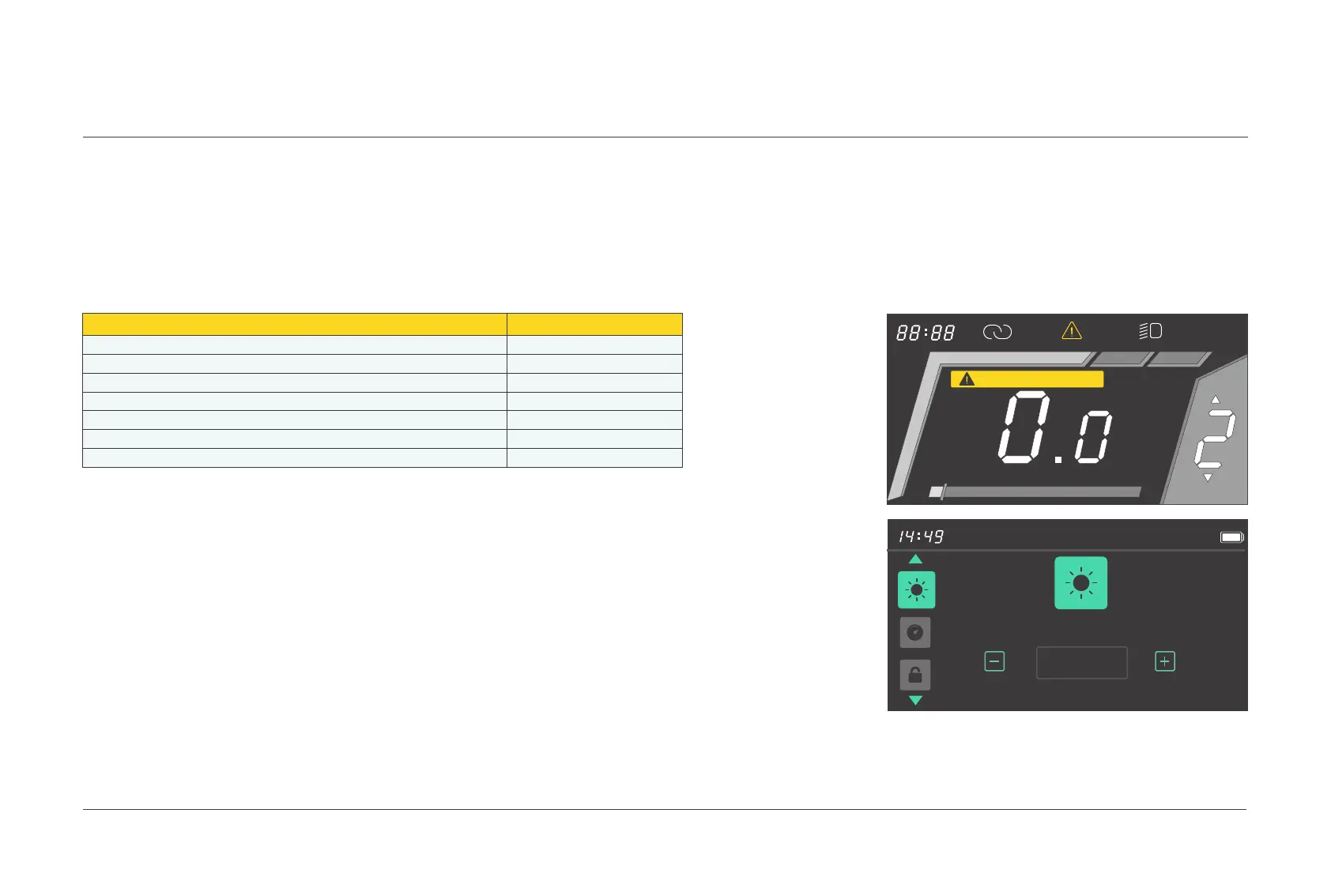
Press and hold the
[
+
]
and
[
-
]
buttons simultaneously for 1s to enter the
user menu interface. You can set the speed limit, data
units, auto power-off
time, and backlight brightness on this interface.
The system returns to the riding interface automatically if no
operation
is performed on the user menu interface for more than 60s.
Description
Error code
The current is abnormal or the MOS tube is damaged
Handlebar abnormalities
Motor phase loss
Abnormal hall signals of the motor
Brake abnormalities
Undervoltage
Communication errors
Overcurrent Error
Throttle Hall Error
Motor Phase Error
Motor Hall Error
Brake Error
Undervoltage Warning
Communication Error
4.6 Error codes
Common error codes ( The following
information is only for reference.
If
you see an error code,
please contact TENWAYS at support@tenways.com ):
04.
OPERATION METHODS
E F
Communication Error
km/h
5%
ASSIST
1
Backlight Brightness
100%
025 Display operations



 To Next Page