30
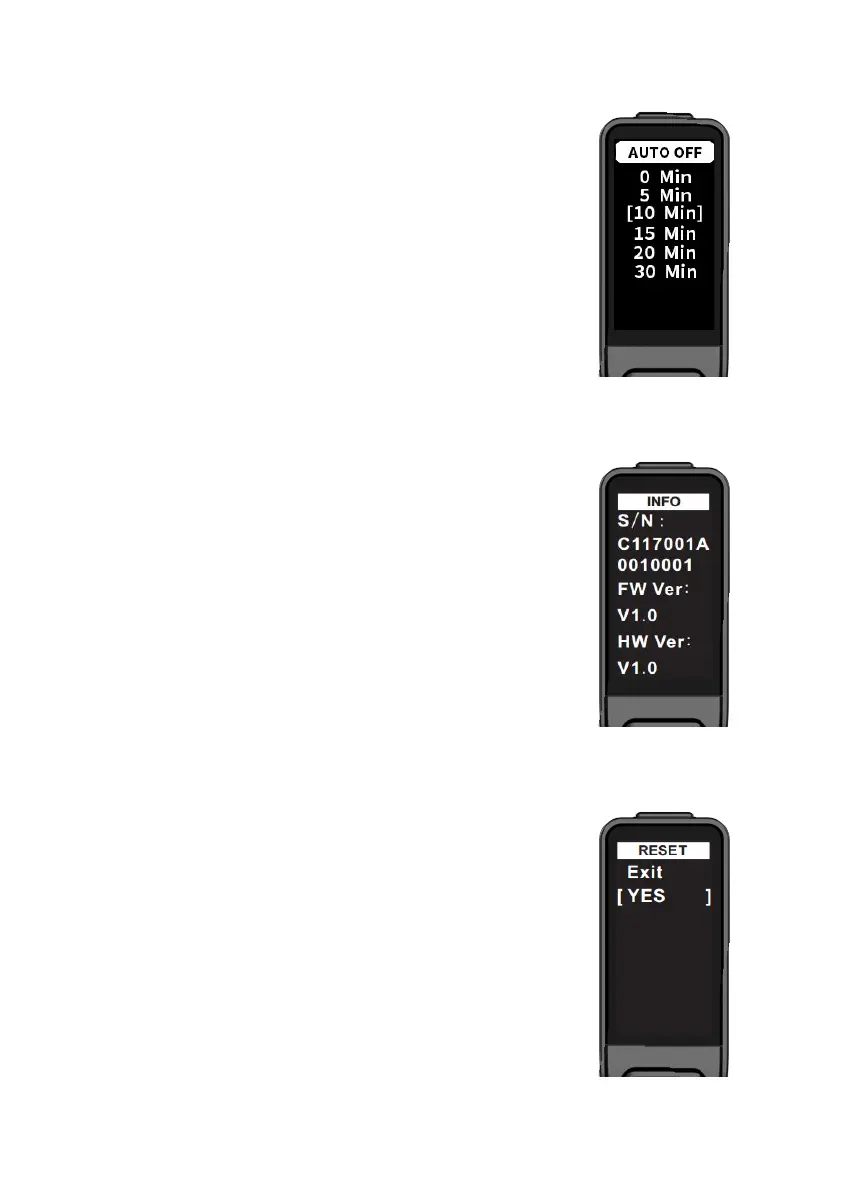
4.5. Auto off time
Press Up button / Down button in the auto off interface
to select the off time (by default, it's 5 minutes); short
press Function button to save and return to the settings
interface.
The interface is shown on the right.
4.6. System Information
Short press Function button in the system information
interface to return to the settings interface.
S/N : Device serial number
FW Ver : Firmware version number
HW Ver : Hardware version number
The interface is shown on the right.
4.9. Restore factory settings
To restore factory settings, press Up button / Down button
to select the setting; select YES, and then short press
Function button to restart the display and restore settings
to factory defaults; select Exit to exit this page and return to
the previous menu.
The interface is shown on the right.



 To Next Page