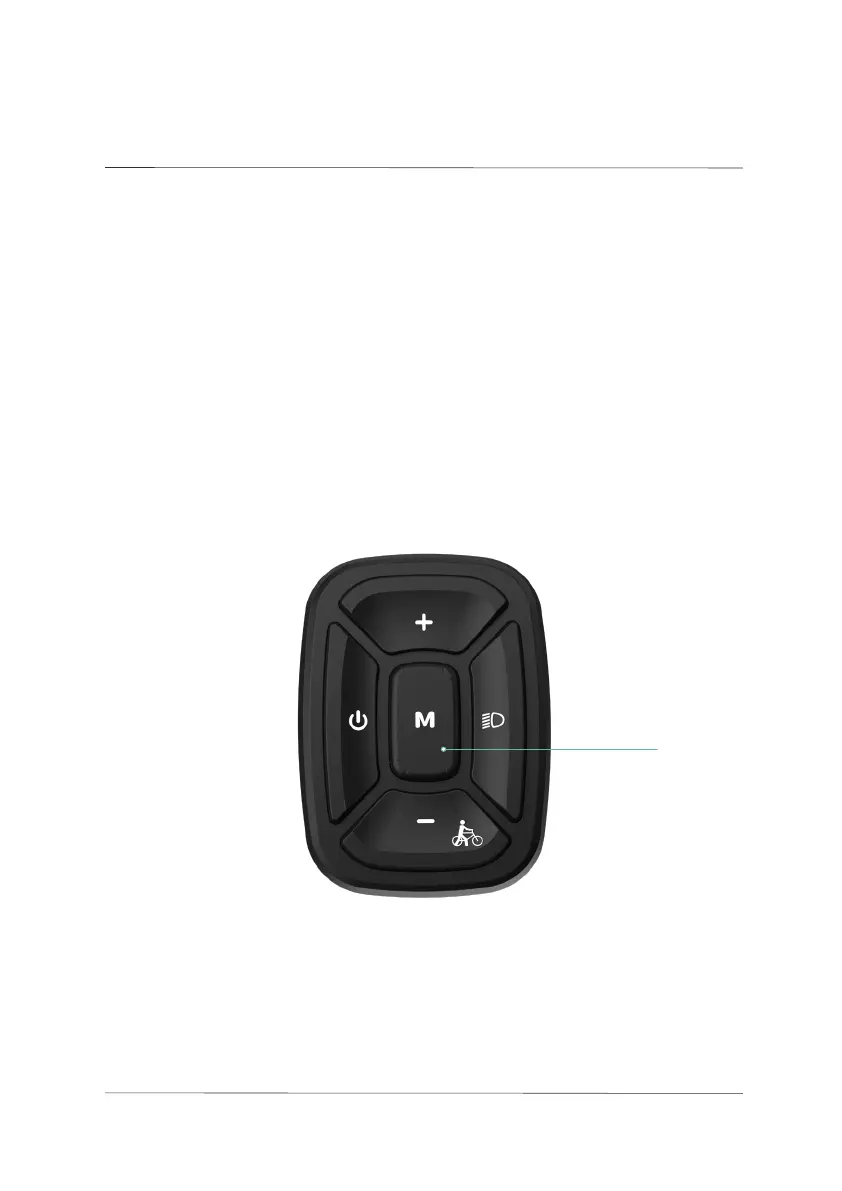
With the display panel powered on and the bike stationary, press and hold
the M button to enter the settings menu. Press the UP/DOWN buttons
to navigate through the settings, short press the M button to access a
sub-setting interface. In these sub-setting interfaces, short press the M
button again to save changes and return to the main settings menu. Press
and hold the M button to exit the settings menu.
M button
034
USER
SETTINGS
05.
User settings



 To Next Page