DE2-115 Demonstration:
◼ Hardware Setting Up
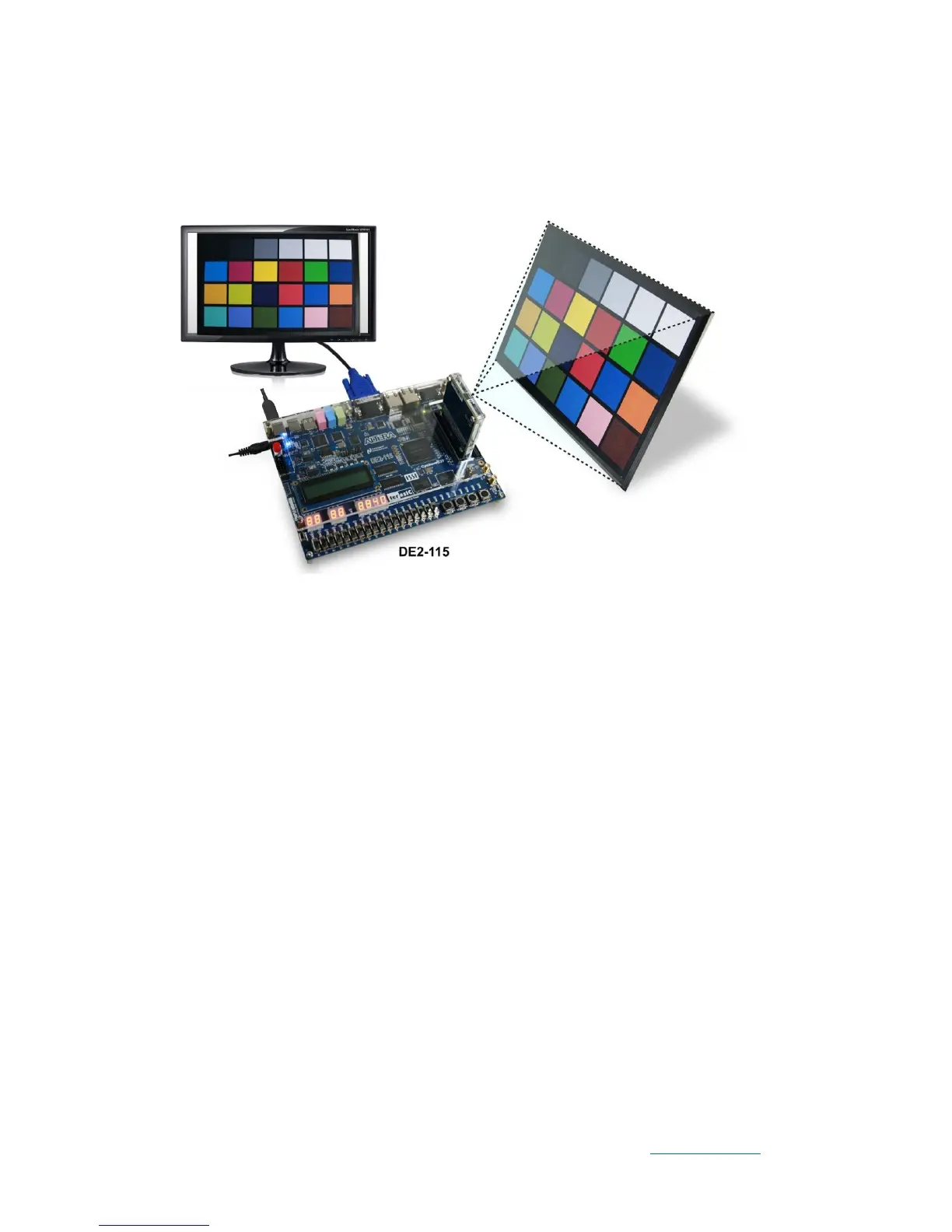
As shown in Figure 4-3
Figure 4-3 DE2-115 demo hardware setting up
◼ Design Tools
⚫ Quartus II v15.0
◼ Demonstration Source Code
⚫ Quartus project directory: DE2_115_D8M_LB_RTL
⚫ Nios II Eclipse project workspace: DE2_115_D8M_LB_RTL.sof
◼ Demonstration Batch File
⚫ Demo batch file folder: Demonstrations\ DE2_115_D8M_LB_RTL \demo_batch
◼ Demonstration Setup
⚫ Connect the DE2-115 board (J9) to the host PC with a USB cable and install the
USB-Blaster II driver if necessary.
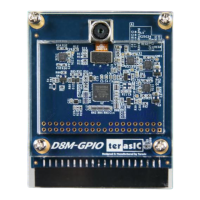
⚫ Plug D8M onto DE2-115 JP5 (GPIO), connect VGA monitor to J13 (VGA) see
Figure 4-3.
⚫ Plug the 12V adapter to DE2-115 Board.


 To Next Page