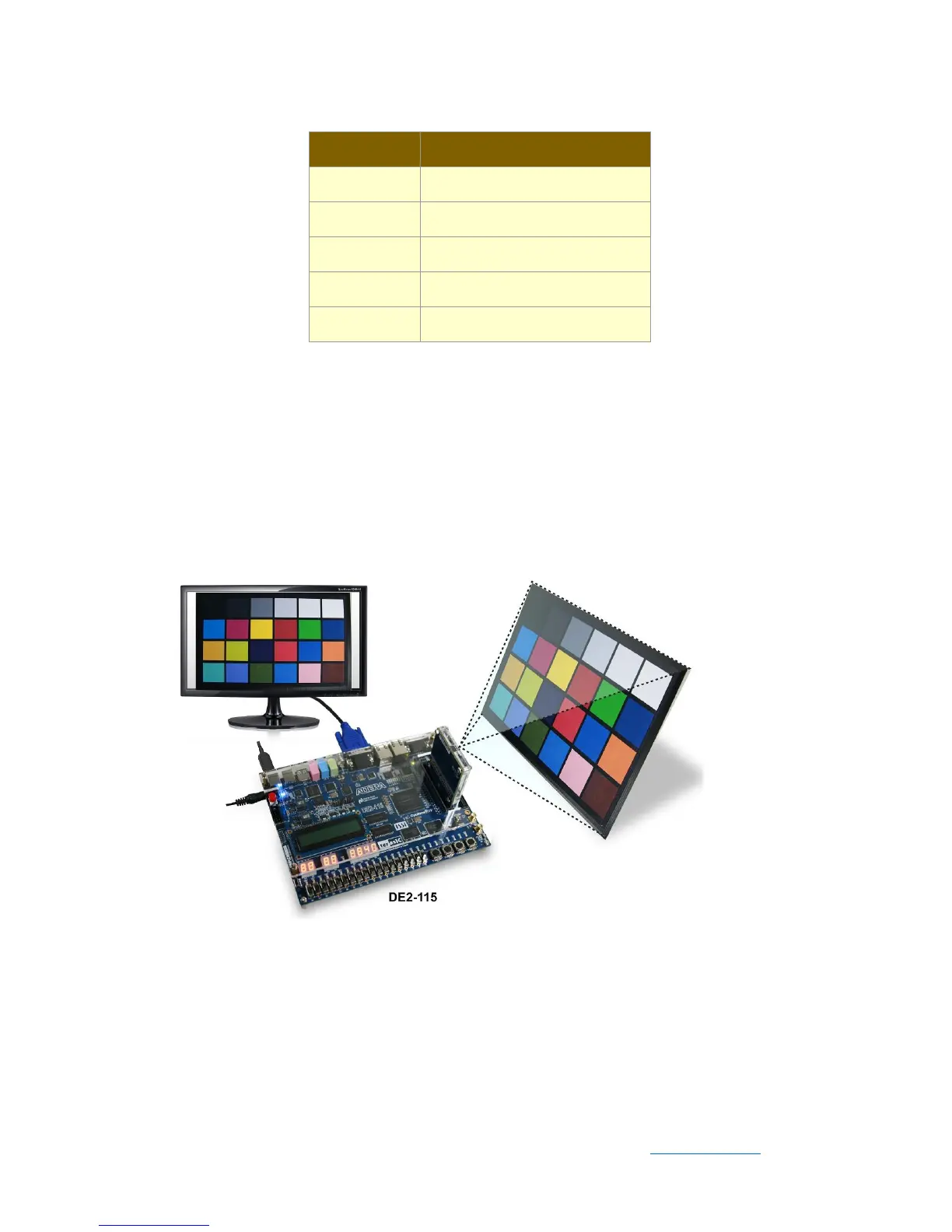
◼ Demonstration Setup for DE2-115 board
Users can also use the same Qsys and Altera VIP framework on the D8M and the
DE2-115 boards. Please refer to Figure 5-3 for hardware setup. The set up steps are
described below:
Figure 5-3 DE2-115 demo hardware setting up
⚫ Connect the DE2-115 board (J9) to the host PC with a USB cable and install the
USB-Blaster II driver if necessary.
⚫ Plug the D8M onto the DE2-115 JP5 (GPIO), and connect the VGA monitor to J13
(VGA).


 To Next Page