16
AVL
Set auto volume control.
Press button to select AVL, then press button to select On or Off.
SPDIF
Press button to select SPDIF then press button to select Off /Auto /PCM.
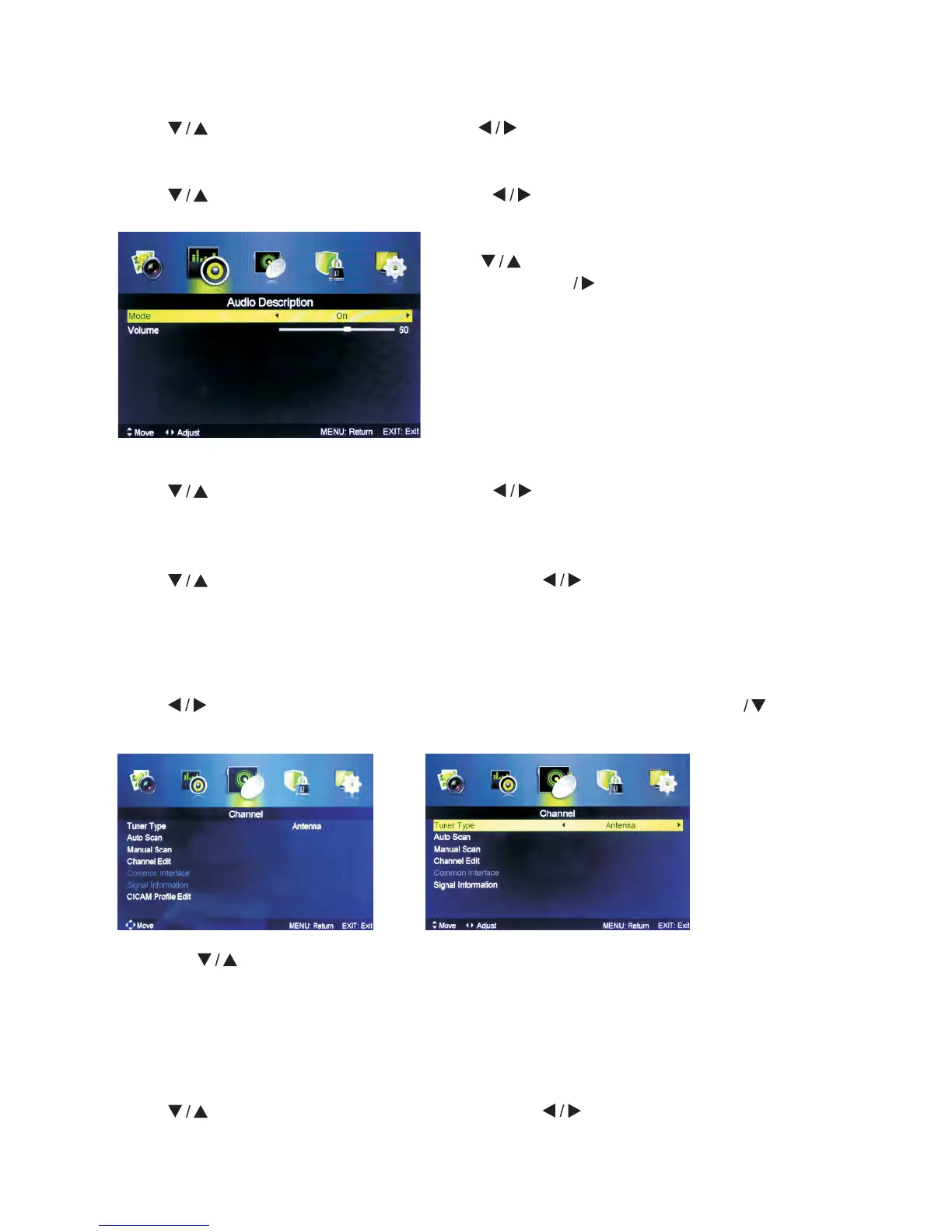
Mode
Press
button to select Mode, then press button to select On or Off.
When the mode is On, Volume can be adjusted by users.
Sound Type
Press button to select Sound Type then press button to select.
(Available Sound Types: Stereo, Dual I, Dual II, Mixed).
5.3 Channel Menu
Press MENU button to display the main menu.
Press button to select CHANNEL in the main menu, then press ENTER to
enter.
1. Press
button to select the option that you want to select in the CHANNEL
menu.
2. Press Enter button to enter sub-menu.
3. Press MENU button to return back to the previous menu.
Tuner Type
Press
button to select Tuner Type, then press button to select Antenna or
Cable.
CI CI+
or
Audio Description
Press
button to select Audio Description,
then press Enter button to enter sub-menu.



 To Next Page