24
ATV / HDMI / AV / YPbPr / PC
1. PC Setting in PICTURE menu is aviliable in PC Input only. Screen Mode in PICTURE
menu and HDMI CEC Control in SETUP menu is aviliable in HDMI Input only.
2. Audio Description and Sound Type in AUDIO menu is invalid.
3. SCART/HDMI/AV/YPbPr/PC mode has no CHANNEL menu.
4. Parental Rating and Channel Locks in PARENTAL RATING menu are invalid for
SCART/HDMI/AV/YPbPr mode. Parental Rating is invalid for ATV mode. PC mode
has no PARENTAL RATING menu.
5. Audio Languages, Subtitle and PVR Settings in SETUP option are invalid for SCART/
AV/PC mode. Audio Languages, Subtitle, Teletext PVR Settings in SETUP option are
invalid for HDMI/YPbPr mode.
6. USB Operation
Note: Before operating USB menu, Plug in USB device, then press SOURCE button to
set the Input Source to USB.
Press
button to select USB in the
Source menu, then press Enter button to
enter.
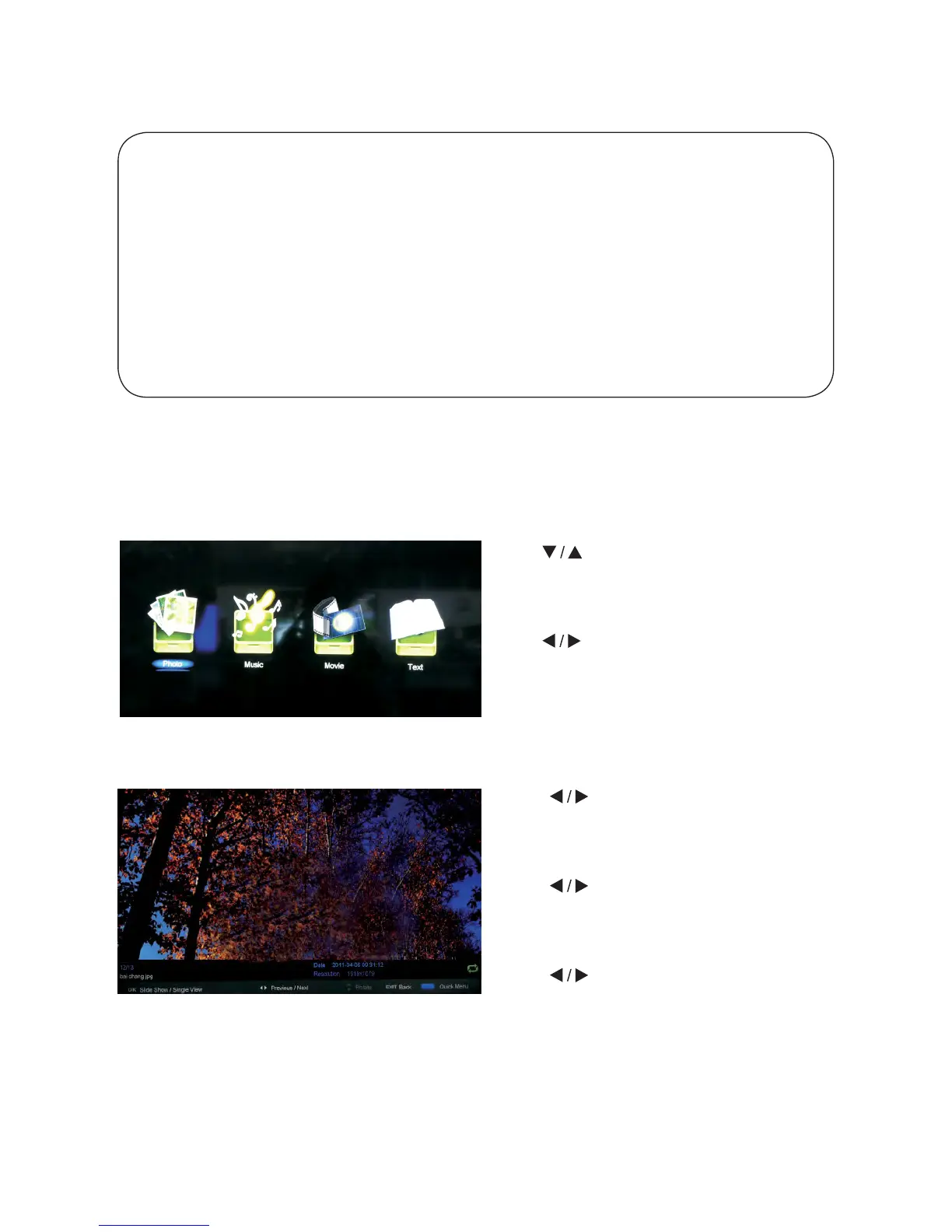
Press button to select the option
you want to adjust in the main USB menu,
then press Enter button to enter.
Press
button to select PHOTO in
the main menu, then press Enter button
to enter.
Press
button to select the drive disk
you want to watch, then press Enter
button to enter.
Press
button to select return option
to go back to the previous menu.
When highlighting the option you select, the file information will appear on the right.
6.1 Photo



 To Next Page