23
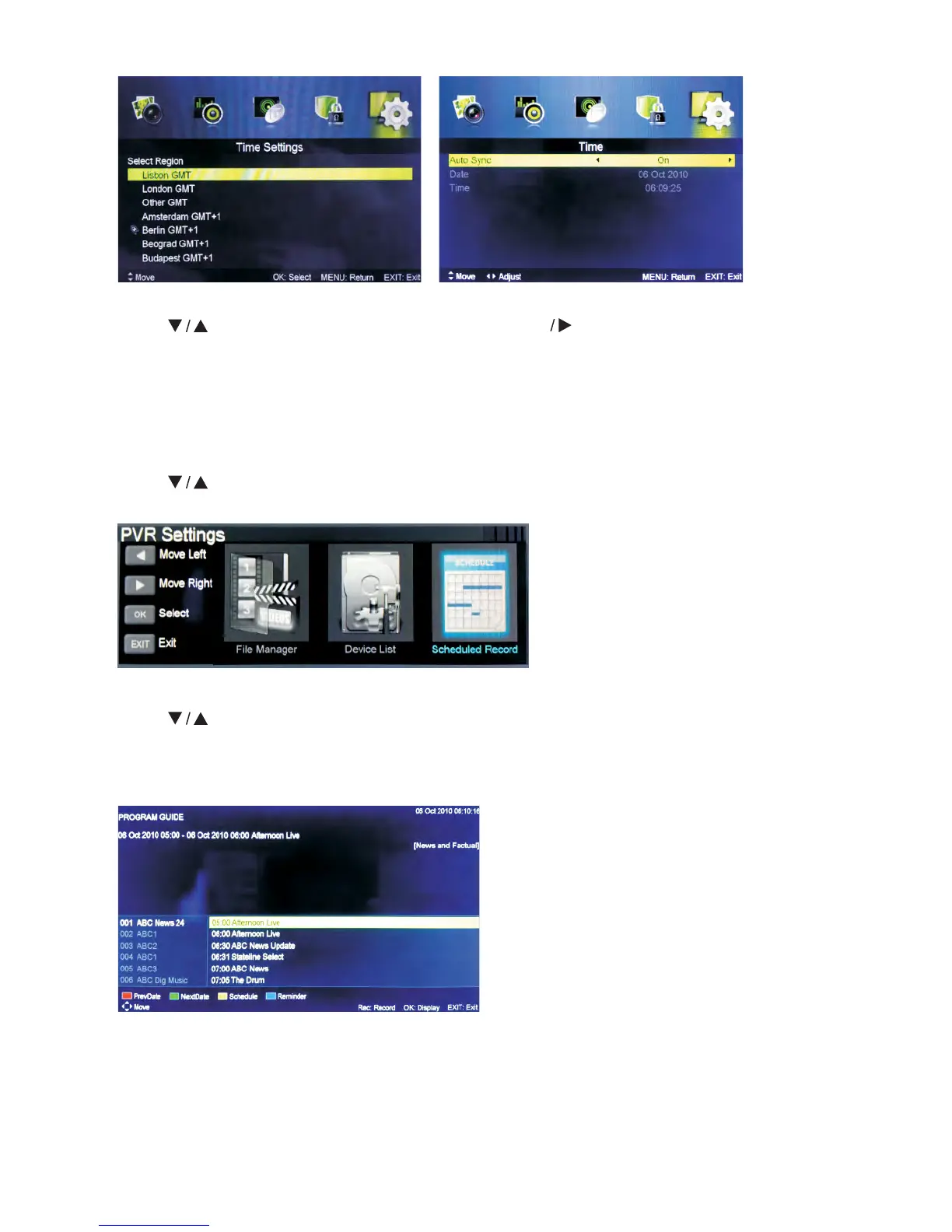
Time
Press button to select Time, then press ENTER button to enter sub-menu.
Set Auto Sync to Off, Power On/Off Timer to On, then you can set the time manually.
Note: In case of power loss, the clock setup will be lost.
PVR Settings
Press button to select PVR Settings, then press ENTER button to enter sub-menu.
It will check the USB.
First Time Setup
Press button to select First time Setup, then press ENTER button to enter.
EPG Menu
Press the button EPG on the remote control to enter EPG menu.
Note:
Broadcaster of the channel is responsible for EPG information.



 To Next Page