20
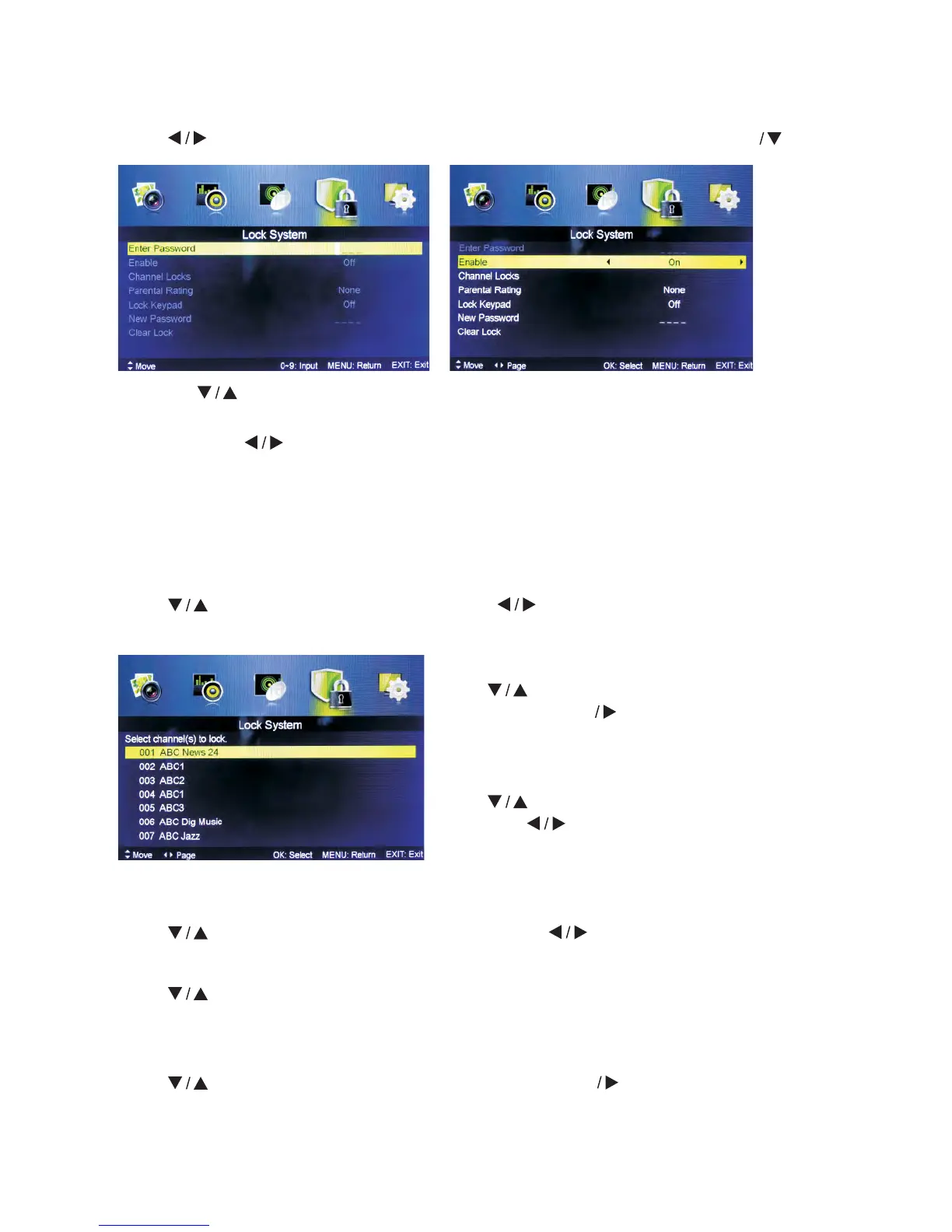
5.4 Lock system Menu
Press MENU button to display the main menu.
Press button to select Lock system in the main menu, then press ENTER to enter.
1. Press
button to select the option that you want to adjust in the PARENTAL
menu.
2. Press Enter
button to adjust.
3. After finishing your adjustment, press MENU button to save and return back to the
previous menu.
Default password is 0000, in case you forget the password you set, please call the
service center.
Enable
Press
button to select Enable, then press button to select On or Off.
Channel Locks, Parental Rating and Lock Keypad are available when Enable is On.
Lock Keypad
Set to prevent from being used by young children, or other unexpected usage.
Press
button to select Lock Keypad, then press button to select On or Off.
New Password
Press
button to select New Password, then enter a 4-digit number you want to set
for 2 times.
Clear Lock
Press button to select Clear Lock, then press ENTER button to enter.
Channel Locks
Press
button to select Channel Locks,
then press ENTER button to enter sub-
menu.
Parental Rating
Press button to select Parental Rating,
then press button to select.



 To Next Page