15
Dynamic Contrast
Automatically adjust picture clarity and brightness.
Press button to select Dynamic Contrast, then press button to select.
(Available Dynamic Contrasts: Off, Week, Medium, Strong).
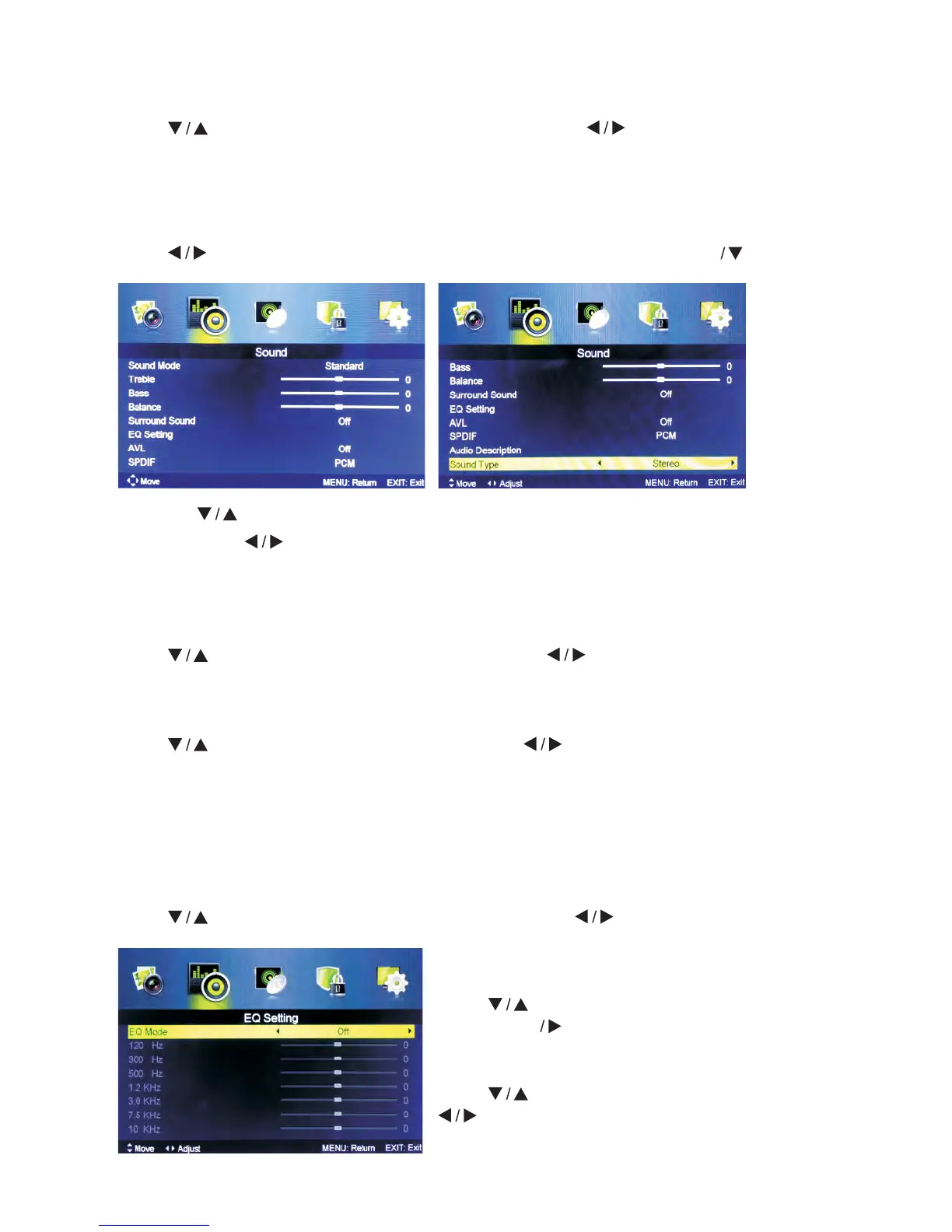
5.2 Sound Menu
Press MENU button to display the main menu.
Press button to select SOUND in the main menu, then press ENTER to enter.
1. Press
button to select the option that you want to adjust in the SOUND menu.
2. Press Enter
button to adjust.
3. After finishing your adjustment, Press MENU button to save and return back to the
previous menu.
Sound Mode
Press
button to select Sound Mode, then press button to select.
(Available Sound modes: Standard, Music, Personal, Movie).
Treble/Bass/Balance
Press button to select the option, then press button to adjust.
Treble Adjust treble effect. Increases or decreases high-pitched sounds.
Bass Adjust treble effect. Increases or decreases lower-pitched sounds.
Balance Adjust the balance between left and right speakers to adapt to your listening
position.
Surround Sound
Press
button to select Surround Sound, then press button to select On or Off.
EQ Setting
Adjust the curve of 7 equalizers.
Press button to select EQ Setting, then
press Enter button to enter sub-menu.
EQ Mode
Press button to select EQ Mode, then press
button to select.
(Available EQ modes: Off, Rock,Pop, Jazz, User).



 To Next Page