22
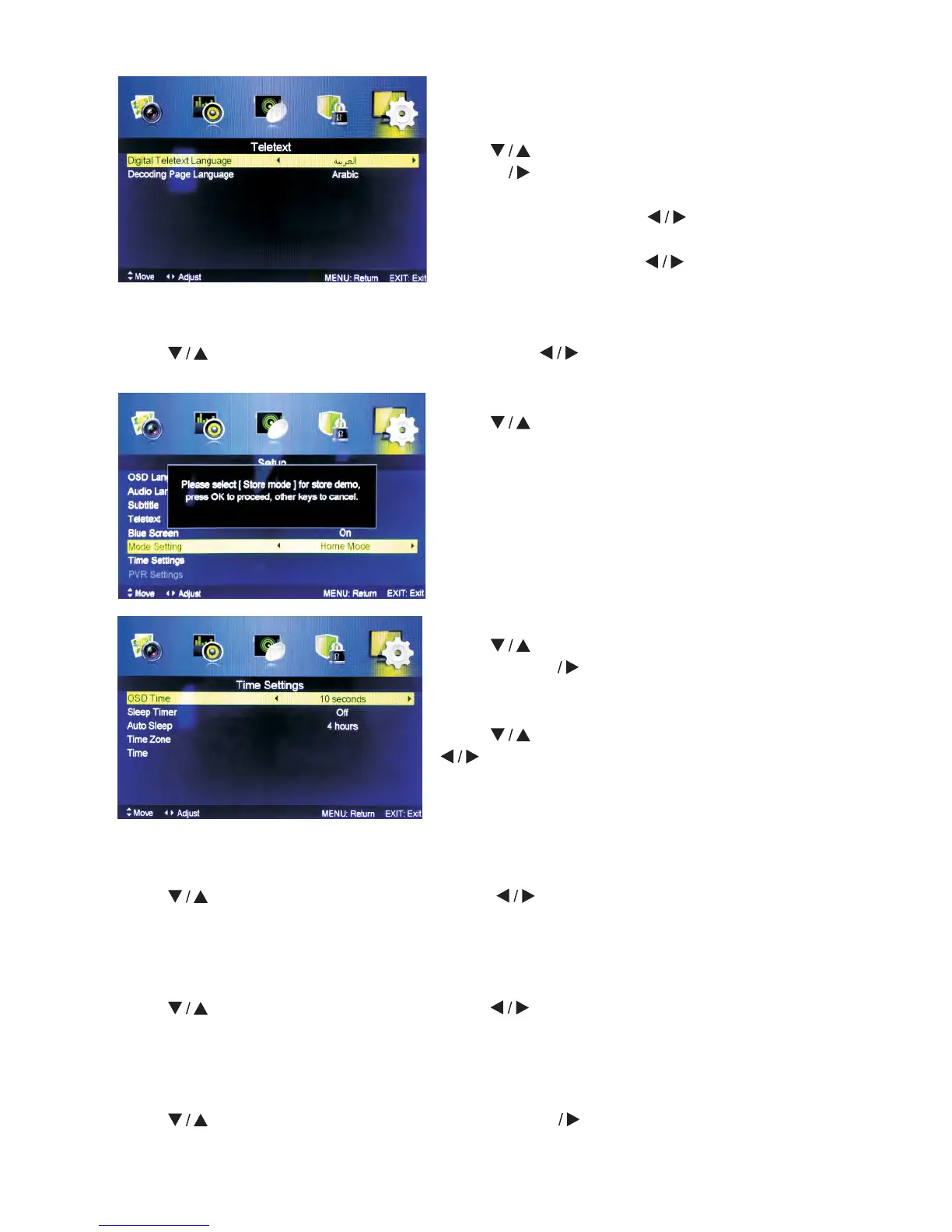
Teletext
Adjust Teletext settings. Only available under
DTV and ATV source.
Press
button to select Teletext, then press
ENTER
button to enter sub-menu.
Under DTV source, press button to select
Digital Teletext Language.
Under ATV source, press button to select
Decoding Page Language.
Mode Setting
Press
button to select Mode Setting.
Time Settings
Press
button to select Time Settings, then
press ENTER button to enter sub-menu.
OSD Time
Press button to select OSD Time, press
button to select.
(Available OSD Times: Off, 10 seconds, 20
seconds, 30 seconds, 60 seconds).
Blue Screen
Press
button to select Blue Screen, then press button to select On or Off.
Sleep Timer
Set timer for the TV to turn off automatically.
Press
button to select Sleep Timer, press button to select.
(Available Sleep Timers: Offf, 5 mins, 15 mins, 30 mins, 60 mins, 90 mins, 120 mins, 240
mins).
Auto Sleep
Press button to select Auto Sleep, press button to select Off, 3 hours, 4 hours
or 5 hours
Time Zone
Select your time zone.
Press button to select Auto Sleep, press ENTER button to enter sub-menu.



 To Next Page