5 First steps
19
If an incorrect PIN is entered, the instrument switches into
measuring mode.
- When the configuration menu is not locked, you can gain
access by setting the limit values.
2. Set the alarm limit values.
- Alarm lights up in the display.
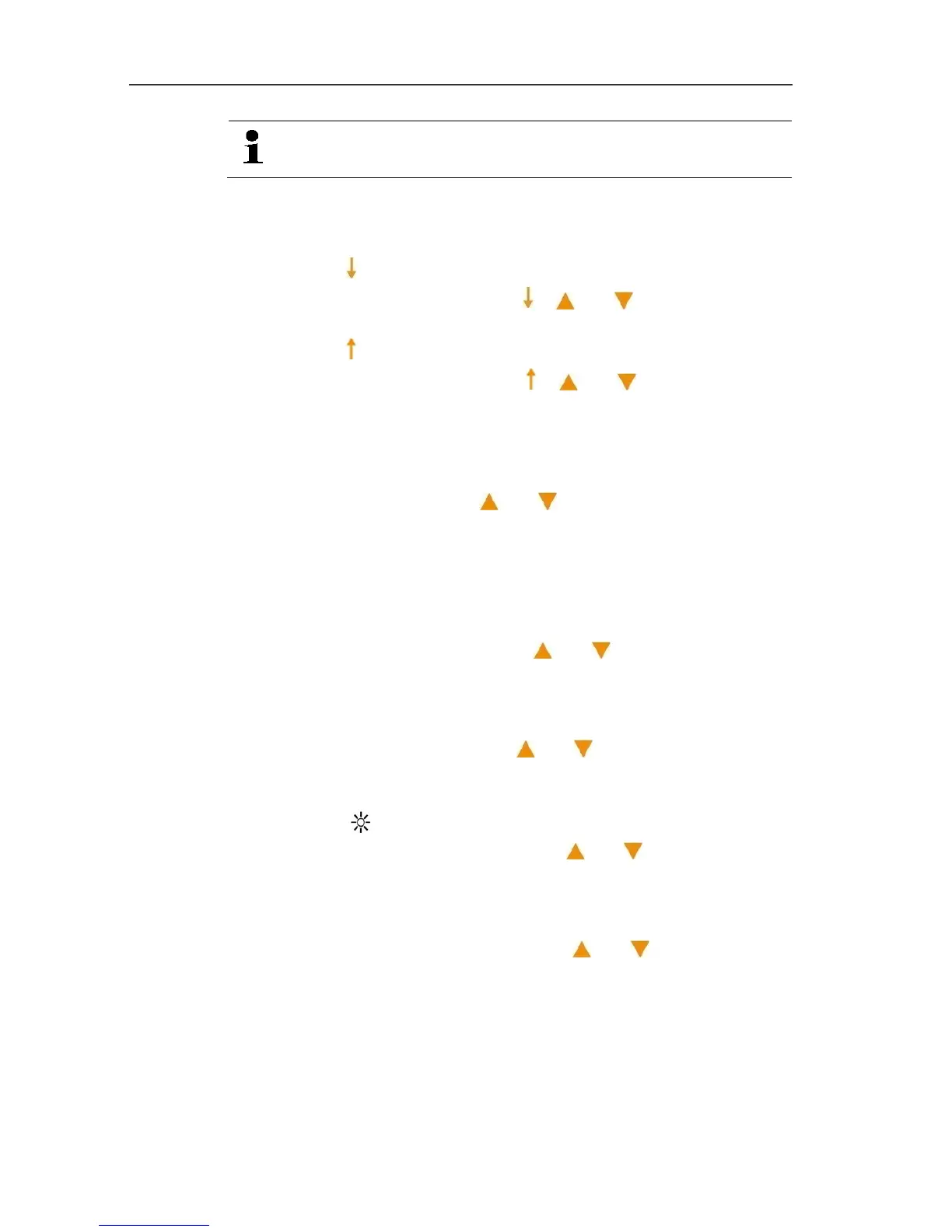
> Set lower limit value (Alarm ): [] or [] and confirm with
[Hold].
- Alarm lights up in the display.
> Set upper limit value (Alarm ): [] or [] and confirm with
[Hold].
3. Carry out / do not carry out calibration.
- CAL and no or yes light up in the display.
> Activate / deactivate calibration / adjustment function (no is
the standard setting): [] or [] and confirm with [Hold].
- Selection of yes: The instrument can be calibrated /
adjusted, see Calibrating/adjusting the instrument, page 27
- Selection of no: No calibration / adjustment possible
4. Automatically hold readings.
- Auto-Hold and on or off light up in the display.
> Switch Auto-Hold on or off: [] or [] and confirm with
[Hold].
5. Automatically switch the instrument off.
- Auto-off and on or off light up in the display.
> Switch Auto-off on or off: [] or [] and confirm with
[Hold].
6. Set alarm indicator
- Alarm and on or off
light up in the display.
> Switch alarm indicator on or off: [] or [] and confirm with
[Hold].
7. Set the temperature unit.
- °C or °F lights up in the display.
> Set the temperature unit (°C/°F): [] or [] and confirm
with [Hold].
8. Enable / disable PIN.
- PIN and yes or no light up in the display.
> Activate PIN (yes) or deactivate it (no is the standard
setting).
9. Carry out reset.
- rst and yes or no light up.


 To Next Page