5 First steps
15
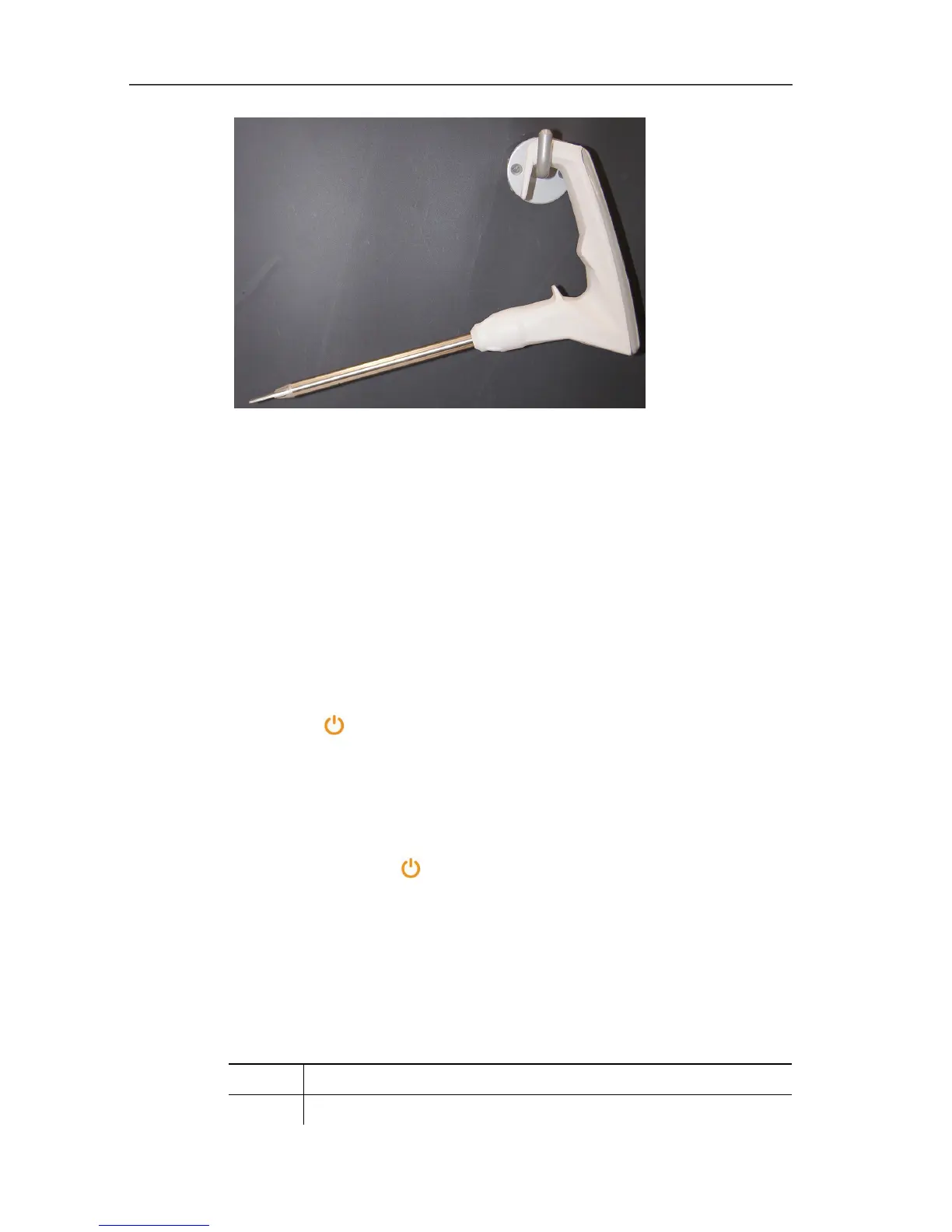
> The integrated suspension attachment can be used to hang the
instrument on a hook.
Plastic case
- The instrument is securely stored in a plastic case for protection
against contamination and for transport.
Pos: 48 /TD/Übersc hriften/5.3 Produk t kennenlernen @ 0\mod_1 185342901015_79.doc x @ 1894 @ 2 @ 1
5.2. Getting to know the product
Pos: 49 /TD/Erst e Schritte/testo 275/ Gerät ein-/ ausscha lten (testo 275) @ 16\mod_14080 09443923_79.doc x @ 196896 @ 355 @ 1
5.2.1. Switching the instrument on/off
To switch on
> Press [] until the indicator elements appear in the display.
- Display test is carried out: all segments light up.
- The instrument switches to the measuring mode and is ready
for operation.
To switch off
> Press and hold [] for approx. 2 secs.
- Display goes off, instrument switches off.
Pos: 50 /TD/Erst e Schritte/testo 275/ Überschrift Beschr eibung wichtiger Funktio nen @ 16\mod_14080026 15627_79.docx @ 196757 @ 3 @ 1
5.2.2. Description of important functions and displays
Pos: 51 /TD/Erst e Schritte/testo 275/ Alarm Backlight @ 15\mod_ 1407407343094_79. docx @ 194449 @ 3 @ 1
5.2.2.1. Alarm indicator
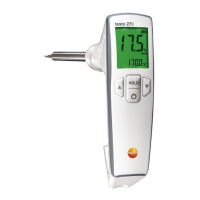
The alarm indicator uses the following display colours to show what
range the measured TPM value is in:
Green TPM value < lower limit value
Yellow TPM value is between the lower and the upper limit value


 To Next Page