5 First steps
20
> Activate or deactivate rst: [] or [].
- Selection of yes: Delete adjustment value, is reset to the
factory setting.)
- Selection of no: no reset, adjustment value is retained).
Pos: 59 /TD/Erst e Schritte/testo 275/ Konfiguration verla ssen / speichern @ 15\ mod_1407412864655_79.doc x @ 194659 @ 5 @ 1
Quitting configuration mode early and saving
You can quit the configuration mode early.
The configuration mode cannot be stopped in the
adjustment / calibration process.
> Quit configuration mode early: Press and hold [] for approx.
1 sec.
- Configuration mode is stopped.
- The values which have so far been set and confirmed with
[Hold] are applied.
- The instrument switches to the measuring mode.
Pos: 60 /TD/Erst e Schritte/testo 275/ Konfigurationsmod us sperren/entsperr en (testo 275) @ 15\mod_140748 8193105_79.doc x @ 194737 @ 3 @ 1
5.2.4. Locking / unlocking configurations
You can lock/unlock the set values, including TPM limit values,
from the configuration mode. The instrument is delivered with the
configuration mode unlocked (PIN is deactivated, no).
Requirements: Instrument is in configuration mode.
> Go through the configuration mode with [Hold], until PIN
and yes or no light up in the display.
Lock configuration mode
> Activate PIN: Select yes with [] or [].
- PIN is activated and the configuration mode is locked.
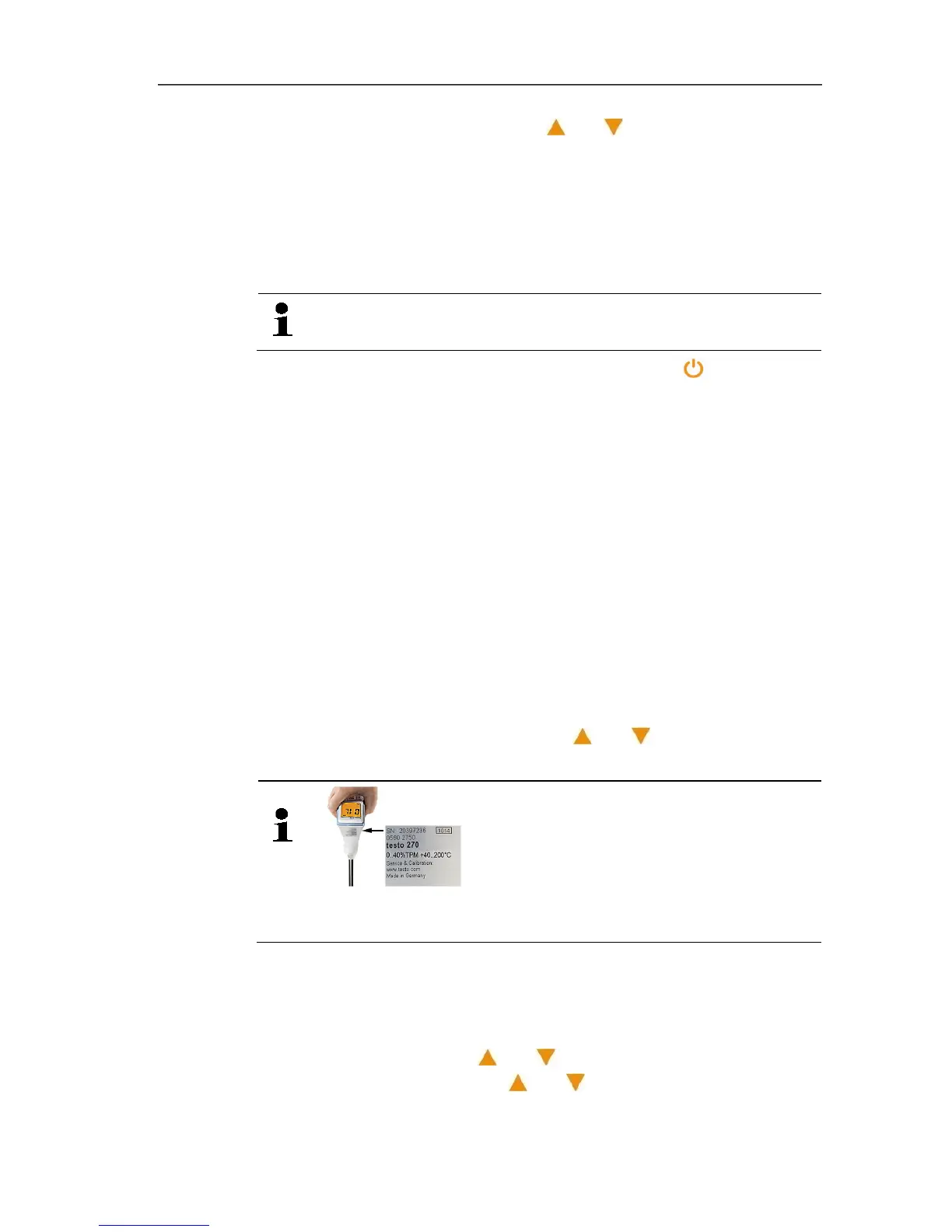
The last two figures of the instrument's serial number are
automatically set as the PIN (see sticker on the instrument).
Unlock configuration mode
Requirement: PIN is activated and the instrument is in configuration
mode.
Enter PIN:
> Select first figure: [] or [] and confirm with [Hold].
> Select second figure: [] or [] and confirm with [Hold].


 To Next Page