7 Maintaining the product
29
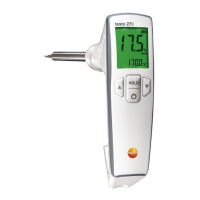
2. Go through the configuration mode with [Hold], until CAL and
yes or no light up in the display.
3. Switch on the calibration/adjustment function with [] or []
(yes).
4. Confirm with [Hold].
- OIL and CAL light up in the display.
There is a negative effect on the accuracy of the
calibration/adjustment when the reference oil bottle is held
by hand.
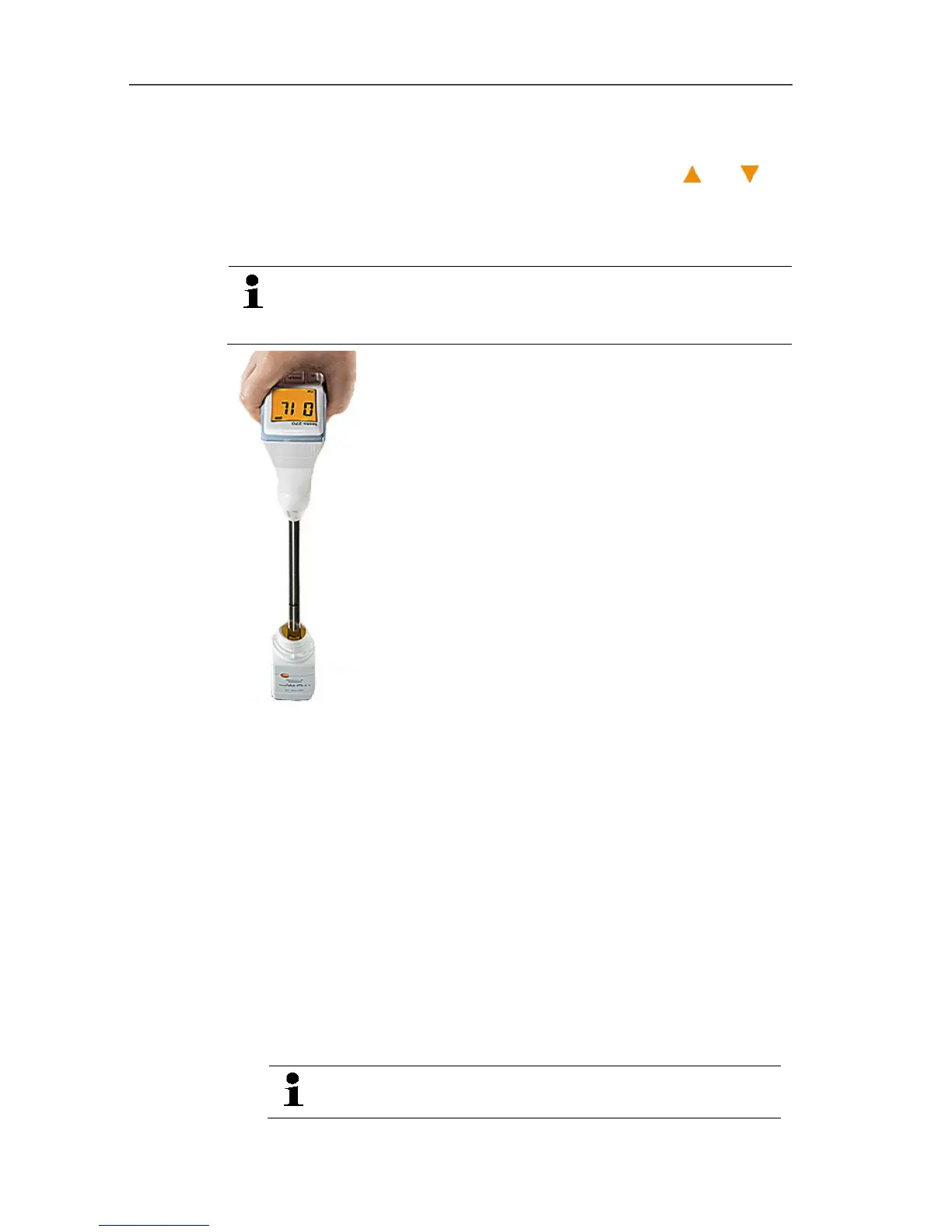
5. Immerse sensor in reference oil. Adhere to the immersion
depth!
- When alarm indicator is activated: the display lights up yellow.
6. Start calibration/adjustment process with [Hold]. For faster
recording of readings: move sensor in oil.
- The display lights up red.
- Measured TPM value and temperature are displayed.
- With a stable reading: Control keys are enabled, display lights
up green.
7. Compare the value shown in the display with the target value
indicated on the label of the reference oil bottle.
> If there is a deviation of > 1%, adjustment should be carried
out. Continue with step 8.
> If there is a deviation of </= 1%, no adjustment is required.
Continue with step 9.
Adjustment with reference oil impairs the accuracy by
0.5% TPM compared to the factory calibration.


 To Next Page