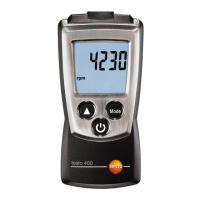
3 Operation
14
1
Press and hold for at least 3 seconds.
The testo 440 switches itself off.
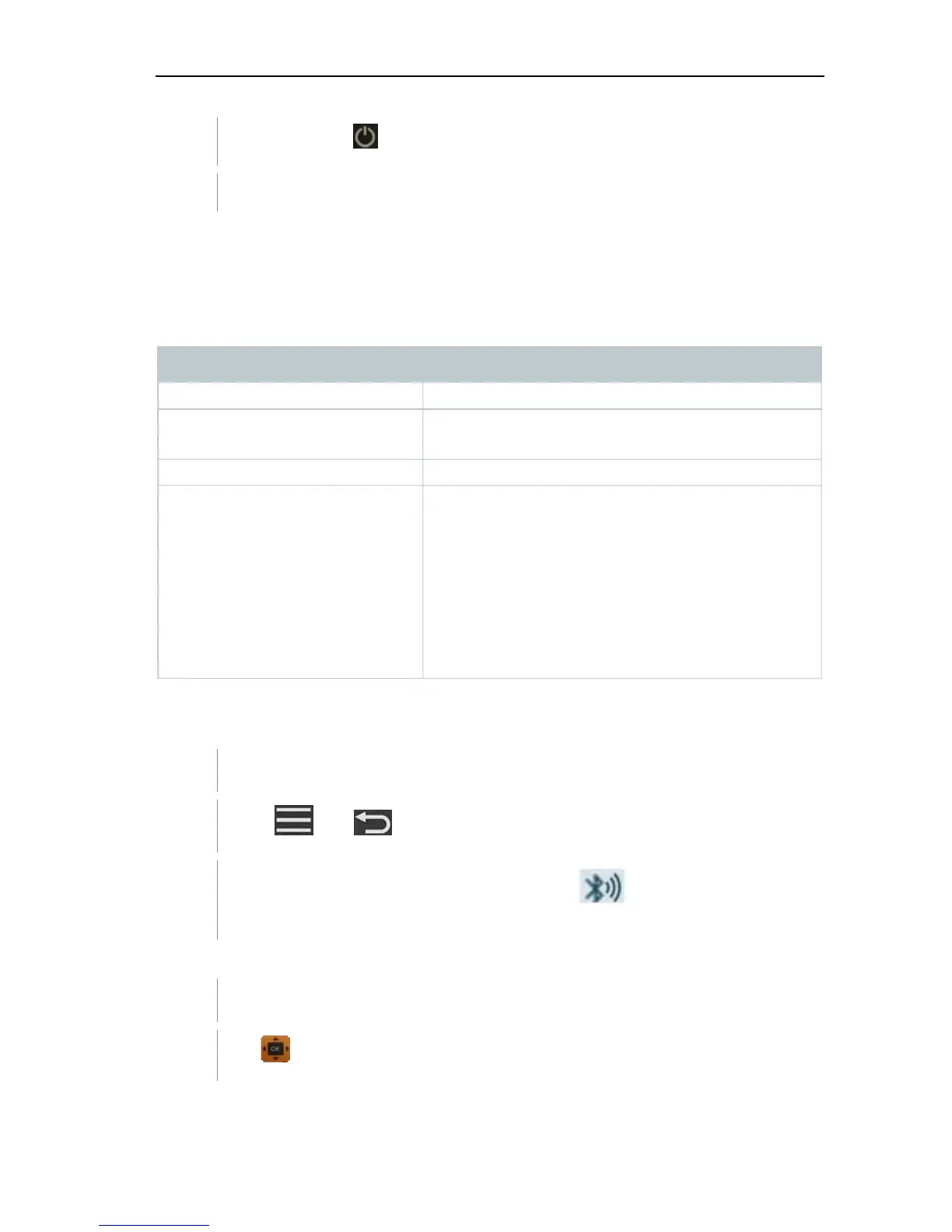
3.3 Making basic settings
Use the menu key to go to the testo 440 Settings menu. The following settings
are available in this menu:
Menu item Function/Settings
Basic View Show current measuring values
Select Application Select required application for the
measurement
Memory Show and manage saved measurements
Settings Making basic settings:
- Bluetooth
- Power Management Ambient Conditions
- Units
- Date/time
- Languages
- General (instrument and probe status,
reset)
3.3.1 Establishing a Bluetooth
®
connection
testo 440 is switched on.
1
Press
and at the same time for at least 3 seconds.
Bluetooth
®
is activated or deactivated and either appears or
disappears from the display.
or
You need to go to menu screen first and then select Settings.
1
Use to select Bluetooth.



 To Next Page