3 Operation
23
3
Press
.
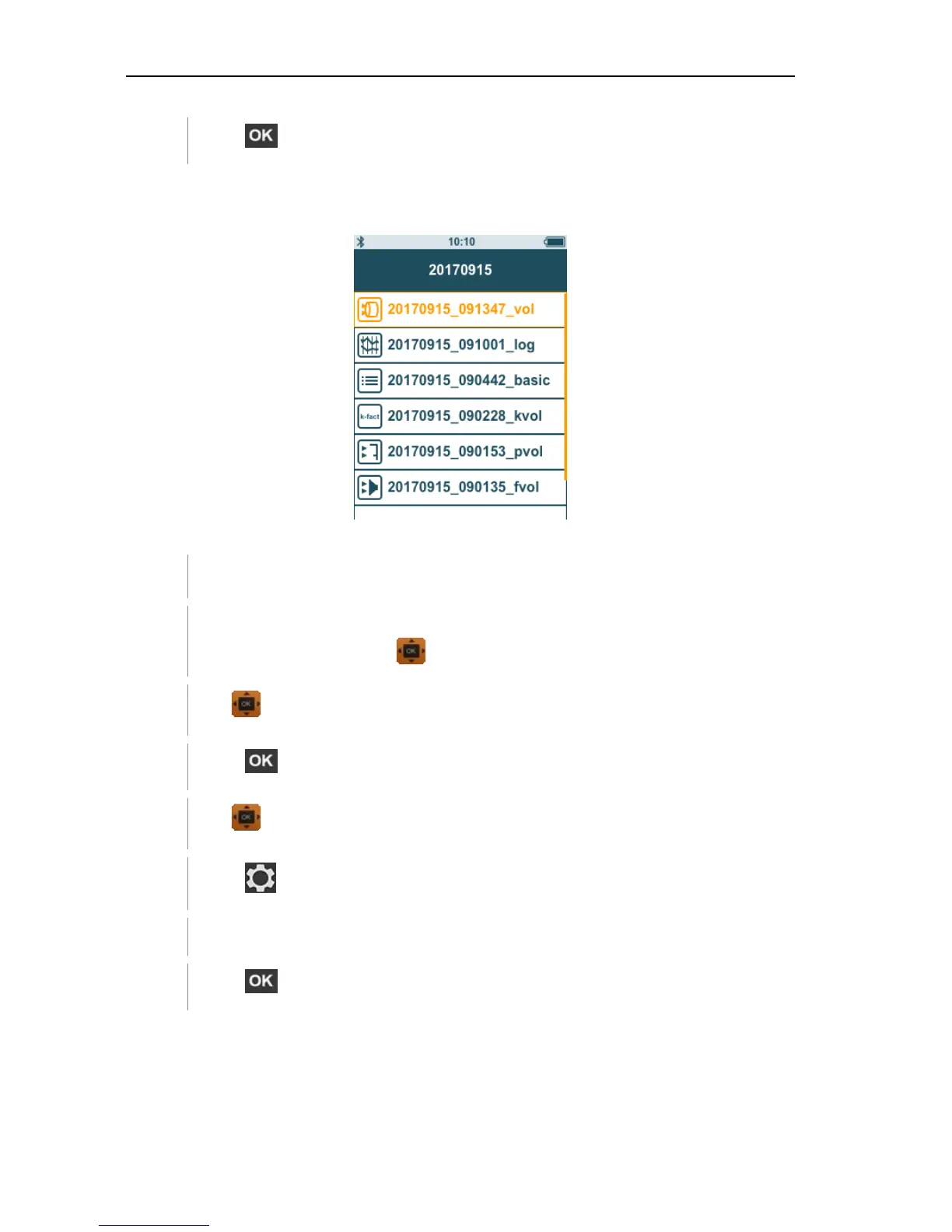
Deleting saved measurement data
This function can be used to delete saved measurements.
You need to go to menu screen first.
You have selected a folder containing measurement data or selected
a measurement file with .
1
Use to select the required folder.
2
Press .
3
Use to select the required measurement.
4
Press
.
The drop-down menu is displayed.
5
Press to delete the selected measurement data.
3.4.1 Printing
You can print out your measurement protocols directly on site using the
Bluetooth
®
printer (order no. 0554 0621).



 To Next Page