4 Maintenance
44
In many applications, it is recommended that you recalibrate the probe
with the handle and the testo 440 once a year.
This can be carried out by Testo Industrial Services (TIS) or other
certified service providers.
Please contact Testo for further information.
4.4 Carrying out a firmware update
Information on current firmware for testo 440 can be found at
www.testo.com on the product page.
You have downloaded the firmware file to your computer.
1 Connect the testo 440 to your computer using the micro USB cable.
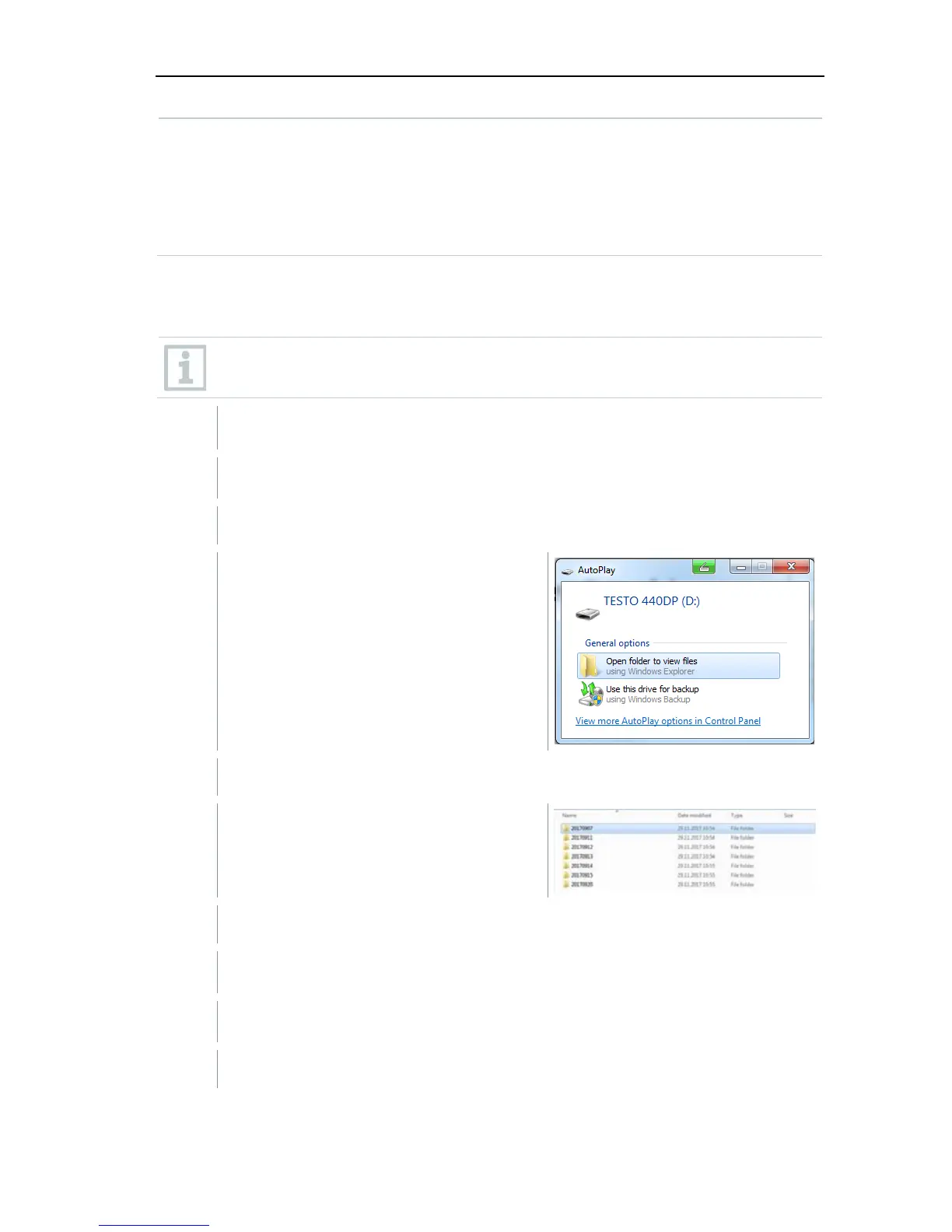
The AutoPlay window opens automatically.
2
Click on Open folder [Open folder
to view files] to view files.
The window with available file folders opens.
3
Drag the firmware file to the open
window.
The copying process is completed.
4 Disconnect the testo 440 from the computer.
5 Switch the testo 440 off and then on again.
The firmware is automatically installed.



 To Next Page