3 Operation
17
3
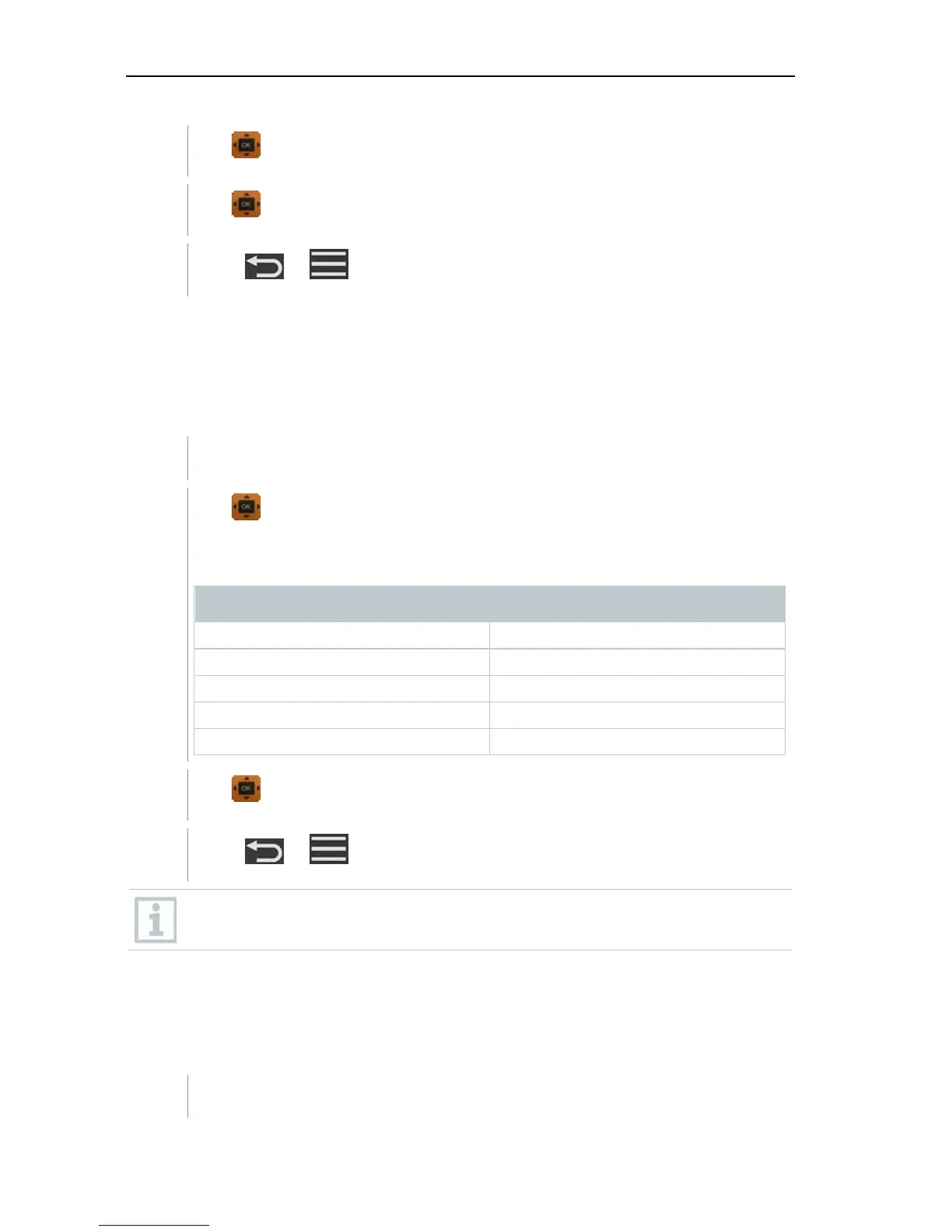
Use to select the parameters to be modified.
4
Use to configure the parameters to be modified.
5
Press
or to exit the menu.
3.3.4 Configuring the unit system
In the Units menu, you can switch between the European ISO and American
US unit system.
You need to go to menu screen first and then select Settings.
1
Use to select the ISO/US.
The following units are used depending on what has been selected:
ISO unit US unit
m/s fpm
m
3
/h cfm
°C °F
wb °C wb °C
dp °C dp °F
2
Use to select the required setting.
3
Press
or to exit the menu.
When the unit system is changed, the units specified in the Basic View
are overwritten.
3.3.5 Setting the date and time
You can set the date and time in the Date/Time menu. You can set the time in
the formats 24 h, PM and AM.
You need to go to menu screen first and then select Settings.



 To Next Page