4 Maintenance
43
4 Maintenance
4.1 Battery replacement
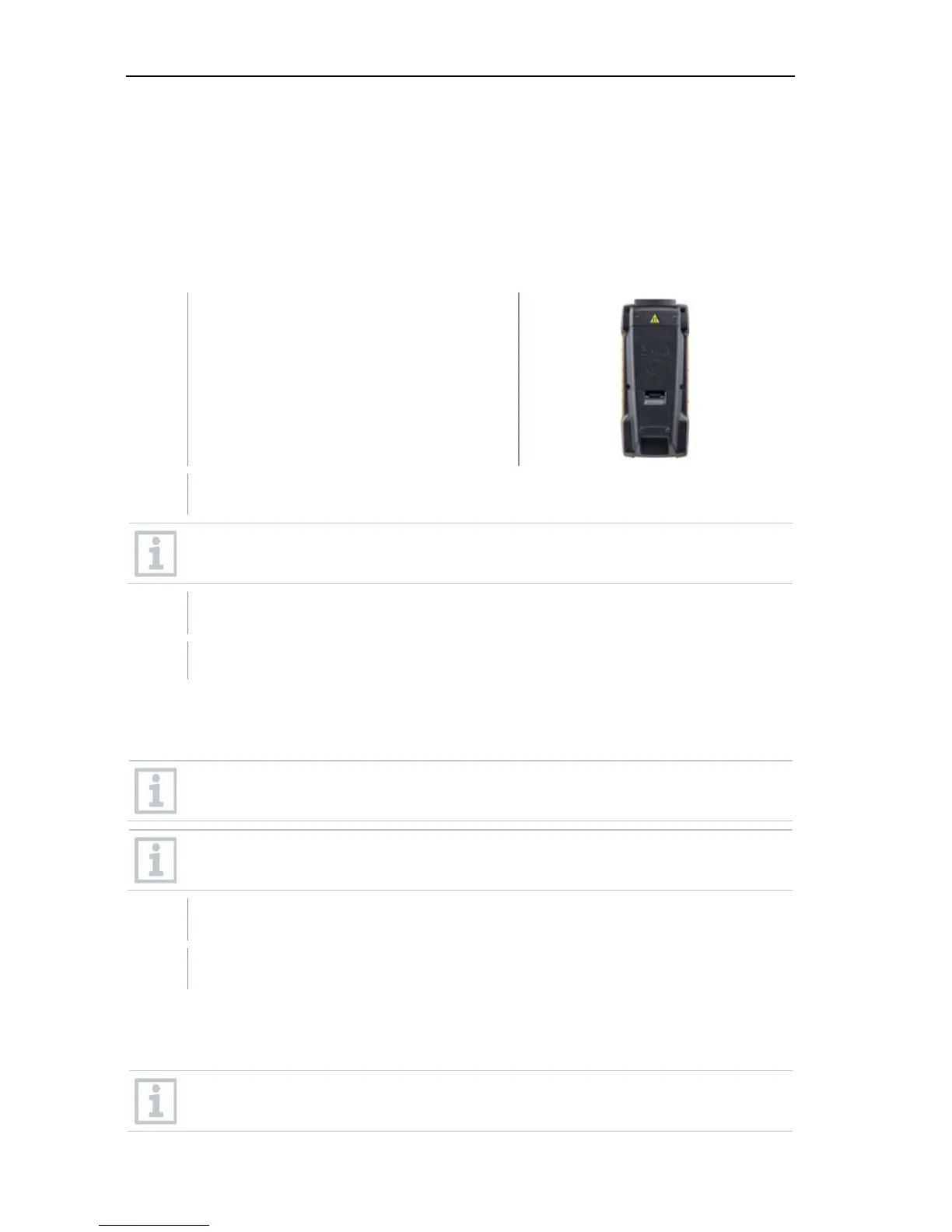
1 Open the battery compartment cover.
2 Replace the batteries. Observe the polarity!
Only use new branded batteries. If a partially exhausted battery is
inserted, the battery capacity will not be calculated correctly.
3 Close the battery compartment cover.
The testo 440 is ready for use.
4.2 Cleaning testo 440
Never use abrasive cleaning agents or solvents; instead use household
detergent or soapy water.
Always keep the connections clean and free of grease and other
deposits.
1
Clean the unit with a damp cloth and dry it.
2 If necessary, clean all the connections using a damp cloth.
4.3 Calibration
The probe and the handle are supplied with a factory calibration
certificate as standard.



 To Next Page